AirBrush Studio vs Background Remover - Stockphotos.com
Dive into the comparison of AirBrush Studio vs Background Remover - Stockphotos.com and discover which AI Photo Editing tool stands out. We examine alternatives, upvotes, features, reviews, pricing, and beyond.
In a comparison between AirBrush Studio and Background Remover - Stockphotos.com, which one comes out on top?
When we compare AirBrush Studio and Background Remover - Stockphotos.com, two exceptional photo editing tools powered by artificial intelligence, and place them side by side, several key similarities and differences come to light. Background Remover - Stockphotos.com is the clear winner in terms of upvotes. Background Remover - Stockphotos.com has garnered 8 upvotes, and AirBrush Studio has garnered 6 upvotes.
Feeling rebellious? Cast your vote and shake things up!
AirBrush Studio


What is AirBrush Studio?
Discover the transformative power of photography with AirBrush Studio – your ultimate solution for achieving professional-grade imagery effortlessly. AirBrush Studio revolutionizes the process of transforming ordinary snapshots into polished and authentic professional images. This innovative platform caters to both individuals and professionals seeking to enhance their visual presence across various media.
With AirBrush Studio, you can say goodbye to overpriced photo shoots and lengthy wait times. Experience the convenience of selecting your desired headshot style, uploading your pictures, and using the intelligent photo enhancement editor to make detailed adjustments. Whether it's for team pages, social and LinkedIn profiles, business cards, pamphlets, brochures, or email signatures, AirBrush Studio offers various solutions to boost your professional image affordably.
Background Remover - Stockphotos.com
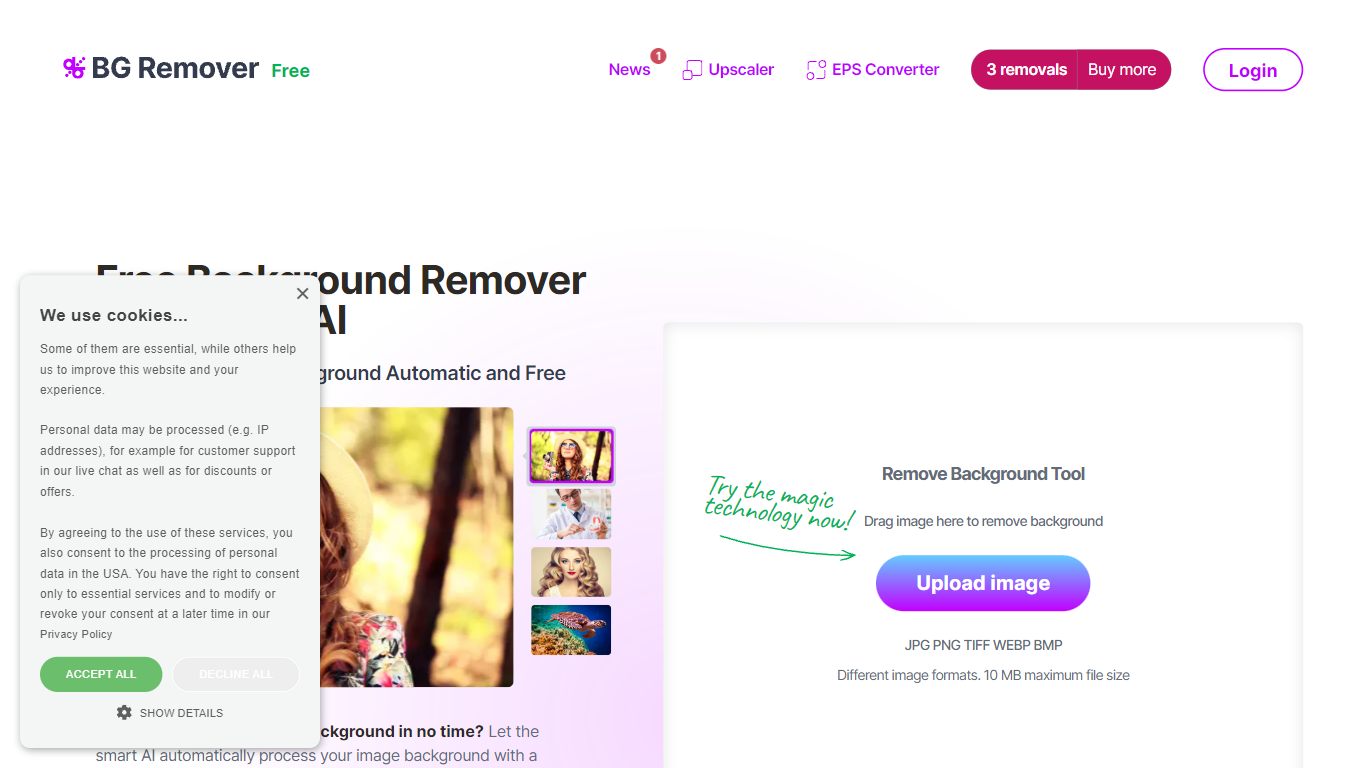
What is Background Remover - Stockphotos.com?
Discover the effortless way to remove image backgrounds with Stockphotos.com's AI Image Background Remover. This free online tool utilizes advanced artificial intelligence to swiftly and accurately extract objects from images, erasing backgrounds in an impressive 8 seconds per image. Compatible with multiple image formats such as JPG, PNG, TIFF, WEBP, and BMP, the tool simplifies the task without the need for manual image manipulation.
Enhance your creative process with capabilities like replacing backgrounds with ease, creating transparent PNG files, and upscaling images for finer detail. The AI technology seamlessly smoothens edges and ensures no pixelation, providing you a clean slate to place any new background. Furthermore, Stockphotos.com offers an API for easy integration into various web and mobile applications, expanding its use into e-commerce and designers' toolsets.
AirBrush Studio Upvotes
Background Remover - Stockphotos.com Upvotes
AirBrush Studio Top Features
Effortless Professional Imagery: Transform photos into professional masterpieces with ease.
Multiple Applications: Suitable for enhancing professional presence on social media, business cards, and more.
Flexible Pricing Plans: Offers free and subscription-based options to cater to different user needs.
User-Friendly Editor: Access to an intuitive photo enhancement editor for detailed adjustments.
Headshot Style Selection: Choose from a variety of headshot styles designed by professional photographers.
Background Remover - Stockphotos.com Top Features
Automatic Removal: AI-powered removal process that clears backgrounds in seconds.
File Format Support: Works with a wide range of image formats including JPG PNG TIFF WEBP and BMP.
Free to Use: Offers 3 free removals with additional perks like 10 free upscales for image enlargement.
API for Integration: An accessible API to integrate background removal in other products and workflows.
Instant Download: Create and download images with new backgrounds or transparent PNGs immediately.
AirBrush Studio Category
- Photo Editing
Background Remover - Stockphotos.com Category
- Photo Editing
AirBrush Studio Pricing Type
- Freemium
Background Remover - Stockphotos.com Pricing Type
- Free