AirBrush Studio vs Instant AI for Google Slides
Compare AirBrush Studio vs Instant AI for Google Slides and see which AI Photo Editing tool is better when we compare features, reviews, pricing, alternatives, upvotes, etc.
Which one is better? AirBrush Studio or Instant AI for Google Slides?
When we compare AirBrush Studio with Instant AI for Google Slides, which are both AI-powered photo editing tools, In the race for upvotes, Instant AI for Google Slides takes the trophy. Instant AI for Google Slides has received 7 upvotes from aitools.fyi users, while AirBrush Studio has received 6 upvotes.
Feeling rebellious? Cast your vote and shake things up!
AirBrush Studio
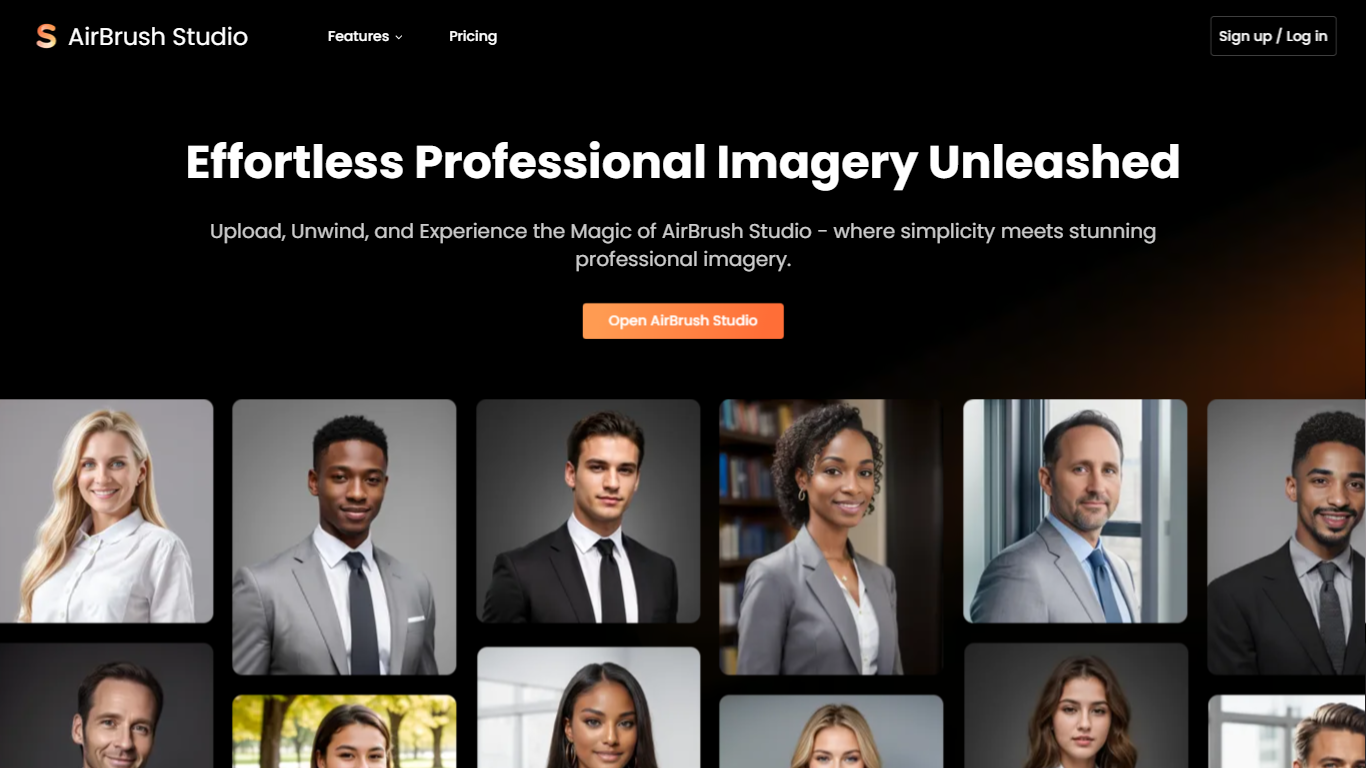

What is AirBrush Studio?
Discover the transformative power of photography with AirBrush Studio – your ultimate solution for achieving professional-grade imagery effortlessly. AirBrush Studio revolutionizes the process of transforming ordinary snapshots into polished and authentic professional images. This innovative platform caters to both individuals and professionals seeking to enhance their visual presence across various media.
With AirBrush Studio, you can say goodbye to overpriced photo shoots and lengthy wait times. Experience the convenience of selecting your desired headshot style, uploading your pictures, and using the intelligent photo enhancement editor to make detailed adjustments. Whether it's for team pages, social and LinkedIn profiles, business cards, pamphlets, brochures, or email signatures, AirBrush Studio offers various solutions to boost your professional image affordably.
Instant AI for Google Slides
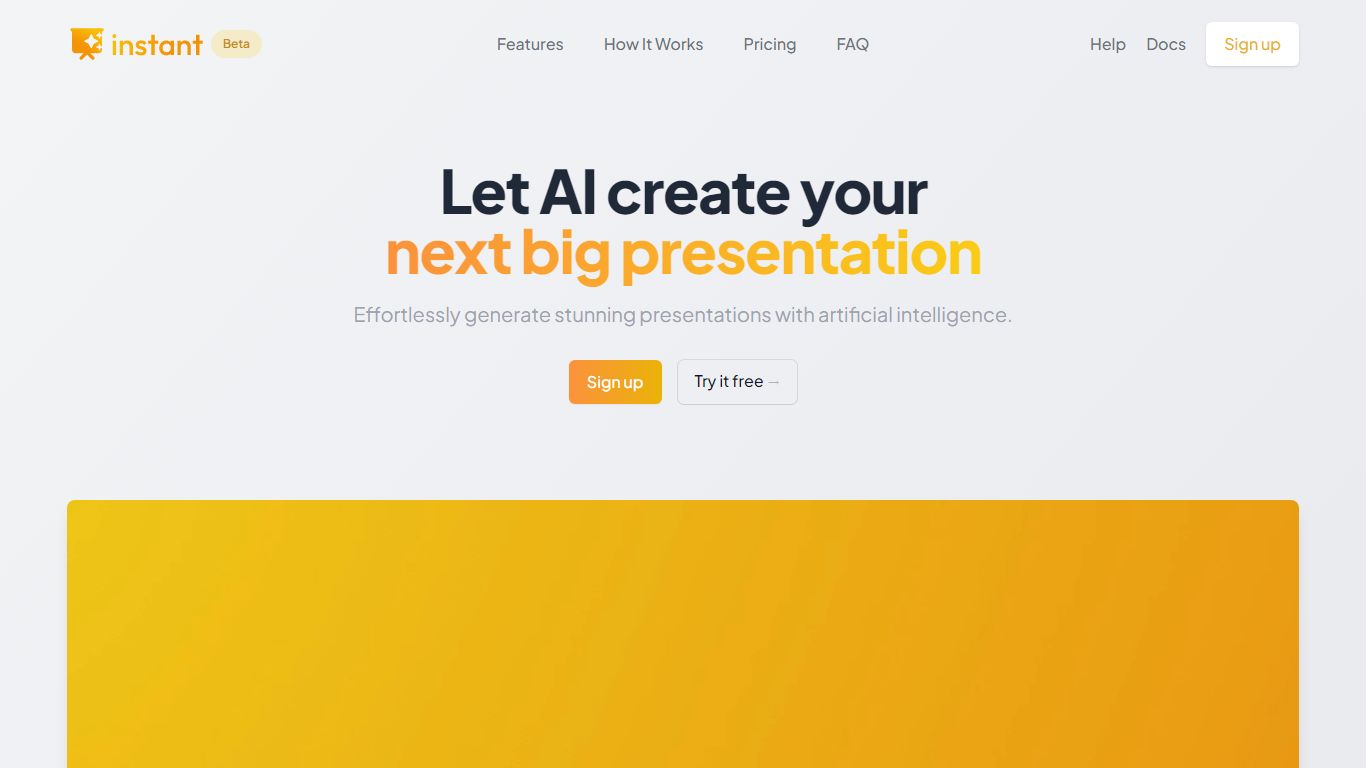
What is Instant AI for Google Slides?
Use our AI presentation tool to create fully-editable slides directly in Google Slides™. Skip the learning curve and automagically create slides in a familiar workflow. Simply type in your topic, and let Instant handle the rest!
Whether you're pitching investors, delivering a speech, or making a sales presentation, Instant AI has you covered. Simply enter your topic, presentation type, and desired slide length and our AI-powered tool will handle the heavy lifting.
Unlike other AI tools that create generic, boring, text-heavy layouts, Instant AI leverages a growing library of 100+ professionally-designed slide templates to automatically create diagrams, flowcharts and infographics that drive home your message.
Getting started is simple and quick: • Install the app from the Google Workspace™ by clicking the "Install" button. • Enter your presentation topic, type, and length • Choose your fonts & colors to match your brand • Click Generate and Instant AI will write & design your slides!
Don't waste time on tedious slide creation. Try Instant today and create captivating presentations in a matter of minutes!
AirBrush Studio Upvotes
Instant AI for Google Slides Upvotes
AirBrush Studio Top Features
Effortless Professional Imagery: Transform photos into professional masterpieces with ease.
Multiple Applications: Suitable for enhancing professional presence on social media, business cards, and more.
Flexible Pricing Plans: Offers free and subscription-based options to cater to different user needs.
User-Friendly Editor: Access to an intuitive photo enhancement editor for detailed adjustments.
Headshot Style Selection: Choose from a variety of headshot styles designed by professional photographers.
Instant AI for Google Slides Top Features
No top features listedAirBrush Studio Category
- Photo Editing
Instant AI for Google Slides Category
- Photo Editing
AirBrush Studio Pricing Type
- Freemium
Instant AI for Google Slides Pricing Type
- Paid