Airplane Autopilot vs Warp
When comparing Airplane Autopilot vs Warp, which AI Code Assistant tool shines brighter? We look at pricing, alternatives, upvotes, features, reviews, and more.
In a comparison between Airplane Autopilot and Warp, which one comes out on top?
When we put Airplane Autopilot and Warp side by side, both being AI-powered code assistant tools, The upvote count favors Warp, making it the clear winner. Warp has been upvoted 8 times by aitools.fyi users, and Airplane Autopilot has been upvoted 6 times.
Not your cup of tea? Upvote your preferred tool and stir things up!
Airplane Autopilot
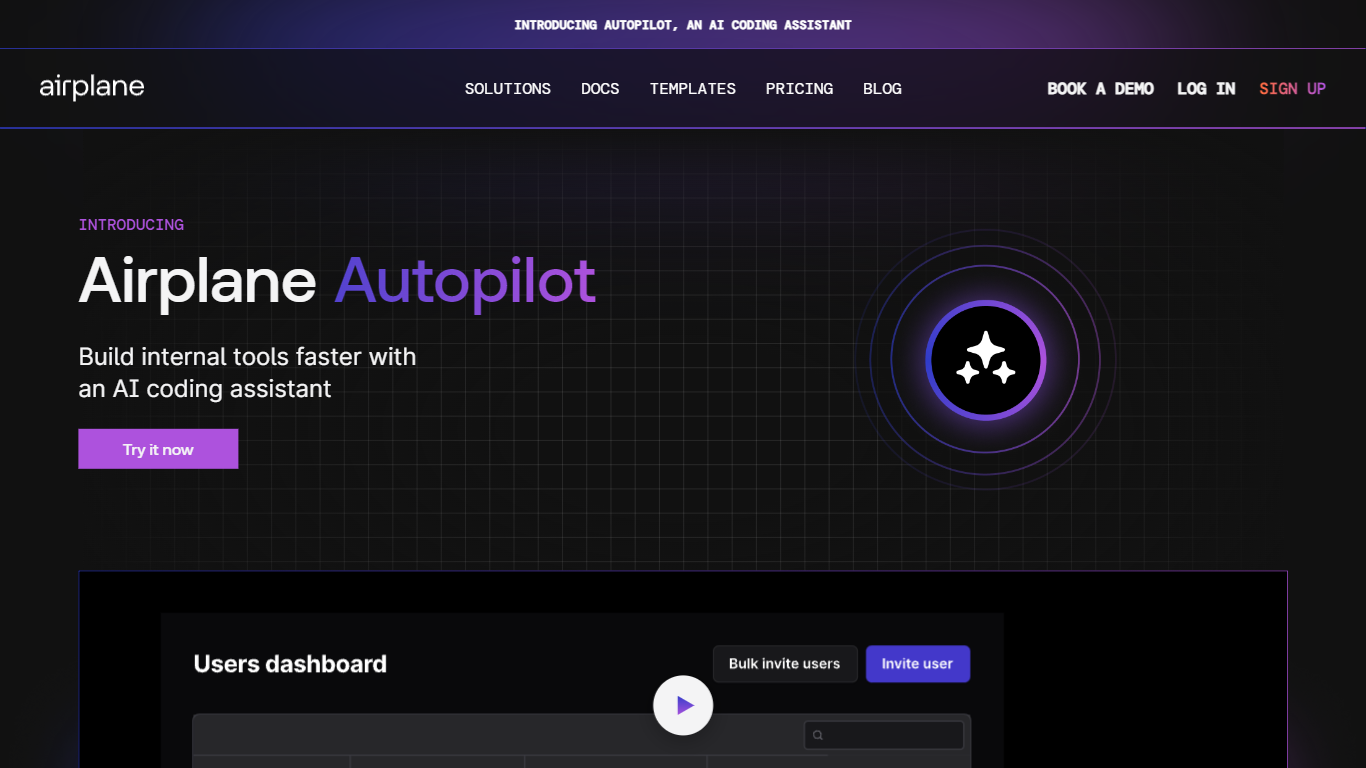

What is Airplane Autopilot?
Meet Autopilot, the innovative AI coding assistant designed specifically for building internal tools with Airplane. This cutting-edge solution revolutionizes the development process by offering dynamic pair programming capabilities. As an AI assistant, Autopilot is integrated seamlessly within the Studio environment, where it significantly accelerates coding through automated code generation, concept explanations, and an embedded debugging feature. Offering context-aware code transformations and dynamic suggestions, Autopilot is adept at working within your Airplane team’s unique ecosystem, accessing your codebase, existing libraries, and connected resources. Now available in public beta, Autopilot is tailored to enhance productivity and streamline the development of internal tools for your business.
Warp
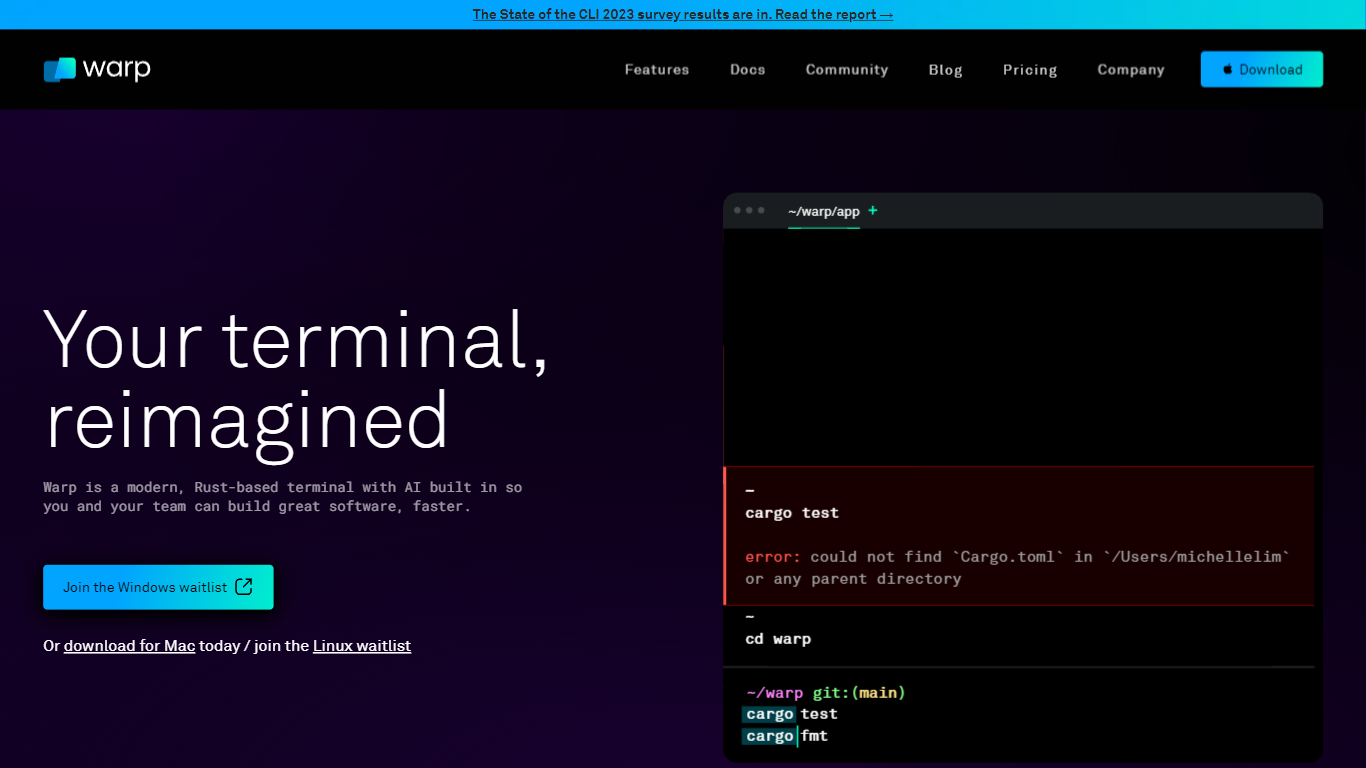
What is Warp?
Warp is revolutionizing the terminal experience for developers worldwide. At its core, Warp is a modern, Rust-based terminal designed to enhance productivity, speed, and efficiency. With a built-in AI and knowledge-sharing tools, Warp offers smart autocompletions and intelligent command executions that significantly accelerate the development process.
In addition to its performance advantages, Warp prioritizes privacy and security, never collecting input or output data and ensuring any saved data is encrypted. The terminal's user interface is highly customizable with popular themes, and the modern text input editor provides a convenient and familiar IDE experience.
Leading developers have praised Warp for its exceptional features such as easy navigation, one-click output copying, and its ability to execute saved workflows on-demand. The terminal is not just about speed; it's about providing a seamless and smart development environment that resonates with today's technological demands. Warp is available for Mac, with a waitlist for Windows and Linux users, promising a future where all developers can benefit from its advanced features.
Airplane Autopilot Upvotes
Warp Upvotes
Airplane Autopilot Top Features
Pair Programming with Autopilot: Collaborate with an AI assistant to write code more efficiently.
Specific Answers to Airplane Questions: Get tailored responses for all your queries related to Airplane.
Concepts and Code Explained: Have coding concepts and snippets explained in detail.
Embedded Debugging: Debug your code seamlessly within the Studio environment.
Context-aware Code Transformations: Receive code suggestions that understand the context of your project.
Warp Top Features
Smart Autocompletions: Utilize AI-powered tools and knowledge sharing for faster coding.
Modern Text Input Editor: Enjoy a coding experience akin to modern IDEs with advanced text editing.
Increased Efficiency: Speed through tasks with Rust-based performance optimized for quick command execution.
Privacy and Security First: Trust in a terminal that safeguards your data encrypting information at rest.
Customizable UI: Tailor Warp to your preferences with a selection of themes and visual customization options.
Airplane Autopilot Category
- Code Assistant
Warp Category
- Code Assistant
Airplane Autopilot Pricing Type
- Freemium
Warp Pricing Type
- Freemium