AISheeter vs Ai Prompts (formerly Formula Generator)
In the battle of AISheeter vs Ai Prompts (formerly Formula Generator), which AI Excel tool comes out on top? We compare reviews, pricing, alternatives, upvotes, features, and more.
Between AISheeter and Ai Prompts (formerly Formula Generator), which one is superior?
Upon comparing AISheeter with Ai Prompts (formerly Formula Generator), which are both AI-powered excel tools, Interestingly, both tools have managed to secure the same number of upvotes. Join the aitools.fyi users in deciding the winner by casting your vote.
Feeling rebellious? Cast your vote and shake things up!
AISheeter
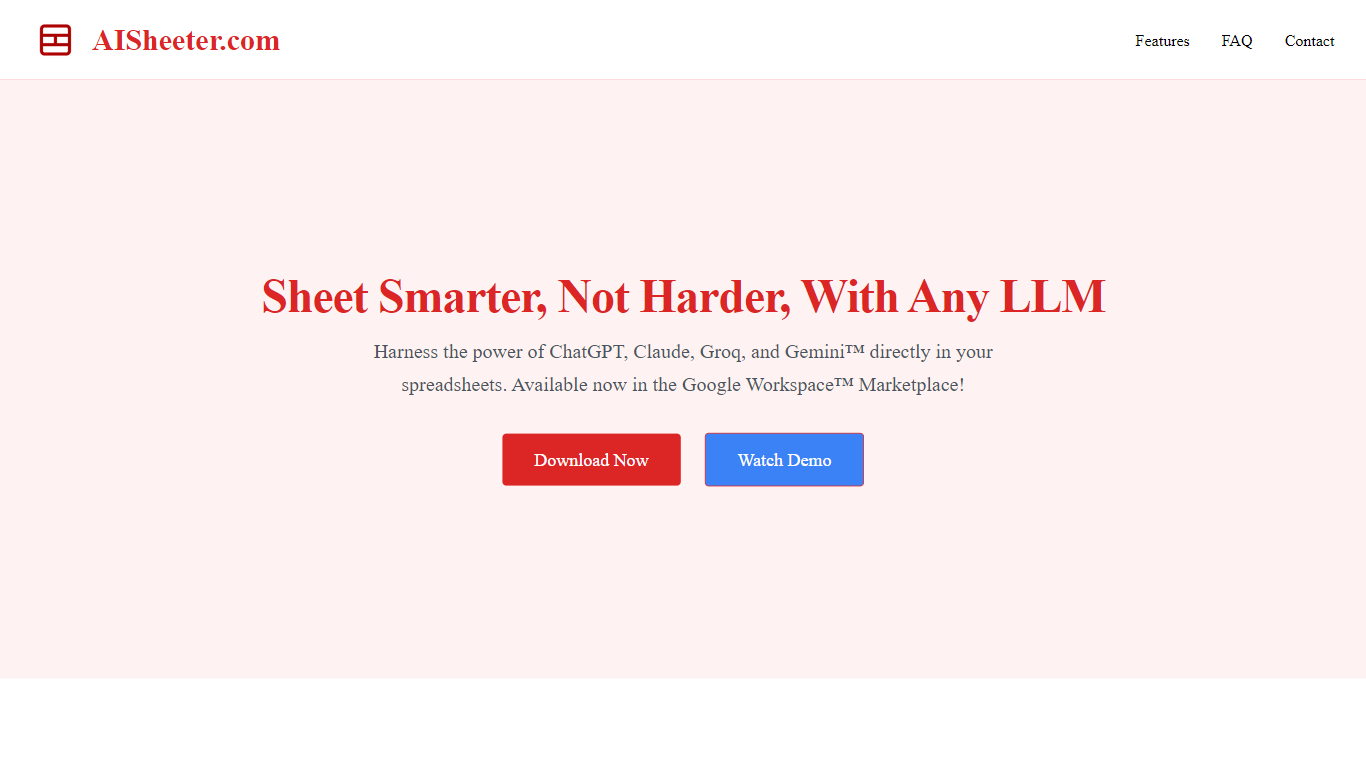

What is AISheeter?
AISheeter is a Google Sheets add-on that puts a reasoning agent inside your spreadsheet. You describe what you need in plain language, and it can format cells, write formulas, build charts, filter data, and run analysis without leaving the sheet. It fits anyone who lives in spreadsheets for reporting, modeling, or cleanup work, especially teams that want AI next to their data instead of in a separate chat window.
Most spreadsheet AI tools stop at one-shot prompts or a single model. AISheeter chains multi-step workflows from one command, shows the model's thinking when you use reasoning models, and remembers session context plus past successful commands. It also prefers native Google Sheets formulas for math when that is faster and cheaper, which keeps recurring calculations auditable and free of LLM cost. The trade-off is narrow scope: it runs only as a Google Workspace Marketplace add-on, not in Excel or as a standalone app.
The product fits sales teams cleaning CRM exports, founders building financial models, and ops managers who process thousands of rows. Bulk jobs run on AISheeter's servers so you can close the sidebar while up to 10,000 rows process on paid plans. With BYOK pricing you connect your own OpenAI, Anthropic, Google, Groq, or DeepSeek keys and pay providers directly with no markup from AISheeter.
Install from the Google Workspace Marketplace takes about 30 seconds, and the free tier includes 100 AI credits plus 600 BYOK requests each month. Pro at $14.99 per month raises credits to 1,000 and unlocks full-size models plus persistent memory. Over 500 users rate it 4.9 out of 5 on the site.
Ai Prompts (formerly Formula Generator)
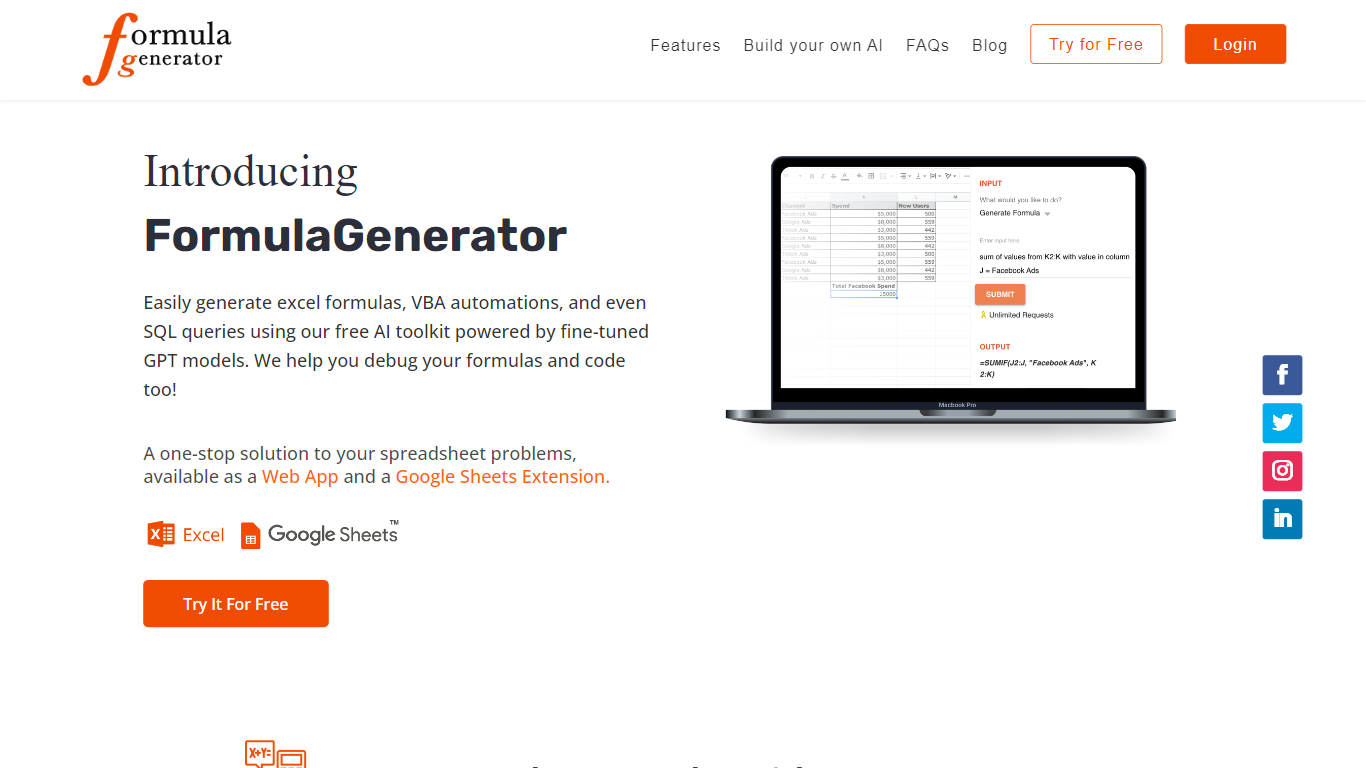
What is Ai Prompts (formerly Formula Generator)?
Ai Prompts at formulagenerator.app is a free educational site that teaches spreadsheet users how to get accurate Excel and Google Sheets formulas from ChatGPT. Instead of hosting a formula builder, it walks through prompt engineering, system instructions, and repeatable prompt templates so analysts can describe calculations in plain language and turn model output into working sheet logic.
The guides cover building formula generator setups with the OpenAI API, keeping context across sessions, and reviewing or debugging formulas when results look wrong. Readers also get practical prompt patterns for VBA macros, SQL queries, and Google Apps Script when they want automation beyond a single cell formula.
It fits finance teams, operations staff, and analysts who already work in spreadsheets and want a reference for prompting ChatGPT without writing code themselves. You bring your own ChatGPT or API access; the site itself is read-only content with no signup or hosted generator on the page.
AISheeter Upvotes
Ai Prompts (formerly Formula Generator) Upvotes
AISheeter Top Features
10 specialized skills covering format, chart, formula, filter, validation, conditional formatting, sheet ops, data writing, and analysis
5 AI providers including GPT-5.4, Claude Sonnet 4.5, Gemini 2.5, Groq Llama 3.3 70B, and DeepSeek V3/R1 with BYOK and zero markup
Self-correcting agent catches wrong column refs, missing fields, and illogical params, then retries before execution
Formula-first engine uses native Google Sheets formulas for math at zero LLM cost when that is the faster path
Server-side bulk jobs process up to 10,000 rows per job on paid plans while the browser sidebar stays closed
Intent cache resolves similar commands in about 10ms after the first successful match
14 chart types including bar, line, pie, scatter, combo, histogram, area, and donut
Ai Prompts (formerly Formula Generator) Top Features
Prompt engineering walkthroughs for describing Excel and Google Sheets formulas in plain English
System instruction examples that keep spreadsheet context across follow-up ChatGPT prompts
Guide for wiring the OpenAI API into a Google Sheets or frontend formula workflow
Debugging tips for catching formula logic, structure, and reference errors in generated output
Sample prompts for VBA macros, SQL queries, and Google Apps Script automation
AISheeter Category
- Excel
Ai Prompts (formerly Formula Generator) Category
- Excel
AISheeter Pricing Type
- Freemium
Ai Prompts (formerly Formula Generator) Pricing Type
- Free