Akita AI vs Gorilla Terminal
In the battle of Akita AI vs Gorilla Terminal, which AI Code Assistant tool comes out on top? We compare reviews, pricing, alternatives, upvotes, features, and more.
Which one is better? Akita AI or Gorilla Terminal?
Upon comparing Akita AI with Gorilla Terminal, which are both AI-powered code assistant tools, Both tools have received the same number of upvotes from aitools.fyi users. The power is in your hands! Cast your vote and have a say in deciding the winner.
Think we got it wrong? Cast your vote and show us who's boss!
Akita AI
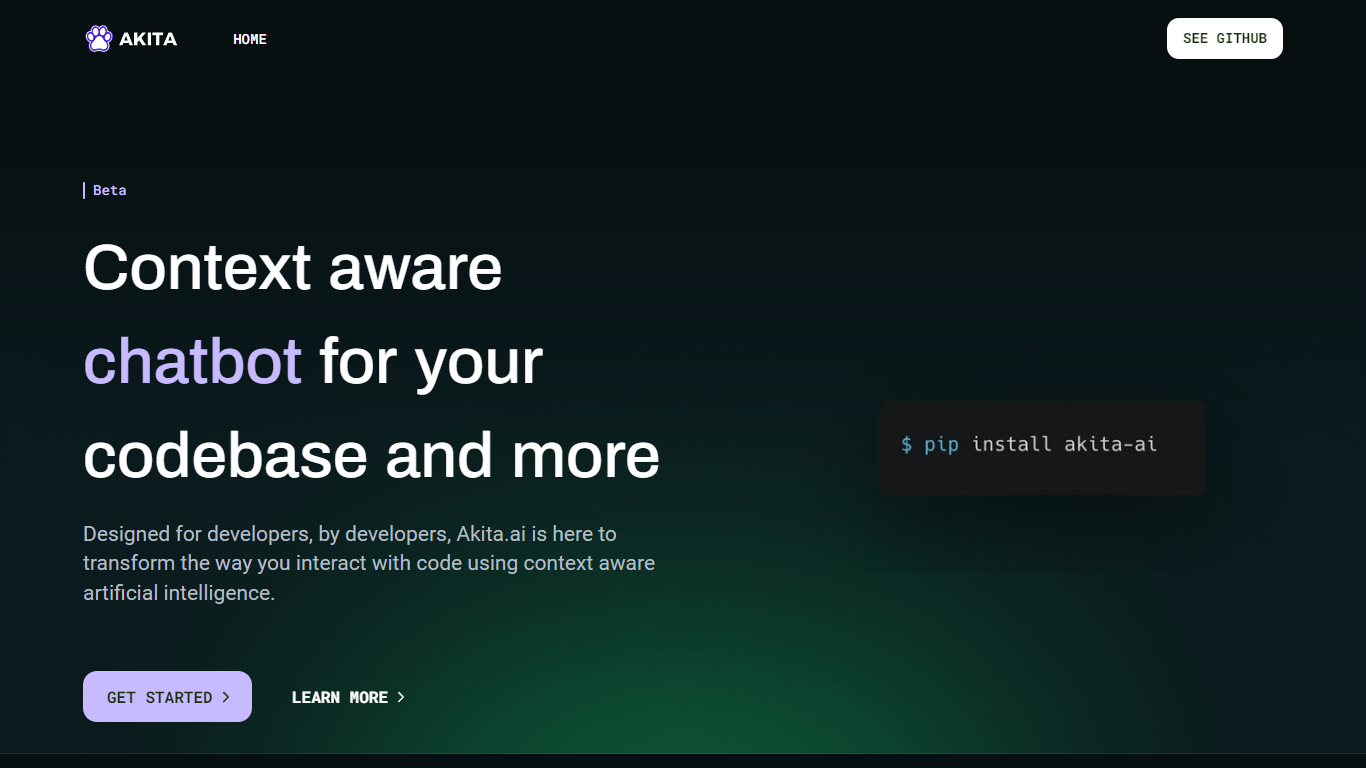

What is Akita AI?
Akita AI is an innovative, open-source AI assistant that's revolutionizing the coding experience for developers.
With its powerful AI-driven capabilities, Akita provides real-time code suggestions, automated documentation generation, and intelligent code summarization, making it easier to understand complex projects.
It also offers seamless integrations with Git for automated commits, ensuring your development process is both efficient and reliable.
Akita AI boasts a context-aware chatbot—Akita Assistant—that facilitates interactive troubleshooting and codebase exploration.
Its extensible plugin system and multilingual support cater to the unique needs of a global developer community, while a user-friendly interface ensures a smooth integration into any coding environment.
Gorilla Terminal

What is Gorilla Terminal?
Gorilla Terminal pulls stock data, SEC filings, macro indicators, and earnings call transcripts into one terminal-style dashboard in your browser. Search by ticker and you get charts, quarterly reports, insider trades, Twitter sentiment, and live futures without hopping between Bloomberg tabs and scattered finance sites.
Most research terminals either dump raw data tables or lean on generic summaries. Gorilla Terminal focuses on earnings calls: it runs sentiment analysis on what executives actually said, flags positive and negative statements, and lets you filter by quarter. That transcript-first angle is the trade-off. You get deeper call breakdowns than a charting site, but the product is built for equity research rather than crypto or forex.
Portfolio managers, solo investors, and finance students use this investment research tool to prep for earnings season, scan sector averages, and stress-test holdings with value-at-risk and regression tools. The macro panel covers CPI, unemployment, retail sales, and consumer sentiment in one click.
Akita AI Upvotes
Gorilla Terminal Upvotes
Akita AI Top Features
Real-Time Documentation Generation: Automatically creates detailed and tailored READMEs for your code.
Intelligent Code Summarization: Offers concise and informative summaries of your codebase using AI.
Automated Code Review: Enhances code quality with AI-powered, automatic reviews.
Context-Aware Chatbot (Akita Assistant): Provides meaningful, context-sensitive conversations for better code understanding and troubleshooting.
Multilingual Programming Support: Extends its capabilities to multiple programming and human languages, promoting global collaboration.
Gorilla Terminal Top Features
Earnings call transcripts with AI sentiment scoring and positive/negative statement filters per quarter
Macro dashboard covering CPI, unemployment, retail sales, and consumer sentiment in one view
Stock search returns charts, 10-Ks, 10-Qs, insider buying, and Twitter sentiment on one page
Value-at-risk and regression analysis for portfolio risk modeling
Industry average metrics across revenue growth, margins, and tax rates by sector
Pro plan at $29 per month, down from a listed $49 per month on the pricing page
7-day pass at $9.99 for short-term access without a monthly commitment
Akita AI Category
- Code Assistant
Gorilla Terminal Category
- Code Assistant
Akita AI Pricing Type
- Freemium
Gorilla Terminal Pricing Type
- Paid