Algo vs Wondershare Filmora
In the clash of Algo vs Wondershare Filmora, which AI Video Editing tool emerges victorious? We assess reviews, pricing, alternatives, features, upvotes, and more.
When we put Algo and Wondershare Filmora head to head, which one emerges as the victor?
Let's take a closer look at Algo and Wondershare Filmora, both of which are AI-driven video editing tools, and see what sets them apart. The upvote count favors Wondershare Filmora, making it the clear winner. Wondershare Filmora has been upvoted 72 times by aitools.fyi users, and Algo has been upvoted 6 times.
Not your cup of tea? Upvote your preferred tool and stir things up!
Algo

What is Algo?
Algo builds custom video editing pipelines for teams that need motion graphics driven by live data, not one-off clips cut by hand. The Turin-based studio designs templates in After Effects, Lottie, or Cavalry, then hosts them on a cloud platform where your data triggers rendering without manual timeline work. Each client gets a tailored project dashboard and optional API access once the eight-step creative and technical setup is complete.
Where most video editors stop at a single export, Algo is built for campaigns that repeat at scale: a unique wrap video per wallet user, a daily chart that updates when markets move, or a city-specific clip pulled from an API call. You get a managed creative setup (about two months on average) rather than a self-serve SaaS template library, which is the trade-off if you want templates wired to your own data schema and delivery stack.
Marketing teams, publishers, fintech apps, and sports leagues use Algo's dashboard or API to launch, filter, and publish videos. Outputs ship as MP4, GIF, or Lottie JSON, with optional auto-posting to Instagram, YouTube, TikTok, LinkedIn, and cloud storage. The Figma plugin path lets in-house design teams edit motion systems inside familiar files after the studio hands off the template library.
Algo runs After Effects in Microsoft Azure and has rendered work for Bloomberg, The New York Times, Google, Johns Hopkins University, and Aave. Client projects span autonomous election trackers, podcast audiograms, and in-app personalized finance animations.
Wondershare Filmora
What is Wondershare Filmora?
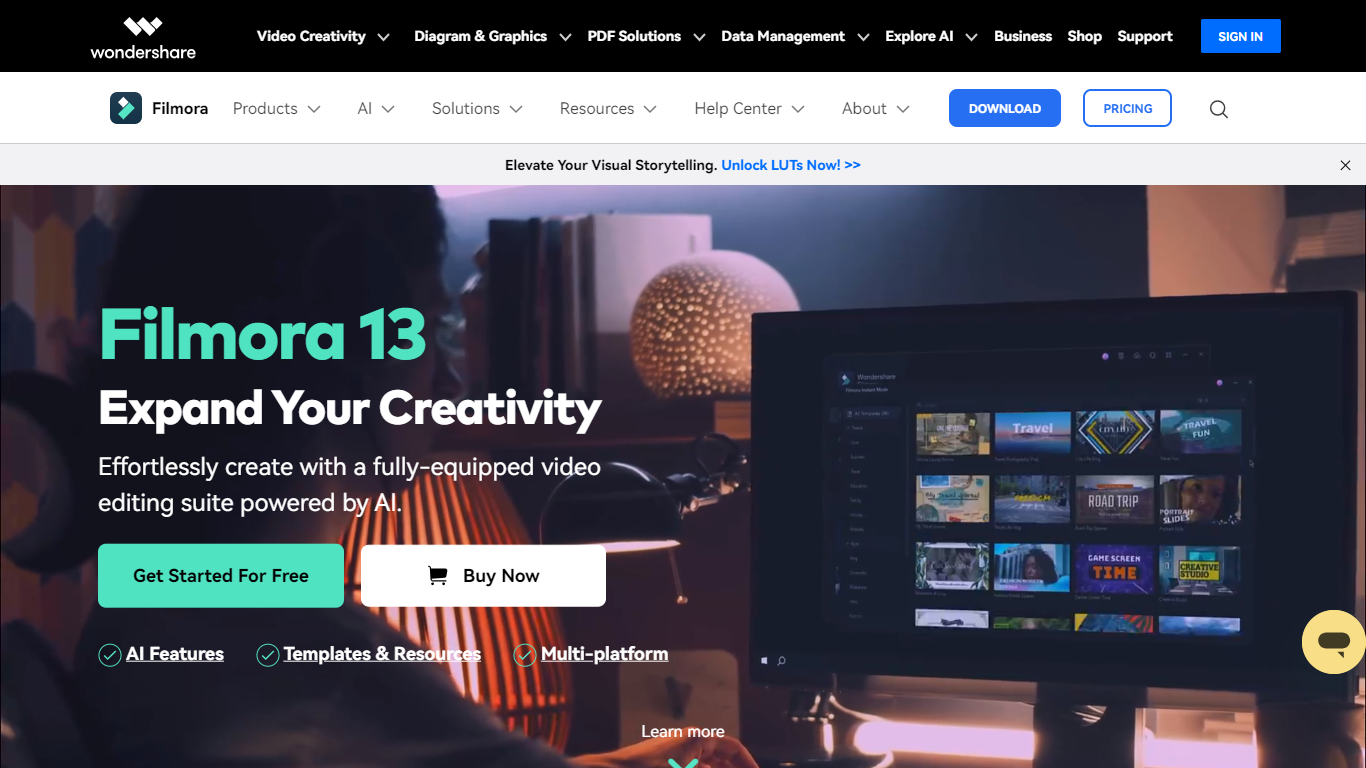
Filmora is a cross-platform video editor from Wondershare that pairs a drag-and-drop timeline with a large built-in library of effects, templates, music, and stock footage. Filmora 15 adds AI generation (text-to-video with Veo 3.1, image-to-video, smart short clips from long footage), auto captions, background removal, and an AI editing assistant called AI Mate. You can edit on Windows, macOS, iOS, Android, and iPadOS, then export with presets for YouTube, TikTok, and other platforms.
Where Premiere Pro expects you to know NLE conventions and CapCut keeps you inside a mobile-first flow, Filmora targets the middle: enough timeline depth for dual-track editing, pen-tool paths, animated charts, and Mocha-powered tracking, but most tasks stay one or two clicks away. The trade-off is subscription tiers and AI credits for heavy generation work, and perpetual licenses lock you to Filmora 15 updates rather than future major versions.
The editor fits YouTubers, social media managers, small business marketers, educators, and freelancers who post often and want stock assets plus AI helpers inside one app rather than juggling separate tools for captions, B-roll, and shorts. G2 and Capterra both rate it around 4.5 out of 5.
Algo Upvotes
Wondershare Filmora Upvotes
Algo Top Features
Builds custom data-driven templates in After Effects, Lottie, or Cavalry, then renders through a cloud After Effects engine
Scales from 5 videos per month to 200 million with server-side rendering, batch API calls, and on-demand triggers
Average render time of 30 seconds for a 30-second video file; Lottie customization completes in 0.012 seconds
Outputs responsive 16:9, 1:1, 4:5, and 9:16 videos from a single engineered template
Figma plugin subscription is $300 per month for unlimited cloud renders after studio setup packages from $16,000
REST API returns a status URL to track customization, rendering, and final MP4 or Lottie delivery
Auto-posts finished videos to Instagram, YouTube, TikTok, LinkedIn, Slack, AWS S3, Azure Storage, and FTP
Wondershare Filmora Top Features
2.9 million-plus templates, effects, filters, music tracks, and stock media inside the editor
Text-to-video and image-to-video generation with Veo 3.1 from prompts in Filmora 15
Advanced plan includes 1,000 Filmora AI credits per month for 20+ AI features
Speech-to-text covers 27 languages; text-to-speech supports 28 languages
Dual-timeline editing, pen-tool motion paths, and animated charts from CSV or Excel data
Paid plans export up to 4K without watermarks; the free tier adds watermarks on exports
Native apps for Windows 7+, macOS 10.15+, iOS, Android, and iPad
Algo Category
- Video Editing
Wondershare Filmora Category
- Video Editing
Algo Pricing Type
- Freemium
Wondershare Filmora Pricing Type
- Freemium