AlterAI vs Bing Microsoft AI Translator
Compare AlterAI vs Bing Microsoft AI Translator and see which AI Translation tool is better when we compare features, reviews, pricing, alternatives, upvotes, etc.
Which one is better? AlterAI or Bing Microsoft AI Translator?
When we compare AlterAI with Bing Microsoft AI Translator, which are both AI-powered translation tools, With more upvotes, Bing Microsoft AI Translator is the preferred choice. The upvote count for Bing Microsoft AI Translator is 10, and for AlterAI it's 6.
Not your cup of tea? Upvote your preferred tool and stir things up!
AlterAI
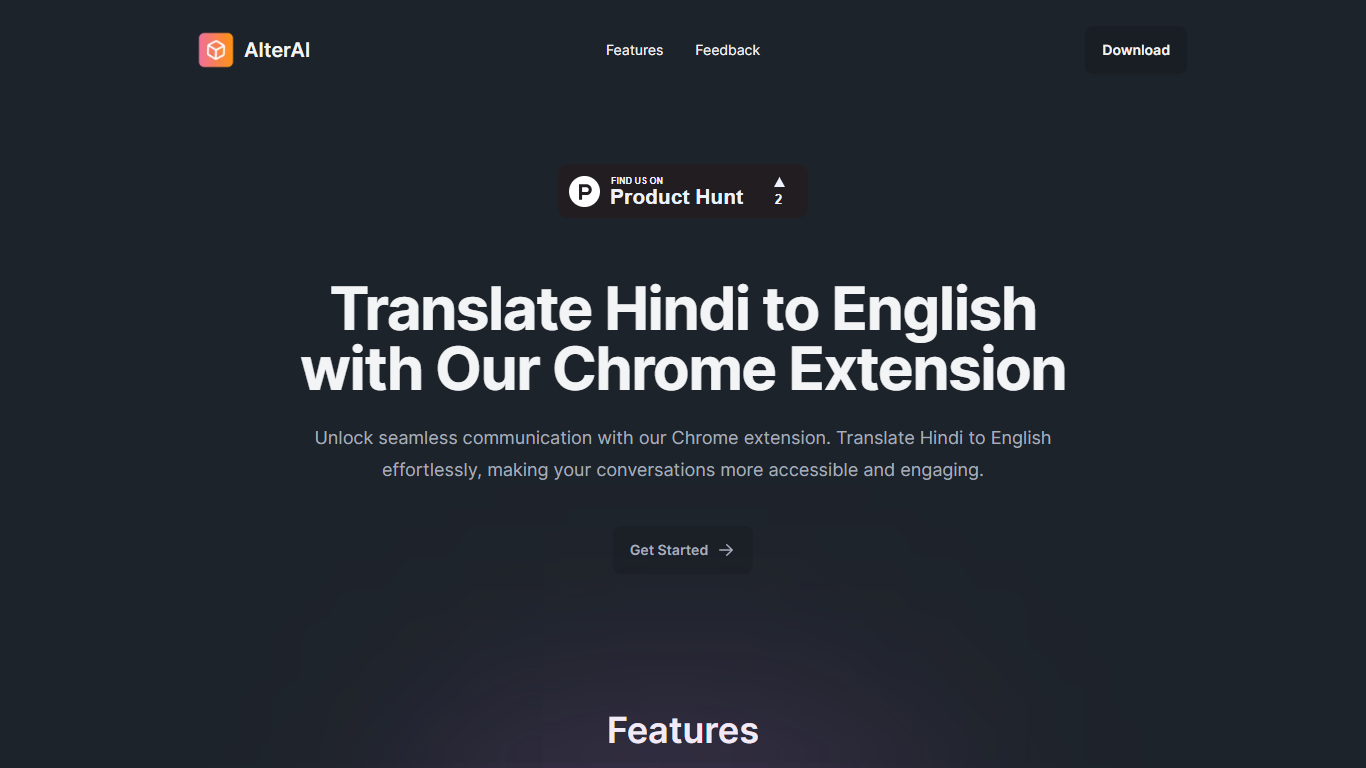

What is AlterAI?
AlterAI is a Chrome extension from Secrin Labs that turns informal Hindi and English text into formal English with one click. It is built for anyone who reads or writes Hindi online and wants polished English output without leaving the page.
Most Chrome translators lean on Google Translate for dozens of language pairs. AlterAI does the opposite: it only handles Hindi and informal English input, and it rewrites the result into formal English rather than a literal word-for-word translation. That narrow scope is the whole point if you need business-ready phrasing from casual Hindi or Hinglish you found on a webpage.
The extension sits in your browser toolbar. Select text on any webpage, trigger translation, and get formal English back. It runs on Chrome and other Chromium browsers that support extensions.
It fits professionals, students, and bilingual readers who run into Hindi content during everyday browsing and need a fast path to clear, formal English.
Bing Microsoft AI Translator

What is Bing Microsoft AI Translator?
Microsoft Translator on Bing is a free web translator for turning words and phrases between English and more than 100 languages. Paste text, pick languages from long dropdown lists, or let the page auto-detect the source language before you translate.
The Bing interface adds practical extras beyond basic text swap. You can listen to a translation, open an on-screen keyboard, capture or upload an image to translate text in photos, and regenerate results in Standard, Casual, or Formal tone. A phrase helper surfaces common expressions grouped by topics like travel, dining, and emergencies.
It fits travelers, students, and anyone who needs a quick translation in the browser without installing software. Navigation on the page also points to separate Microsoft Translator experiences for live conversation, mobile apps, and business use.
AlterAI Upvotes
Bing Microsoft AI Translator Upvotes
AlterAI Top Features
Select Hindi or mixed Hindi-English text and get formal English in one click
Runs on Chrome and other Chromium browsers that support extensions
Version 1.0.3 on the Chrome Web Store, last updated April 26, 2024
Secrin Labs states the extension does not collect or use your data
Compact 198KiB install with an English-language interface
Bing Microsoft AI Translator Top Features
Auto-detect source language across more than 100 listed language options
Each translation request accepts up to 1,000 characters of input text
Regenerate results in Standard, Casual, or Formal tone with one click
Capture or upload an image to translate text found in photos
Speak to translate when typing is awkward on mobile or desktop
Listen to translations read aloud from the results panel
Browse common phrase sets for travel, dining, and emergencies
AlterAI Category
- Translation
Bing Microsoft AI Translator Category
- Translation
AlterAI Pricing Type
- Free
Bing Microsoft AI Translator Pricing Type
- Free