AlterAI vs Translation Strings
Dive into the comparison of AlterAI vs Translation Strings and discover which AI Translation tool stands out. We examine alternatives, upvotes, features, reviews, pricing, and beyond.
When comparing AlterAI and Translation Strings, which one rises above the other?
When we compare AlterAI and Translation Strings, two exceptional translation tools powered by artificial intelligence, and place them side by side, several key similarities and differences come to light. The upvote count reveals a draw, with both tools earning the same number of upvotes. Join the aitools.fyi users in deciding the winner by casting your vote.
Feeling rebellious? Cast your vote and shake things up!
AlterAI
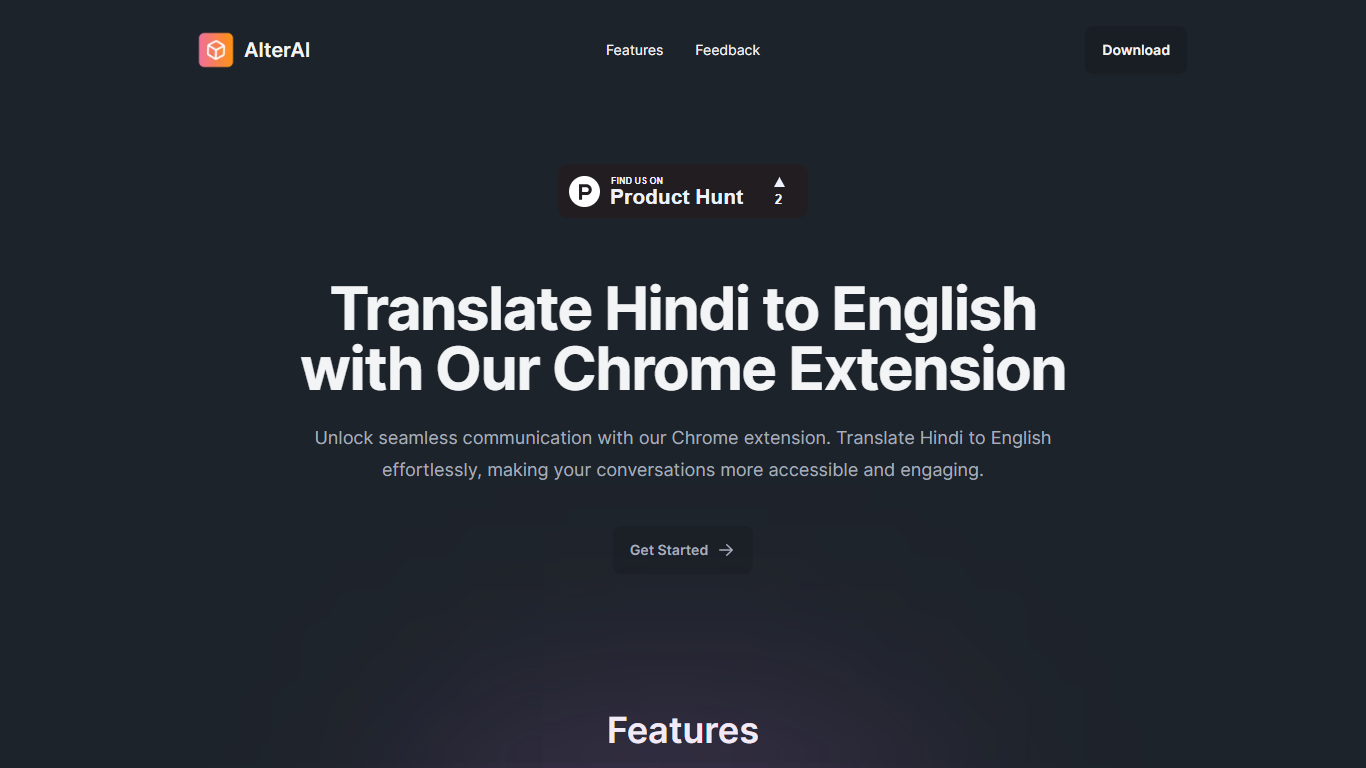

What is AlterAI?
AlterAI is a Chrome extension from Secrin Labs that turns informal Hindi and English text into formal English with one click. It is built for anyone who reads or writes Hindi online and wants polished English output without leaving the page.
Most Chrome translators lean on Google Translate for dozens of language pairs. AlterAI does the opposite: it only handles Hindi and informal English input, and it rewrites the result into formal English rather than a literal word-for-word translation. That narrow scope is the whole point if you need business-ready phrasing from casual Hindi or Hinglish you found on a webpage.
The extension sits in your browser toolbar. Select text on any webpage, trigger translation, and get formal English back. It runs on Chrome and other Chromium browsers that support extensions.
It fits professionals, students, and bilingual readers who run into Hindi content during everyday browsing and need a fast path to clear, formal English.
Translation Strings
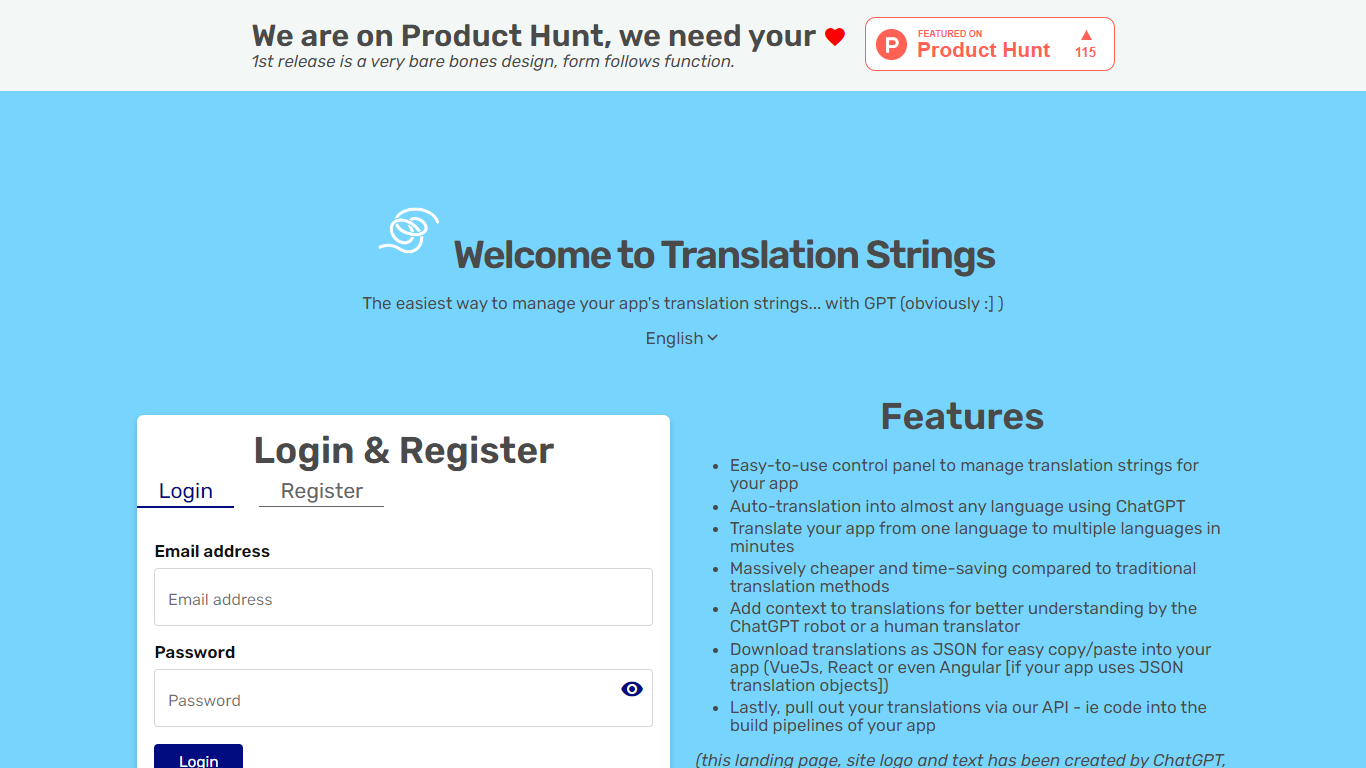
What is Translation Strings?
Translation Strings is a web platform for translating app strings into other languages. The site describes the product as translations for apps via AI, with human review available when needed.
The first public release keeps the interface intentionally minimal. The homepage notes that the design is bare bones and that form follows function.
Access runs through a browser login rather than a public marketing site. Users sign in to reach the translation workspace inside the Vue.js web app.
Translation Strings launched on Product Hunt as an early release aimed at developers who need a straightforward place to manage app localization work.
AlterAI Upvotes
Translation Strings Upvotes
AlterAI Top Features
Select Hindi or mixed Hindi-English text and get formal English in one click
Runs on Chrome and other Chromium browsers that support extensions
Version 1.0.3 on the Chrome Web Store, last updated April 26, 2024
Secrin Labs states the extension does not collect or use your data
Compact 198KiB install with an English-language interface
Translation Strings Top Features
Handles app translation strings with AI, and human help when you need it
Stripped-down admin UI built around getting translation work done, not flashy design
Sign in through the browser to reach your projects and strings
Installable progressive web app with manifest and home-screen icons
Vue.js frontend with Google Fonts and Material Design Icons styling
AlterAI Category
- Translation
Translation Strings Category
- Translation
AlterAI Pricing Type
- Free
Translation Strings Pricing Type
- Freemium