analogenie vs Shakespeare Ai Toolbar

Compare analogenie vs Shakespeare Ai Toolbar and see which AI Writing Assistant tool is better when we compare features, reviews, pricing, alternatives, upvotes, etc.

Which one is better? analogenie or Shakespeare Ai Toolbar?

When we compare analogenie with Shakespeare Ai Toolbar, which are both AI-powered writing assistant tools, The upvote count shows a clear preference for analogenie. analogenie has 6 upvotes, and Shakespeare Ai Toolbar has 5 upvotes.

You don't agree with the result? Cast your vote to help us decide!

analogenie
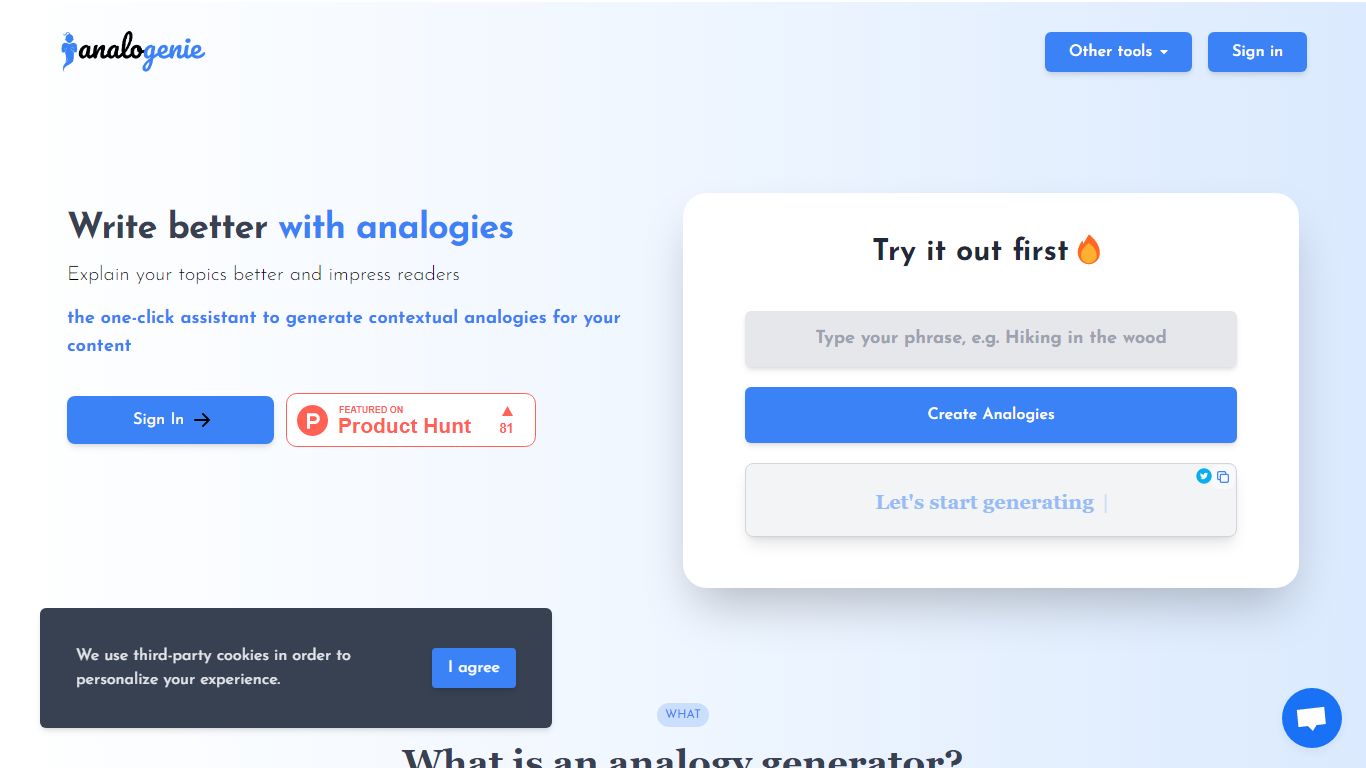
analogenie

What is analogenie?

analogenie is a simple and intuitive tool to generate analogies, improve your arguments, explain complex concepts, and help readers get a better understanding of your content.

Shakespeare Ai Toolbar
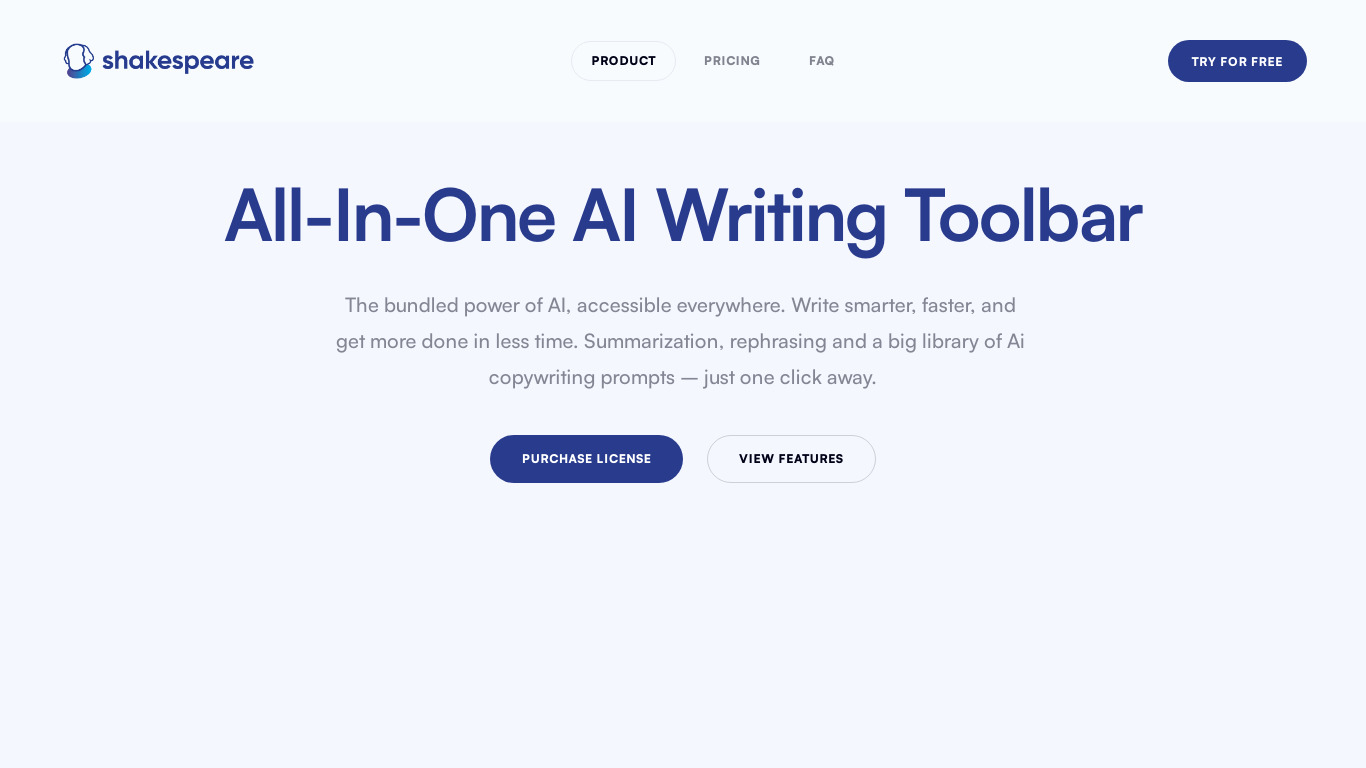
Shakespeare Ai Toolbar

What is Shakespeare Ai Toolbar?

Shakespeare AI Toolbar is a writing assistant built as a Chrome extension that adds summarize, rephrase, and simplify actions to text you select on any site. Select a sentence in Gmail, Google Docs, LinkedIn, Notion, or Substack and a floating toolbar appears with shortcuts instead of opening a separate chat window.

Most browser writing tools ask you to copy text into a side panel. Shakespeare keeps you on the page you are already editing, which matters when you are replying to emails or polishing a Google Doc draft. The trade-off is that it is Chrome-only for site-wide use, and the free tier is limited to the web editor unless you buy the extension license.

The product fits marketers drafting social posts, support reps softening customer replies, and bloggers who want quick rewrites without tab switching. A free rich text editor at editor.shakespearetoolbar.com lets you test every toolbar action before paying for the extension.

analogenie Upvotes

6🏆

Shakespeare Ai Toolbar Upvotes

5

analogenie Top Features

No top features listed

Shakespeare Ai Toolbar Top Features

  • Chrome extension license is a $34 one-time payment for use across Gmail, LinkedIn, Notion, Substack, and Google Docs

  • Select any text on a page and the toolbar surfaces summarize, rephrase, and simplify actions instantly

  • Seven tone presets: Auto, Neutral, Conversation, Business, Friendly, Marketing, and Article

  • Free web editor at editor.shakespearetoolbar.com with unlimited use and no account required

  • Built-in library of AI copywriting prompts accessible from the toolbar with one click

  • Editor stores your text locally in the browser rather than on Shakespeare servers

analogenie Category

    Writing Assistant

Shakespeare Ai Toolbar Category

    Writing Assistant

analogenie Pricing Type

    Freemium

Shakespeare Ai Toolbar Pricing Type

    Freemium

analogenie Technologies Used

Next.js
Node.js
React
Tailwind CSS
Vercel

Shakespeare Ai Toolbar Technologies Used

Framer Sites
Fathom
React

analogenie Tags

analogy generation
argument improvement
concept explanation
content understanding

Shakespeare Ai Toolbar Tags

Chrome Extension
Summarization
Rephrasing
Google Docs
Text Simplification
Copywriting Prompts
Browser Toolbar
By Rishit