Animatable vs Clipchamp
When comparing Animatable vs Clipchamp, which AI Video Editing tool shines brighter? We look at pricing, alternatives, upvotes, features, reviews, and more.
In a comparison between Animatable and Clipchamp, which one comes out on top?
When we put Animatable and Clipchamp side by side, both being AI-powered video editing tools, There's no clear winner in terms of upvotes, as both tools have received the same number. Your vote matters! Help us decide the winner among aitools.fyi users by casting your vote.
Does the result make you go "hmm"? Cast your vote and turn that frown upside down!
Animatable
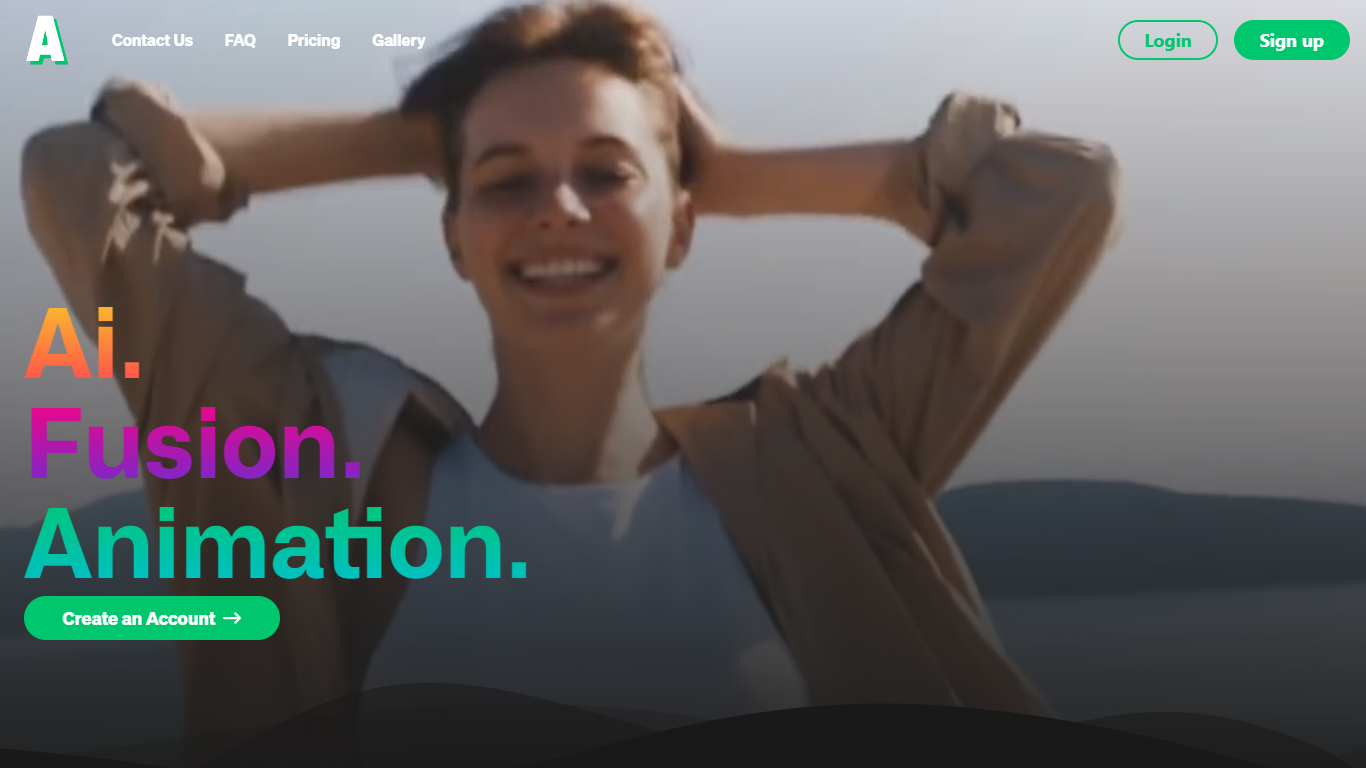

What is Animatable?
Animatable turns uploaded videos into stylized animations through a video-to-video workflow. You pick a style, describe hair, eyes, clothing, and background details, then generate a preview image before committing credits to the full render.
Where most animation tools start from text or static images, Animatable works from footage you already have. That makes it useful when you want to restyle an existing clip rather than build motion from scratch. Each second of output costs 7 credits, and the Basic plan includes 1,000 monthly credits at $20 per month.
The platform targets creators and marketers who need commercial-use animations without a full 3D or motion-design stack. Generation averages about one minute per second of video, and Stripe handles billing with optional credit rollover on paid plans.
Clipchamp

What is Clipchamp?
Clipchamp enables users to record, edit, and share high-definition videos directly from their web browser or Windows app. It offers tools for creating videos with webcam, screen, and voice recordings, combined with AI-powered editing features like noise suppression and automatic subtitle generation.
What distinguishes Clipchamp from other video editors is its integration of advanced AI tools such as a natural voiceover generator with over 400 voices and an AI silence remover that automatically cuts long pauses. It also provides customizable color and gradient backgrounds and supports exporting videos up to 4K resolution without watermarks for premium users.
Clipchamp's content library includes royalty-free stock videos, images, music, and templates tailored for social media, education, and business use. Its privacy-first approach ensures all recordings remain on the user's device unless shared, making it a secure choice for video creation.
With features like multi-item editing, grouping, and a flexible video resizer supporting multiple aspect ratios, Clipchamp offers a comprehensive editing experience suitable for creators of all skill levels. It works seamlessly in Microsoft Edge and Google Chrome browsers, with an optional Windows app available for enhanced performance.
Animatable Upvotes
Clipchamp Upvotes
Animatable Top Features
🎨 Diverse animation styles to fit any creative vision
⚡ Fast generation speed averaging 1 minute per second of video
🔍 Preview images to check and adjust animations before finalizing
💳 Flexible credit system for pay-as-you-go animation creation
🔒 Full commercial rights granted for all created animations
Clipchamp Top Features
🎤 Natural AI voiceover generator with 400+ voices and adjustable pitch and pace
📝 AI subtitle generator creating accurate captions in 80+ languages with editable styles
📹 Screen and webcam recorder with unlimited retakes and no watermarks
🔇 AI silence remover to automatically cut long pauses and silences from videos
🎨 Custom color and gradient video backgrounds with HSV and HEX color picker
📺 Video exports up to 4K resolution available with premium subscription
🎬 Multi-item editing and grouping tools for efficient workflow
Animatable Category
- Video Editing
Clipchamp Category
- Video Editing
Animatable Pricing Type
- Paid
Clipchamp Pricing Type
- Freemium