Animatable vs Video Editor By VIDIO
In the face-off between Animatable vs Video Editor By VIDIO, which AI Video Editing tool takes the crown? We scrutinize features, alternatives, upvotes, reviews, pricing, and more.
In a face-off between Animatable and Video Editor By VIDIO, which one takes the crown?
If we were to analyze Animatable and Video Editor By VIDIO, both of which are AI-powered video editing tools, what would we find? Interestingly, both tools have managed to secure the same number of upvotes. You can help us determine the winner by casting your vote and tipping the scales in favor of one of the tools.
Not your cup of tea? Upvote your preferred tool and stir things up!
Animatable

What is Animatable?
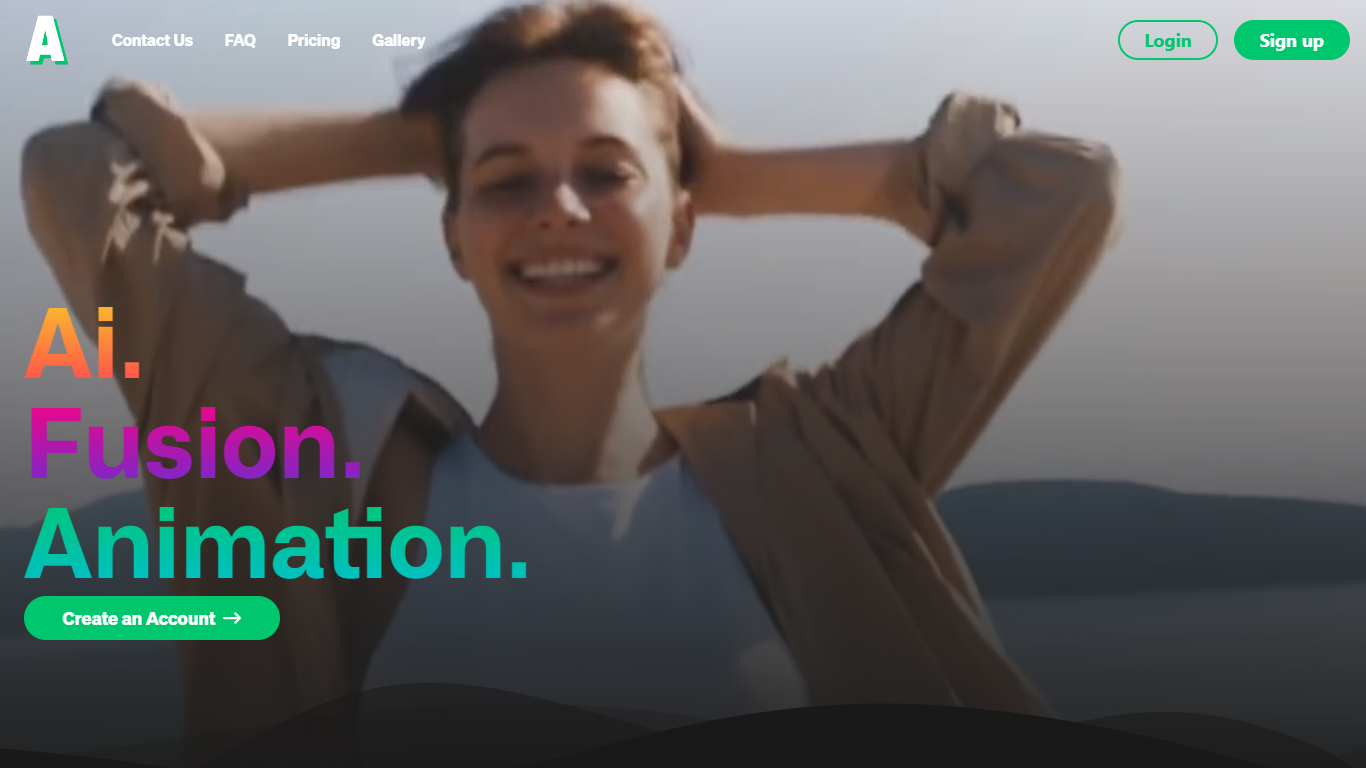
Animatable turns uploaded videos into stylized animations through a video-to-video workflow. You pick a style, describe hair, eyes, clothing, and background details, then generate a preview image before committing credits to the full render.
Where most animation tools start from text or static images, Animatable works from footage you already have. That makes it useful when you want to restyle an existing clip rather than build motion from scratch. Each second of output costs 7 credits, and the Basic plan includes 1,000 monthly credits at $20 per month.
The platform targets creators and marketers who need commercial-use animations without a full 3D or motion-design stack. Generation averages about one minute per second of video, and Stripe handles billing with optional credit rollover on paid plans.
Video Editor By VIDIO

What is Video Editor By VIDIO?
Video Editor By VIDIO lets you edit videos in the browser by describing changes in plain language instead of clicking through timeline menus. Upload a clip, tell the assistant what you want changed, and export the result without installing desktop software. It supports GIF, MP4, MOV, WEBM, and other common formats with a 3GB upload cap.
Traditional editors pack dozens of panels most casual creators never open. Video Editor By VIDIO deliberately keeps the workflow to three steps: upload, chat your request, download. That narrow focus fits social clips, quick captioning, and cleanup jobs where opening Premiere would be overkill.
The tool handles short-form cuts, auto captions, color filters, audio extraction, silence detection, and background noise removal through the same chat interface. VIDIO reports more than 500,000 users, with ratings of 4.8 on G2 and 4.7 on Trustpilot. Content creators, social media managers, and small teams use it when they need fast edits from any device.
Animatable Upvotes
Video Editor By VIDIO Upvotes
Animatable Top Features
🎨 Diverse animation styles to fit any creative vision
⚡ Fast generation speed averaging 1 minute per second of video
🔍 Preview images to check and adjust animations before finalizing
💳 Flexible credit system for pay-as-you-go animation creation
🔒 Full commercial rights granted for all created animations
Video Editor By VIDIO Top Features
Natural-language editing accepts plain-text requests instead of manual timeline work
Supports GIF, MP4, MOV, MPG, WEBM, and MPEG uploads up to 3GB per file
Stitches up to 5 video clips together in a single conversational edit project
Handles captions, color filters, audio extraction, silence detection, and noise removal
Runs entirely in the browser with no local installation required
Free Basic plan available; Pro 20 starts at $8 per month with 20 credits
Rated 4.8 on G2 and 4.7 on Trustpilot across VIDIO's user base
Animatable Category
- Video Editing
Video Editor By VIDIO Category
- Video Editing
Animatable Pricing Type
- Paid
Video Editor By VIDIO Pricing Type
- Freemium