AnimateAI vs Supercreator AI
Dive into the comparison of AnimateAI vs Supercreator AI and discover which AI Video Generation tool stands out. We examine alternatives, upvotes, features, reviews, pricing, and beyond.
When comparing AnimateAI and Supercreator AI, which one rises above the other?
When we compare AnimateAI and Supercreator AI, two exceptional video generation tools powered by artificial intelligence, and place them side by side, several key similarities and differences come to light. The upvote count shows a clear preference for Supercreator AI. Supercreator AI has received 52 upvotes from aitools.fyi users, while AnimateAI has received 6 upvotes.
Not your cup of tea? Upvote your preferred tool and stir things up!
AnimateAI

What is AnimateAI?
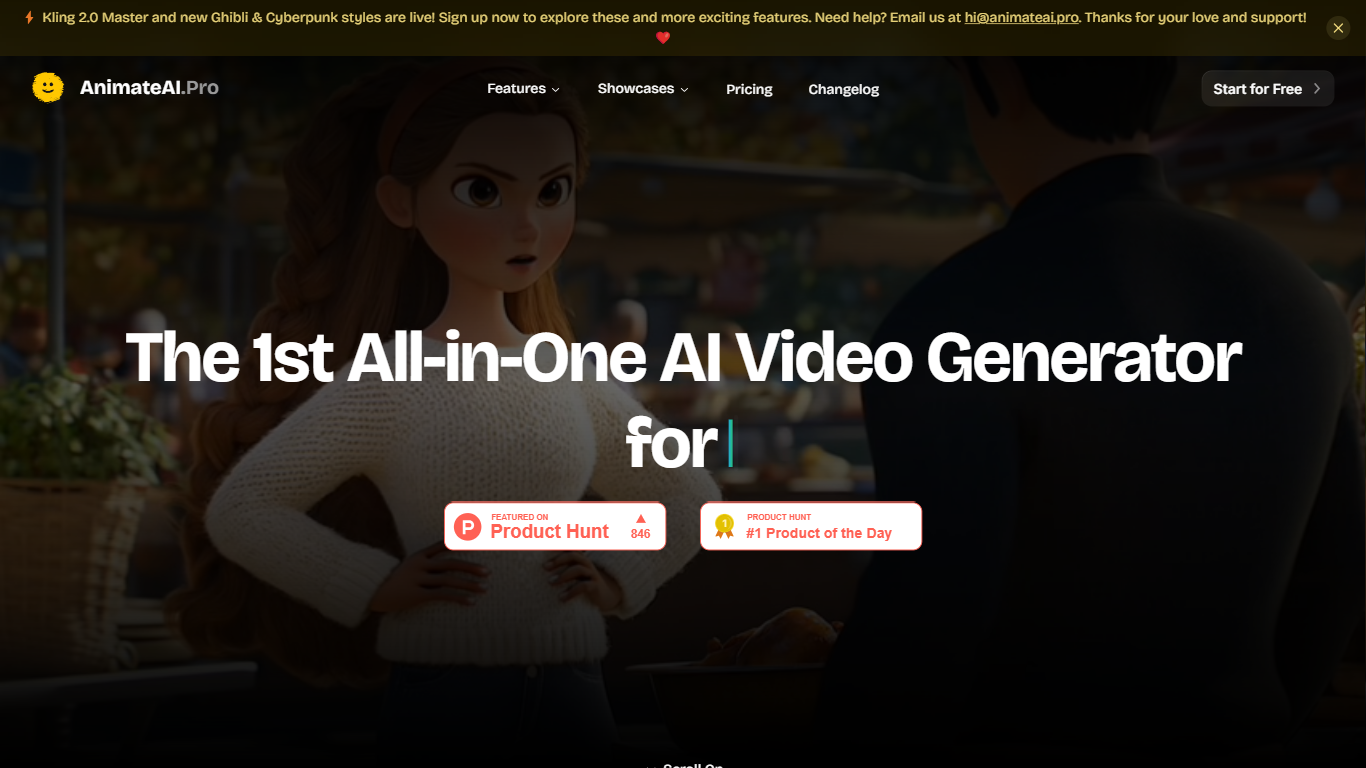
You turn a script into a multi-scene animated series without leaving one browser tab. AnimateAI chains character design, storyboard editing, and final video rendering into a single video generation workflow built for serialized animation rather than one-off clips.
Standalone text-to-video tools generate disconnected scenes. AnimateAI centers a Character Vault that stores your cast and reuses the same faces across episodes, then turns scripts into editable storyboards with narration and voiceovers before Kling, Minimax, Runway, or Luma models render the footage. The homepage also lists Seedance1.5Pro as a newly live model option.
Creators producing anime web series, lofi music videos, kids bedtime stories, movie trailers, and social shorts are the target audience. Product Hunt badges on the site highlight it as a video generator for animated series, and the platform claims 10x faster creation plus 30% savings on bundled model access compared with juggling separate apps.
Autopilot mode can optimize prompts and assemble full videos with minimal manual steps. Community templates let you regenerate videos in a matching style with one click, and paid subscribers get watermark-free downloads with full commercial rights.
Supercreator AI

What is Supercreator AI?
Supercreator AI lets you plan a short video scene by scene, record it with a scrolling teleprompter, then trim and caption the footage in the same browser workspace. Storyboarding, recording, timeline editing, and mini apps for AI media, talking avatars, and multi-shot sequences all sit on one home screen. You sign in to save creations, but every tool is listed before you start.
Where many video editors assume you already have footage, Supercreator AI front-loads scripting and recording. The storyboard maps scenes before capture, the recorder scrolls your script while you film, and one-click templates plus AI captions sit beside standalone tools like a Reel transcriber and clip editor. That workflow keeps scripting, capture, and polish in one tab instead of three separate apps.
It fits creators who publish to TikTok, Reels, and Shorts and want scripting, capture, and caption polish without switching tools. Founders, educators, and on-camera marketers get teleprompter support, visual aids, and reusable identity presets across projects.
AnimateAI Upvotes
Supercreator AI Upvotes
AnimateAI Top Features
Character Vault stores generated anime characters for reuse across multi-episode series
Standard trial costs $5.99 for 7 days with 200 credits, then $39.99 per month with 500 credits
Pro plan at $99.99 per month includes 2000 credits plus Kling 2.0 Master and V2.5 Turbo Pro access
Script-to-storyboard builds scene visuals, narration, and voiceovers from text in minutes
Integrates GPT-4o, Claude, Gemini, MidJourney, FLUX, ElevenLabs, Suno, Kling, Minimax, Runway, and Luma
Full-length videos support up to 10 scenes with up to 2 generation tasks in queue
Seedance1.5Pro is listed on the homepage as a newly live video model option
Supercreator AI Top Features
Storyboard maps scripts scene by scene before you hit record
Built-in recorder pairs a teleprompter with visual aids and smart overlays
Timeline editor cuts clips and adds AI-generated stylized captions
One-click templates turn raw clips into scroll-stopping social videos
Script Trainer collects high-performing videos, transcribes them, and drafts new scripts
Avatars mini app builds talking-head videos with AI voices
Super Director stitches multi-shot AI video sequences from one workspace
AnimateAI Category
- Video Generation
Supercreator AI Category
- Video Generation
AnimateAI Pricing Type
- Freemium
Supercreator AI Pricing Type
- Freemium