Array Assistant vs ExcelMaster
In the clash of Array Assistant vs ExcelMaster, which AI Excel tool emerges victorious? We assess reviews, pricing, alternatives, features, upvotes, and more.
When we put Array Assistant and ExcelMaster head to head, which one emerges as the victor?
Let's take a closer look at Array Assistant and ExcelMaster, both of which are AI-driven excel tools, and see what sets them apart. The upvote count favors Array Assistant, making it the clear winner. The upvote count for Array Assistant is 6, and for ExcelMaster it's 1.
Does the result make you go "hmm"? Cast your vote and turn that frown upside down!
Array Assistant
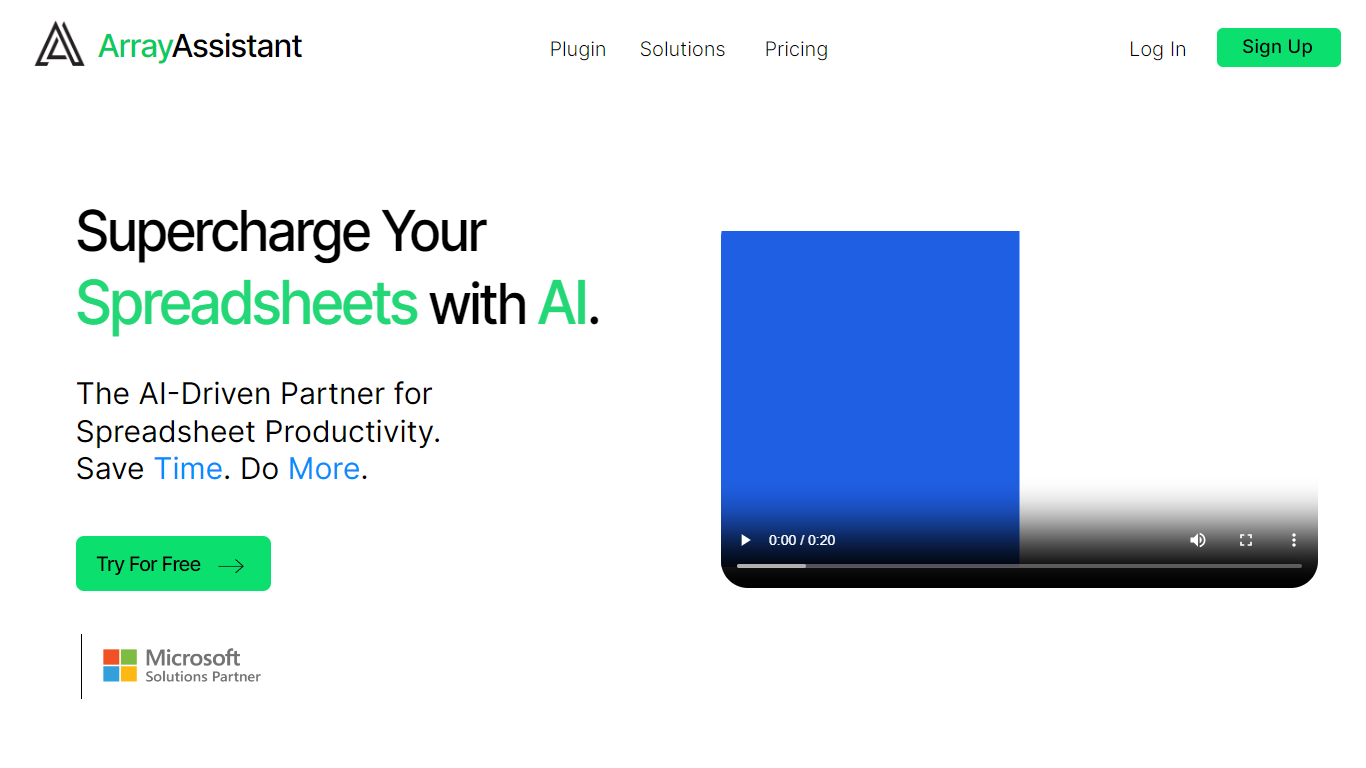

What is Array Assistant?
Array Assistant is a Microsoft Excel add-in that puts nine AI helpers inside your workbook. You install the plugin, open a sheet, and run tools for formula writing, data cleanup, summaries, list building, trend spotting, and text drafting without leaving Excel.
Most spreadsheet add-ins charge from day one or hide everything behind one chat box. Array Assistant splits work into named tools like Formula Generator, Data Cleaner, and Trend Analyzer, each tuned to a spreadsheet task. The Basic plan stays free at 200 requests per month, and the site publishes solution pages for investment banking, private equity, accounting, venture capital, consulting, real estate, and insurance teams rather than pitching a generic assistant.
The plugin suits analysts, students, and business professionals who live in Excel and want faster formula work, cleaner columns, and quick text inside cells. Corporate teams can request custom pricing when they need unlimited usage across employees.
ExcelMaster

What is ExcelMaster?
Windows desktop Excel can run an autonomous agent add-in that plans multi-step spreadsheet work from plain-language prompts. ExcelMaster reads workbook structure across sheets, writes formulas or VBA/Python, executes changes inside Excel, and shows each step in a live sidebar. Finance teams, analysts, and operations staff use it for month-end close, variance reports, data cleanup, and macro automation without leaving the file.
Where Copilot and ChatGPT stop at suggested snippets, ExcelMaster closes the loop inside the workbook. It maps real sheet names, merged cells, and cross-sheet references before generating code, runs VBA or Python locally, verifies output, and retries on errors with automatic rollback. The product site cites internal benchmarks where template-style chat code needed far more edit rounds than agent execution on real user cases.
Dedicated Formula Assistant, VBA Assistant, and Cell AI modules cover formula dialogue, macro automation, and per-cell tasks like classification, keyword extraction, format conversion, sentiment scoring, and translation. Files stay on your machine; only relevant cell content goes to AI models when analysis is needed.
ExcelMaster requires Excel 2016 or later on Windows 10/11 (desktop, not Excel Online). Subscription plans start at $9.99 per month with a 3-day trial, and one-time credit packs are sold separately. The site also hosts free browser utilities for Excel, PDF, and Word conversions.
Array Assistant Upvotes
ExcelMaster Upvotes
Array Assistant Top Features
Basic plan includes 200 free AI requests per month
Pro plan offers 1,000 requests per month for $14.99
Enterprise plan provides unlimited monthly requests for $49.99
Formula Generator turns plain-language prompts into Excel formulas
Nine plugin tools cover formulas, data cleanup, summaries, lists, trends, and text drafting
List Builder creates lists from prompts and from lists you already built
Solution pages target investment banking, private equity, accounting, and venture capital workflows
ExcelMaster Top Features
Starter includes 600 agent credits per month; Pro includes 1,800 credits on monthly billing
Uses GPT 5.4, Claude Sonnet 4.6, Claude Opus 4.6, and ExcelMaster Operator models
Reads multi-sheet workbook structure before writing formulas, VBA, or Python
Auto-backup and one-click rollback before every operation on live workbooks
Cell AI handles classification, keyword extraction, format conversion, sentiment analysis, and translation per cell
Supports Excel 2016+ on Windows 10/11 desktop; Excel Online is not supported
Array Assistant Category
- Excel
ExcelMaster Category
- Excel
Array Assistant Pricing Type
- Freemium
ExcelMaster Pricing Type
- Freemium