Artflow AI vs Playground AI
When comparing Artflow AI vs Playground AI, which AI tool shines brighter? We look at pricing, alternatives, upvotes, features, reviews, and more.
Between Artflow AI and Playground AI, which one is superior?
When we put Artflow AI and Playground AI side by side, both being AI-powered tools, With more upvotes, Playground AI is the preferred choice. Playground AI has received 266 upvotes from aitools.fyi users, while Artflow AI has received 12 upvotes.
Disagree with the result? Upvote your favorite tool and help it win!
Artflow AI

What is Artflow AI?
Artflow AI lets you train a persistent digital identity called an Actor from 10 to 20 photos of your face. Once trained, every photo or video you generate keeps your real expressions and features instead of a generic AI look.
Most image generators spit out one-off portraits that look like stock art. Artflow is built for people who need the same face across LinkedIn banners, reels, website photos, and print mockups. The Actor stays with you across formats, so you are not retraining or restyling from scratch every time you post.
It fits coaches, solopreneurs, content creators, and designers who want professional visuals without booking photographers or designers. The homepage highlights use cases from client walkthrough videos to holiday cards, all starring the same trained identity.
Playground AI
What is Playground AI?
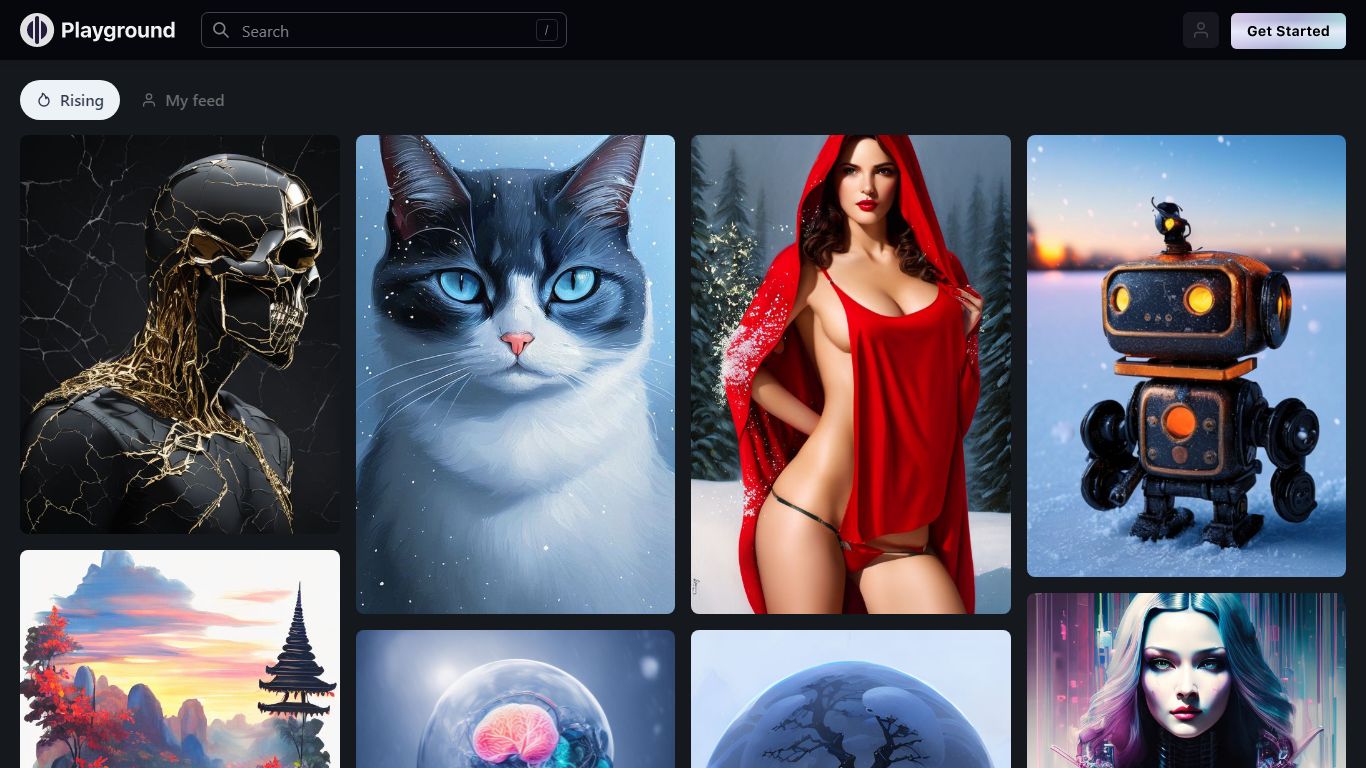
Playground AI is an online design studio where you describe an idea in plain language and get finished graphics back: stickers, logos, posters, t-shirts, social posts, and more. It bundles several top image models (GPT Image 2, Nano Banana Pro, Seedream) in one editor, so you pick the model that fits the job instead of juggling separate apps.
Where Midjourney and DALL-E focus on open-ended image generation, Playground AI is built around finished design deliverables. Thousands of templates across 24 categories give you a starting point, and built-in tools handle style swaps, object removal, mockup placement, and smart layers without leaving the canvas.
The platform targets creators who sell physical goods, not just digital art. Print-on-demand merch, Cricut-ready files, and an iOS app round out a workflow that goes from prompt to product. Over 13 million creators across 120 countries use it, per the site.
Artflow AI Upvotes
Playground AI Upvotes
Artflow AI Top Features
Train an Actor from 10 to 20 face photos in 10 to 30 minutes
Export print-ready images up to 64 megapixels with logo and color matching
Four paid plans from $7.50 to $99 per month with 150 to 5,000 monthly credits
Background removal, inpainting, and upscaling on Creator plans and above
Hundreds of templates for portraits, reels, posters, and social posts
Dual Actor scenes combine two trained identities in one image
Playground AI Top Features
GPT Image 2, Nano Banana Pro, and Seedream in one editor
Thousands of templates across 24 design categories
Swap style, remove objects, and add designs to mockups in seconds
Turn any design into print-on-demand caps, hoodies, and t-shirts
Free standalone tools: upscaler, background removal, logo generator, file converter
iOS app rated 4.9 out of 5 on the App Store with 5,400+ ratings
Artflow AI Category
- Image Generation
Playground AI Category
- Design
Artflow AI Pricing Type
- Freemium
Playground AI Pricing Type
- Freemium