Artisan vs BrowseGPT
Explore the showdown between Artisan vs BrowseGPT and find out which AI Automation tool wins. We analyze upvotes, features, reviews, pricing, alternatives, and more.
In a face-off between Artisan and BrowseGPT, which one takes the crown?
When we contrast Artisan with BrowseGPT, both of which are exceptional AI-operated automation tools, and place them side by side, we can spot several crucial similarities and divergences. The upvote count is neck and neck for both Artisan and BrowseGPT. Your vote matters! Help us decide the winner among aitools.fyi users by casting your vote.
Disagree with the result? Upvote your favorite tool and help it win!
Artisan

What is Artisan?
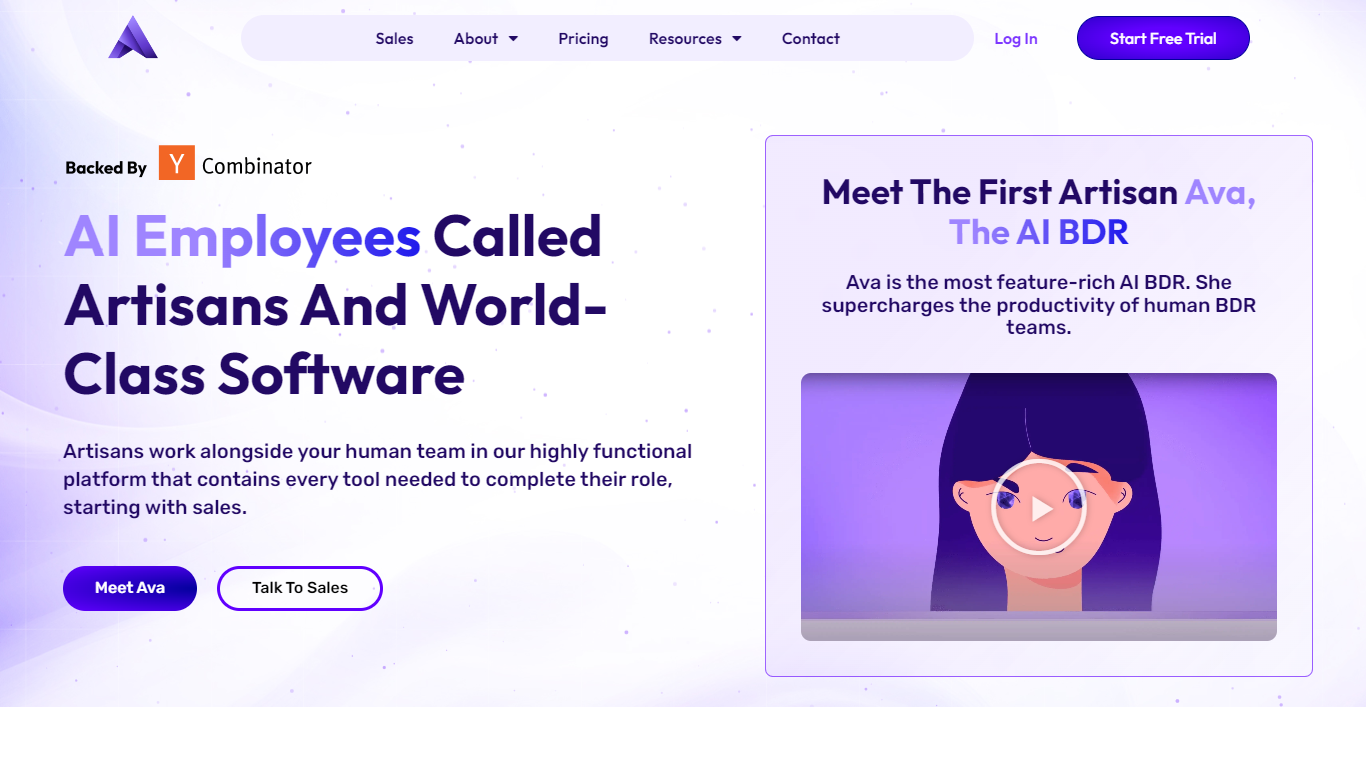
Artisan builds AI employees that automate entire job functions, starting with outbound sales. Its flagship product is Ava, an autonomous AI BDR that finds leads, writes personalized multi-channel outreach, handles replies, and books meetings without human oversight.
Ava sources leads from a database of 250M+ verified B2B contacts, monitors intent signals like funding rounds and hires, and runs email, social, and phone campaigns. She re-engages CRM contacts including MQLs, closed-lost deals, and churned accounts, and runs upsell campaigns for existing customers.
The platform integrates with Salesforce, HubSpot, ZoomInfo, and BigQuery. Plans are scoped by lead volume with Team, Scale, and Enterprise tiers. Every plan includes CSM support, autonomous replies, meeting booking, and SOC 2 Type II compliance. Artisan is backed by Y Combinator, HubSpot Ventures, and Soma Capital with $25M raised.
BrowseGPT
What is BrowseGPT?
BrowseGPT is a Chrome extension that turns natural language instructions into browser automation tasks. Users type commands like 'Find a hotel in Miami for March 15th' or 'Add a 16GB RAM laptop to cart on Best Buy' and the extension uses OpenAI’s GPT-3 to process web pages, decide next steps, and execute actions such as clicking buttons, filling forms, or navigating pages. Every action comes with a plain-language explanation so users can follow along and correct mistakes in real time.
The tool is designed for repetitive browsing tasks where speed matters more than perfect accuracy. It works best on public sites like travel booking, e-commerce, or directories where errors are easy to spot and undo. Because it’s still experimental, it can get stuck in loops or click the wrong element, so it’s not recommended for sensitive pages with private data or high-stakes actions.
Artisan Upvotes
BrowseGPT Upvotes
Artisan Top Features
Ava, an autonomous AI BDR that finds leads, writes outreach, handles objections, and books meetings
250M+ verified B2B contacts with intent signal monitoring for funding rounds and hires
Multi-channel campaigns across email, social, and phone with continuous A/B testing
CRM re-engagement for MQLs, closed-lost deals, churned accounts, and upsell motions
Salesforce and HubSpot bi-directional sync with SOC 2 Type II certification
BrowseGPT Top Features
🔧 Natural language commands – Type tasks like 'book a flight to Chicago' and let AI handle the rest
📝 Action explanations – See why each click or form fill happened and fix mistakes instantly
🔄 Loop detection – Automatically stops if it gets stuck repeating the same action
📊 Credit-based usage – Spend generation credits only when the AI completes a task
🛠️ Template library – Start with pre-built workflows for common tasks like hotel booking or product searches
Artisan Category
- Automation
BrowseGPT Category
- Automation
Artisan Pricing Type
- Paid
BrowseGPT Pricing Type
- Freemium