Artisan vs Microsoft Power Automate
Compare Artisan vs Microsoft Power Automate and see which AI Automation tool is better when we compare features, reviews, pricing, alternatives, upvotes, etc.
Which one is better? Artisan or Microsoft Power Automate?
When we compare Artisan with Microsoft Power Automate, which are both AI-powered automation tools, The upvote count reveals a draw, with both tools earning the same number of upvotes. Join the aitools.fyi users in deciding the winner by casting your vote.
Want to flip the script? Upvote your favorite tool and change the game!
Artisan

What is Artisan?
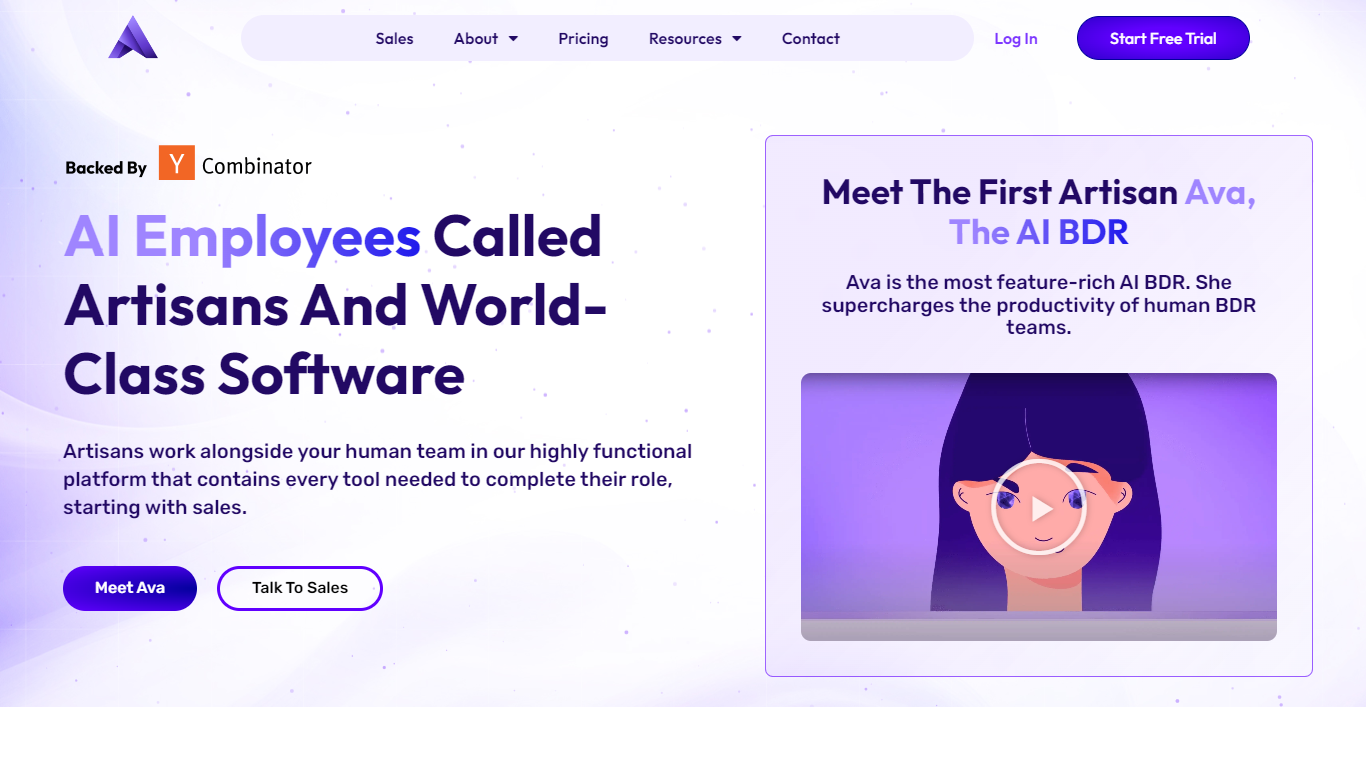
Artisan builds AI employees that automate entire job functions, starting with outbound sales. Its flagship product is Ava, an autonomous AI BDR that finds leads, writes personalized multi-channel outreach, handles replies, and books meetings without human oversight.
Ava sources leads from a database of 250M+ verified B2B contacts, monitors intent signals like funding rounds and hires, and runs email, social, and phone campaigns. She re-engages CRM contacts including MQLs, closed-lost deals, and churned accounts, and runs upsell campaigns for existing customers.
The platform integrates with Salesforce, HubSpot, ZoomInfo, and BigQuery. Plans are scoped by lead volume with Team, Scale, and Enterprise tiers. Every plan includes CSM support, autonomous replies, meeting booking, and SOC 2 Type II compliance. Artisan is backed by Y Combinator, HubSpot Ventures, and Soma Capital with $25M raised.
Microsoft Power Automate
What is Microsoft Power Automate?
Microsoft Power Automate is Microsoft's workflow automation platform for connecting apps, data, and desktop software without writing code. Teams use it to build cloud flows that trigger actions across services, desktop flows that automate legacy Windows apps, and process mining tools that reveal where manual work is slowing things down. It fits organizations that want end-to-end automation inside the Microsoft ecosystem and beyond.
The platform combines digital process automation for cloud apps with robotic process automation for systems that lack APIs. Copilot in Power Automate lets you describe automations in natural language, while built-in AI models handle document processing, image analysis, and predictions. More than 1,400 certified connectors cover services like Dynamics 365, SAP, and Salesforce, with custom connectors available when you need something specific.
Governance features like Managed Environments, data loss prevention, and 360-degree monitoring help IT teams scale automation safely across large organizations. Native integration with Microsoft 365 apps such as Teams, Excel, and SharePoint means users can trigger and manage flows without leaving tools they already use daily.
Artisan Upvotes
Microsoft Power Automate Upvotes
Artisan Top Features
Ava, an autonomous AI BDR that finds leads, writes outreach, handles objections, and books meetings
250M+ verified B2B contacts with intent signal monitoring for funding rounds and hires
Multi-channel campaigns across email, social, and phone with continuous A/B testing
CRM re-engagement for MQLs, closed-lost deals, churned accounts, and upsell motions
Salesforce and HubSpot bi-directional sync with SOC 2 Type II certification
Microsoft Power Automate Top Features
Describe automations in plain language and Copilot drafts the cloud flow steps for you
Choose from more than 1,400 certified API connectors, or build a custom one for your stack
Run attended or unattended desktop RPA on Windows 10 and 11, with hosted bots that scale on demand
Map real workflows with task and process mining before you automate the slowest steps
Extract data from documents and images using built-in AI models inside your flows
Kick off approvals and notifications directly from Teams, Excel, and SharePoint
Artisan Category
- Automation
Microsoft Power Automate Category
- Automation
Artisan Pricing Type
- Paid
Microsoft Power Automate Pricing Type
- Freemium