Ask Command vs Regex Generator By CodePal
Compare Ask Command vs Regex Generator By CodePal and see which AI Developer tool is better when we compare features, reviews, pricing, alternatives, upvotes, etc.
Which one is better? Ask Command or Regex Generator By CodePal?
When we compare Ask Command with Regex Generator By CodePal, which are both AI-powered developer tools, The upvote count is neck and neck for both Ask Command and Regex Generator By CodePal. Every vote counts! Cast yours and contribute to the decision of the winner.
Disagree with the result? Upvote your favorite tool and help it win!
Ask Command
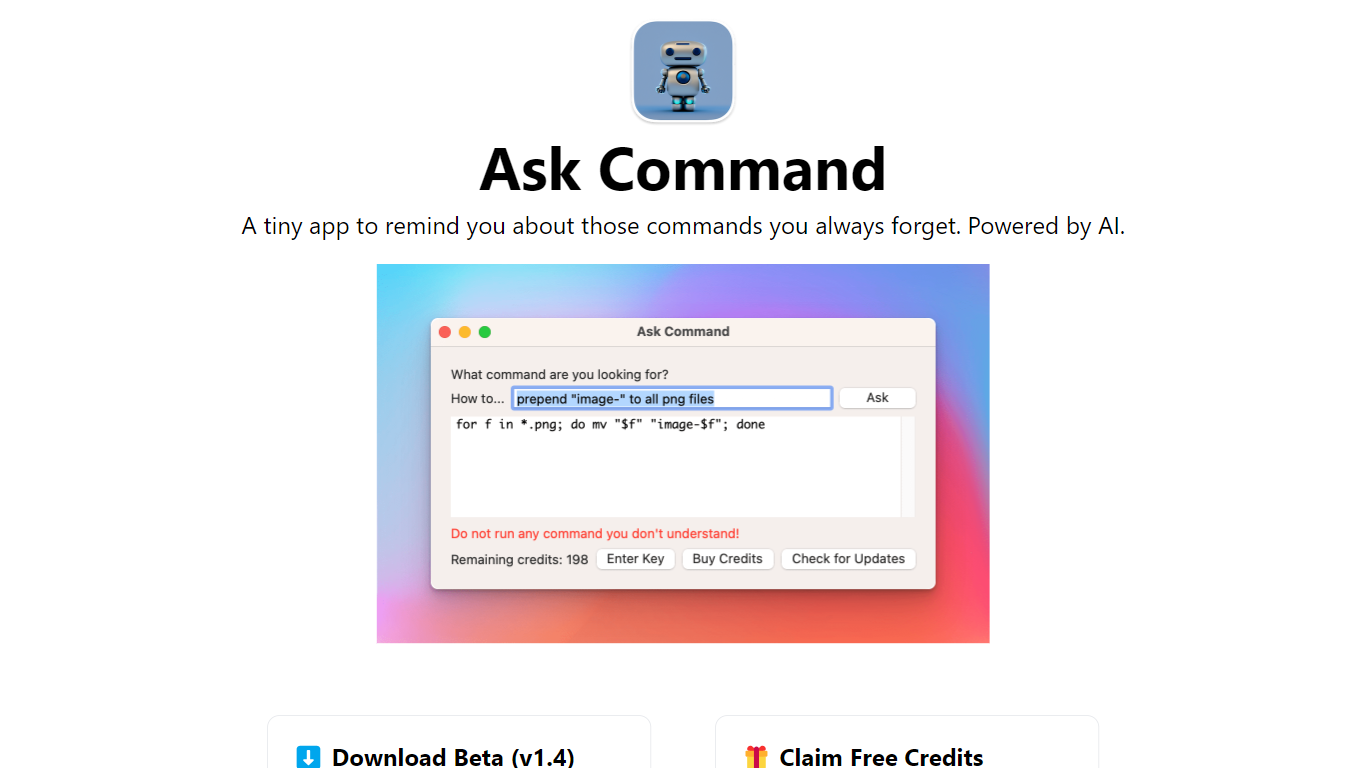

What is Ask Command?
Ask Command is an innovative AI-powered Developer Assistant designed as a native macOS application to help developers quickly recall commands they often forget. The app leverages OpenAI's GPT-3 to generate the most appropriate Unix commands in response to user queries. Designed for ease of use, it saves developers time by eliminating the need to search Google for forgotten commands. While using Ask Command, it is essential to verify each suggested command for safety and never execute commands without understanding them. The Beta version of Ask Command is currently available for download and requires macOS 10.15 or later. Adding to its reliability, the app is sandboxed, ensuring it cannot make changes to your system or run commands on your behalf.
Regex Generator By CodePal
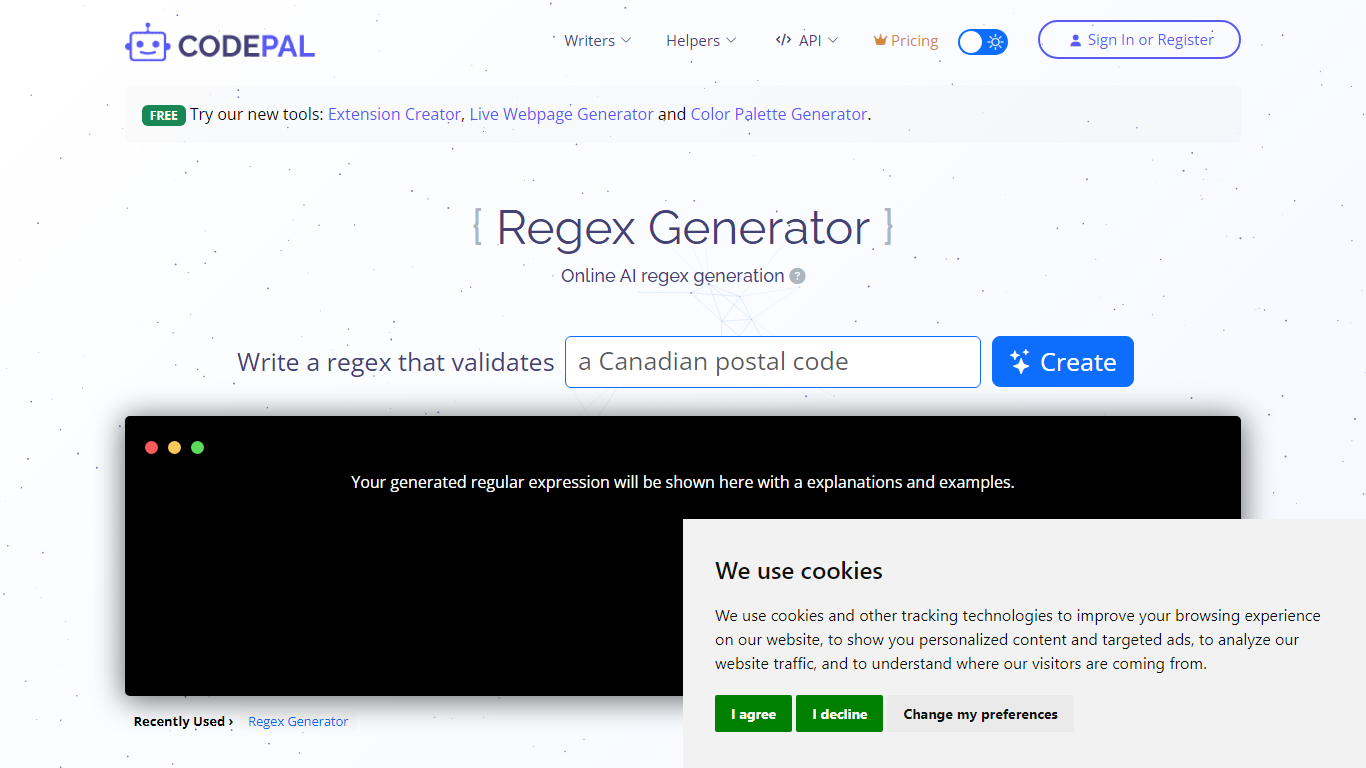
What is Regex Generator By CodePal?
Unlock the full potential of your coding projects with our cutting-edge Regex Generator. Built for developers and tech enthusiasts alike, this platform offers a range of powerful writing and helper tools tailor-made to streamline your workflow. Our suite of Writers encompasses solutions for CI/CD management, Kubernetes orchestration, and code enhancement, ensuring your code is not only efficient but also bug-free and up-to-date. Dive into the Helpers section, a treasure trove designed to refine and optimize your coding process with tools such as Bug Detectors, Code Explainers, and Security Code Scanners. Harness the power of APIs with our comprehensive Learning Center, detailed API Reference, and user-friendly Getting Started guide. Whether you're a seasoned pro or a budding coder, our platform offers a robust set of tools to increase productivity and bring your software development to the next level. Experience seamless integration and enhanced performance by signing in or registering today.
Ask Command Upvotes
Regex Generator By CodePal Upvotes
Ask Command Top Features
AI-Powered Command Suggestions: Utilizes GPT-3 technology to recommend Unix commands based on user queries.
Time-Saving: Designed to save the time spent on looking up forgotten commands in search engines.
Safe and Secure: The sandboxed macOS app cannot alter your system or execute commands ensuring safety in use.
Continuous Improvement: Questions and answers are recorded server-side to enhance app performance and accuracy.
User-Friendly Interface: A native application that avoids the need for web browsers and streamlines the developer's workflow.
Regex Generator By CodePal Top Features
CI/CD Automation: Simplify your deployment pipeline with our CI/CD Writer for efficient integration and delivery.
Code Quality Assurance: Enhance code reliability with tools like Code Fixers Refactorers and Bug Detectors.
Developer Productivity: Level up your productivity using the Query Writer Language Translator and Regex Generator.
API Mastery: Demystify API integration with educational resources in our Learning Center and comprehensive API documentation.
Custom Code Solutions: Tailor your code base with versatile tools including Dockerfile and Terraform Writers for container and infrastructure as code.
Ask Command Category
- Developer
Regex Generator By CodePal Category
- Developer
Ask Command Pricing Type
- Freemium
Regex Generator By CodePal Pricing Type
- Freemium