AskExcel vs Formularizer
In the battle of AskExcel vs Formularizer, which AI Excel tool comes out on top? We compare reviews, pricing, alternatives, upvotes, features, and more.
Between AskExcel and Formularizer, which one is superior?
Upon comparing AskExcel with Formularizer, which are both AI-powered excel tools, Formularizer stands out as the clear frontrunner in terms of upvotes. The upvote count for Formularizer is 7, and for AskExcel it's 6.
Disagree with the result? Upvote your favorite tool and help it win!
AskExcel
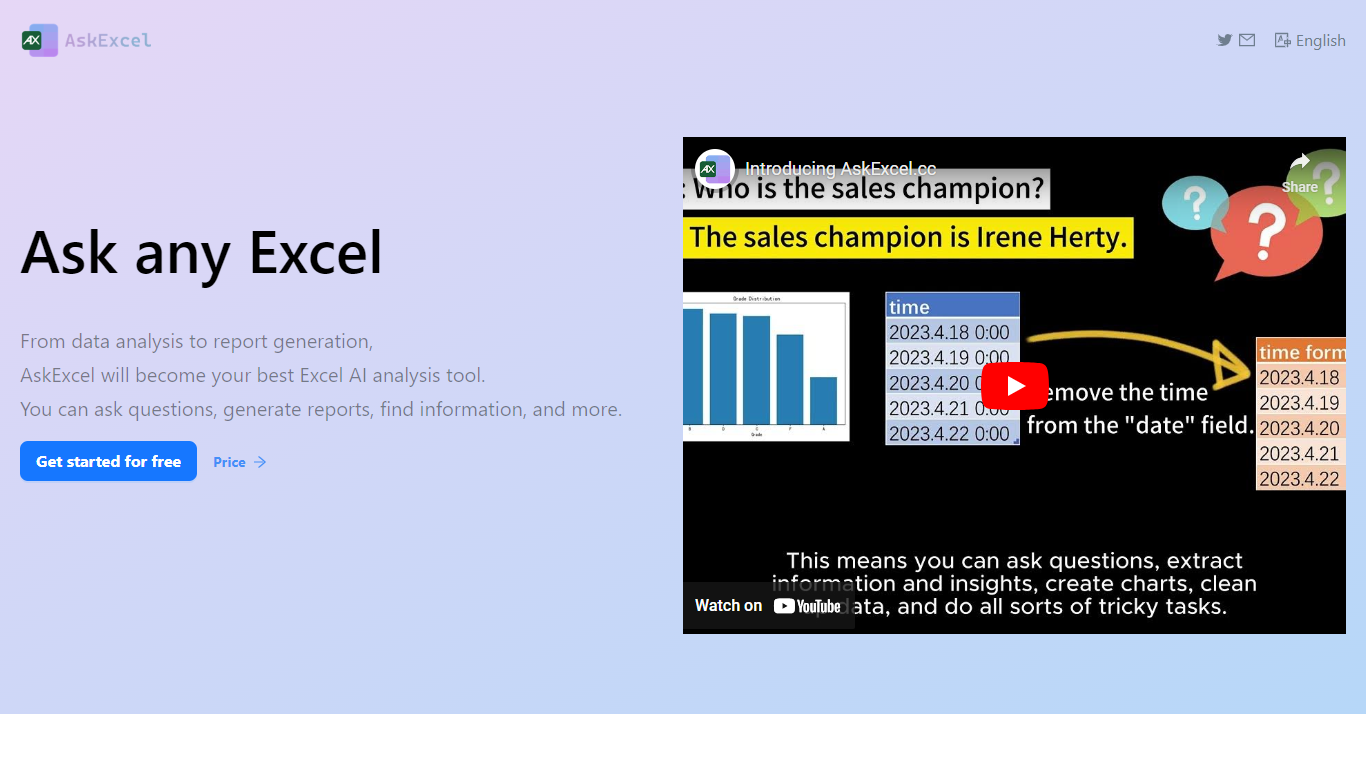

What is AskExcel?
AskExcel is a web-based assistant for spreadsheet work. Upload a CSV or XLSX file, ask a question in plain English, and get formulas, charts, and data insights without digging through Excel menus. It fits analysts, finance teams, and anyone who lives in spreadsheets but would rather describe what they need than memorize function syntax.
The product handles analysis through natural language processing. Ask who topped sales in a dataset and it returns ranked results with a chart. Beyond Q&A, it supports correlation studies, exploratory analysis, KPI tracking, sentiment scoring, and text extraction from unstructured columns.
Spreadsheet-heavy roles get the most from it: sales analysts checking quota performance, operations managers watching KPIs, and small business owners who need answers from their data without hiring outside help. The app runs at app.askexcel.cc with a free tier and paid Plus plans for heavier workloads.
Formularizer
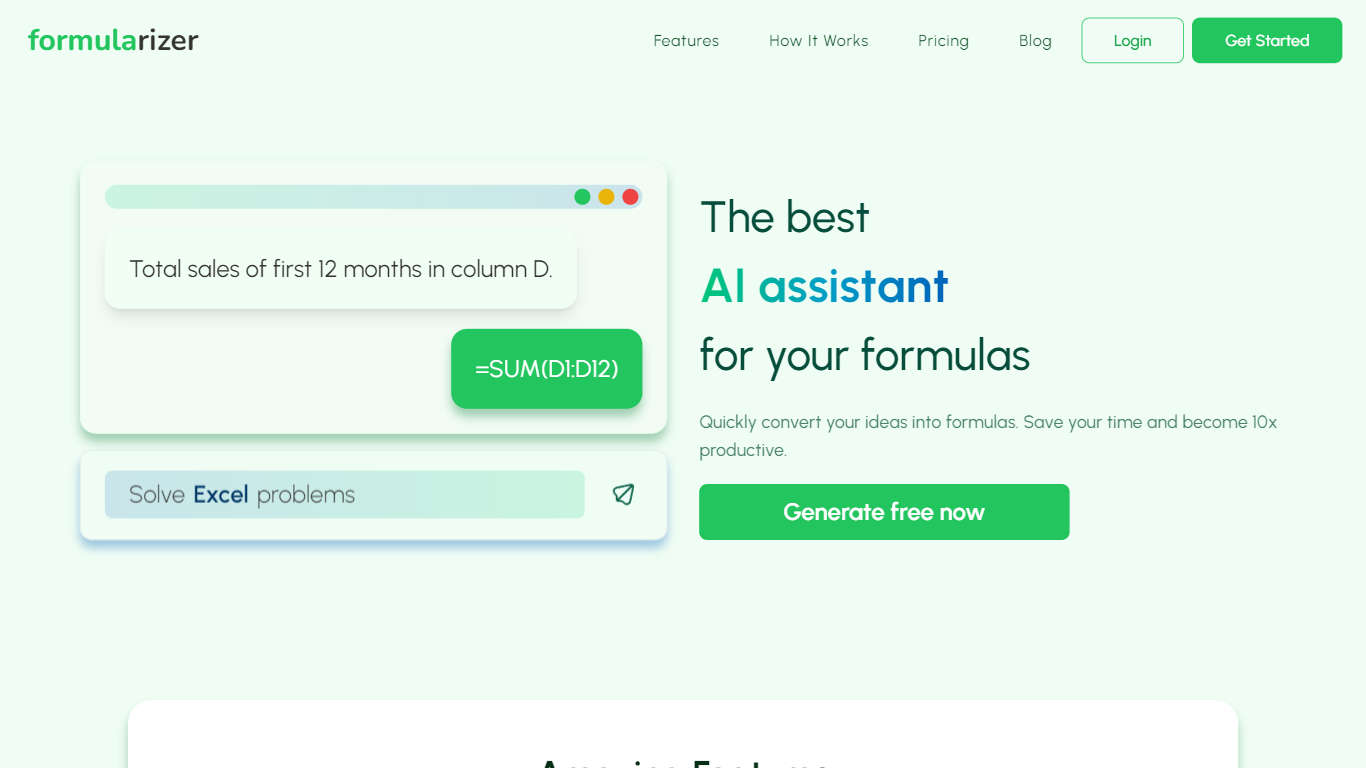
What is Formularizer?
Formularizer is a web assistant for spreadsheet and data work. Choose from four focused helpers: formulas for Excel and Google Sheets, SQL queries, regular expressions, and scripts in Excel VBA or Google Apps Script. Describe what you need in plain language, or paste an existing formula to get an explanation.
Each assistant supports Generate mode to build something new from a description and Explain mode to break down code you already have. For spreadsheet formulas, you pick the target platform so outputs match Excel or Google Sheets syntax. Adding sample data through the input panel helps accuracy on trickier requests.
The site gives you 3 free credits to try before creating an account. Signing up unlocks 50 free credits each month plus faster, more accurate responses. Accounts can be created with email or Google sign-in.
Formularizer fits analysts, students, and anyone who spends their day in spreadsheets but would rather not dig through function docs for every task.
AskExcel Upvotes
Formularizer Upvotes
AskExcel Top Features
Ask who topped sales or what trend stands out and get ranked answers with charts
Upload CSV or XLSX files up to 10MB on Free or 50MB on Plus
Correlation analysis surfaces relationships and patterns across your columns
Sentiment analysis tags text as positive, negative, or neutral for quick reads
Plus costs $7 per month or $70 per year for unlimited messages and premium AI models
Plus subscribers can download generated charts and output files
Formularizer Top Features
Four assistants cover formulas, SQL, regex, and spreadsheet scripts in one workspace
Anonymous visitors get 3 free credits; registered accounts receive 50 free credits each month
Formula Assistant outputs Excel or Google Sheets syntax from a platform dropdown
Generate mode writes formulas, SQL queries, regex patterns, or VBA scripts from a plain-language prompt
Add sample data through the three-dot menu on the input box to sharpen results on complex requests
AskExcel Category
- Excel
Formularizer Category
- Excel
AskExcel Pricing Type
- Freemium
Formularizer Pricing Type
- Freemium