AskExcel vs SheetGod
Compare AskExcel vs SheetGod and see which AI Excel tool is better when we compare features, reviews, pricing, alternatives, upvotes, etc.
Which one is better? AskExcel or SheetGod?
When we compare AskExcel with SheetGod, which are both AI-powered excel tools, Neither tool takes the lead, as they both have the same upvote count. Be a part of the decision-making process. Your vote could determine the winner.
Does the result make you go "hmm"? Cast your vote and turn that frown upside down!
AskExcel

What is AskExcel?
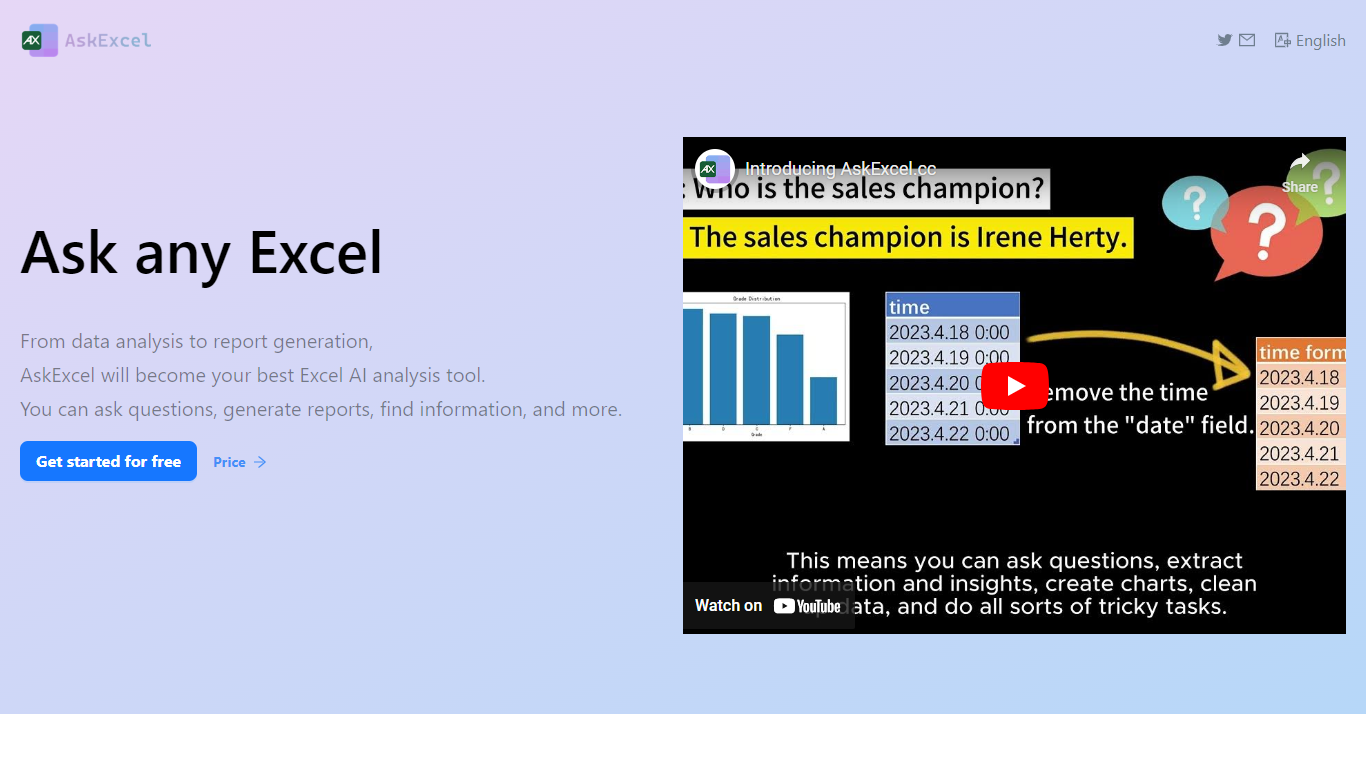
AskExcel is a web-based assistant for spreadsheet work. Upload a CSV or XLSX file, ask a question in plain English, and get formulas, charts, and data insights without digging through Excel menus. It fits analysts, finance teams, and anyone who lives in spreadsheets but would rather describe what they need than memorize function syntax.
The product handles analysis through natural language processing. Ask who topped sales in a dataset and it returns ranked results with a chart. Beyond Q&A, it supports correlation studies, exploratory analysis, KPI tracking, sentiment scoring, and text extraction from unstructured columns.
Spreadsheet-heavy roles get the most from it: sales analysts checking quota performance, operations managers watching KPIs, and small business owners who need answers from their data without hiring outside help. The app runs at app.askexcel.cc with a free tier and paid Plus plans for heavier workloads.
SheetGod
What is SheetGod?
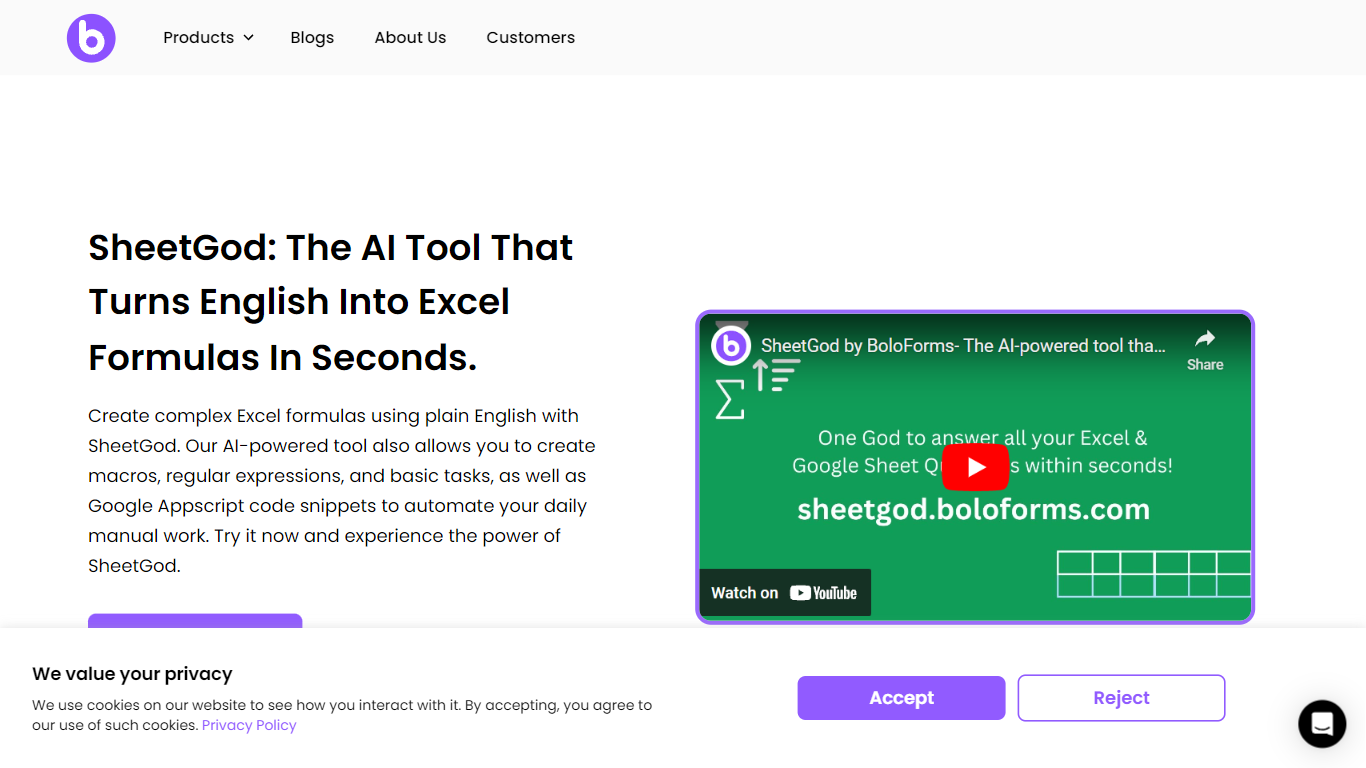
SheetGod is a spreadsheet helper from BoloForms that turns plain English into Excel formulas, VBA macros, Google Apps Script snippets, and regex patterns. You pick one of five categories (Formulas, VBA, Regex, Apps Script, or Basic Tasks), describe what you need, and paste the output into Microsoft Excel or Google Sheets. The product page says more than 50,000 businesses use it.
Most formula generators stop at a single cell calculation. SheetGod stretches further into automation code, regex extraction, built-in tutorials, bulk marketing emails, PDF generation from spreadsheet rows, and add-on scaffolding for Google Workspace and Excel. Its parent company BoloSign is part of the NVIDIA Inception program, though SheetGod itself is a standalone spreadsheet tool rather than an eSignature product.
SheetGod suits beginners who want step-by-step Excel and Sheets tutorials alongside generated answers, and spreadsheet-heavy teams tired of hunting syntax for VBA or Apps Script. Support channels include live chat, email, a help center, and bookable Google Meet sessions, plus one-on-one Zoom and WhatsApp onboarding on signup.
AskExcel Upvotes
SheetGod Upvotes
AskExcel Top Features
Ask who topped sales or what trend stands out and get ranked answers with charts
Upload CSV or XLSX files up to 10MB on Free or 50MB on Plus
Correlation analysis surfaces relationships and patterns across your columns
Sentiment analysis tags text as positive, negative, or neutral for quick reads
Plus costs $7 per month or $70 per year for unlimited messages and premium AI models
Plus subscribers can download generated charts and output files
SheetGod Top Features
Five request categories: Formulas, VBA, Regex, Apps Script, and Basic Tasks
Generates VBA and Google Apps Script code to automate repetitive spreadsheet work
Regex support for extracting specific values from messy datasets
Built-in step-by-step tutorials for common Excel and Google Sheets tasks
Creates bulk marketing emails and PDFs from spreadsheet data
Builds Google Workspace add-ons and Microsoft Excel add-ins from prompts
AskExcel Category
- Excel
SheetGod Category
- Excel
AskExcel Pricing Type
- Freemium
SheetGod Pricing Type
- Freemium