AskUI vs Regex Generator By CodePal
When comparing AskUI vs Regex Generator By CodePal, which AI Developer tool shines brighter? We look at pricing, alternatives, upvotes, features, reviews, and more.
In a comparison between AskUI and Regex Generator By CodePal, which one comes out on top?
When we put AskUI and Regex Generator By CodePal side by side, both being AI-powered developer tools, Interestingly, both tools have managed to secure the same number of upvotes. Your vote matters! Help us decide the winner among aitools.fyi users by casting your vote.
Disagree with the result? Upvote your favorite tool and help it win!
AskUI

What is AskUI?
AskUI lets delivery teams automate real devices in plain English. You write a task as a Markdown file in Git, an AI agent runs it on desktop, web, mobile, or hardware displays, and returns a verdict plus a screenshot for every step.
Traditional test automation depends on DOM selectors and brittle scripts that break when UIs change. AskUI tests what is rendered on screen, including canvas apps, Citrix sessions, and QNX HMIs controlled through HDMI capture with nothing installed on the target. The trade-off is sales-led pricing quoted per concurrent agent after a scoping call, not self-serve monthly plans.
QA teams replace manual regression on legacy SAP portals and vendor RFQ systems. Automotive manufacturers run HMI regression across infotainment fleets. Operations teams generate audit evidence with screenshot-backed run reports from scheduled agent jobs.
Regex Generator By CodePal
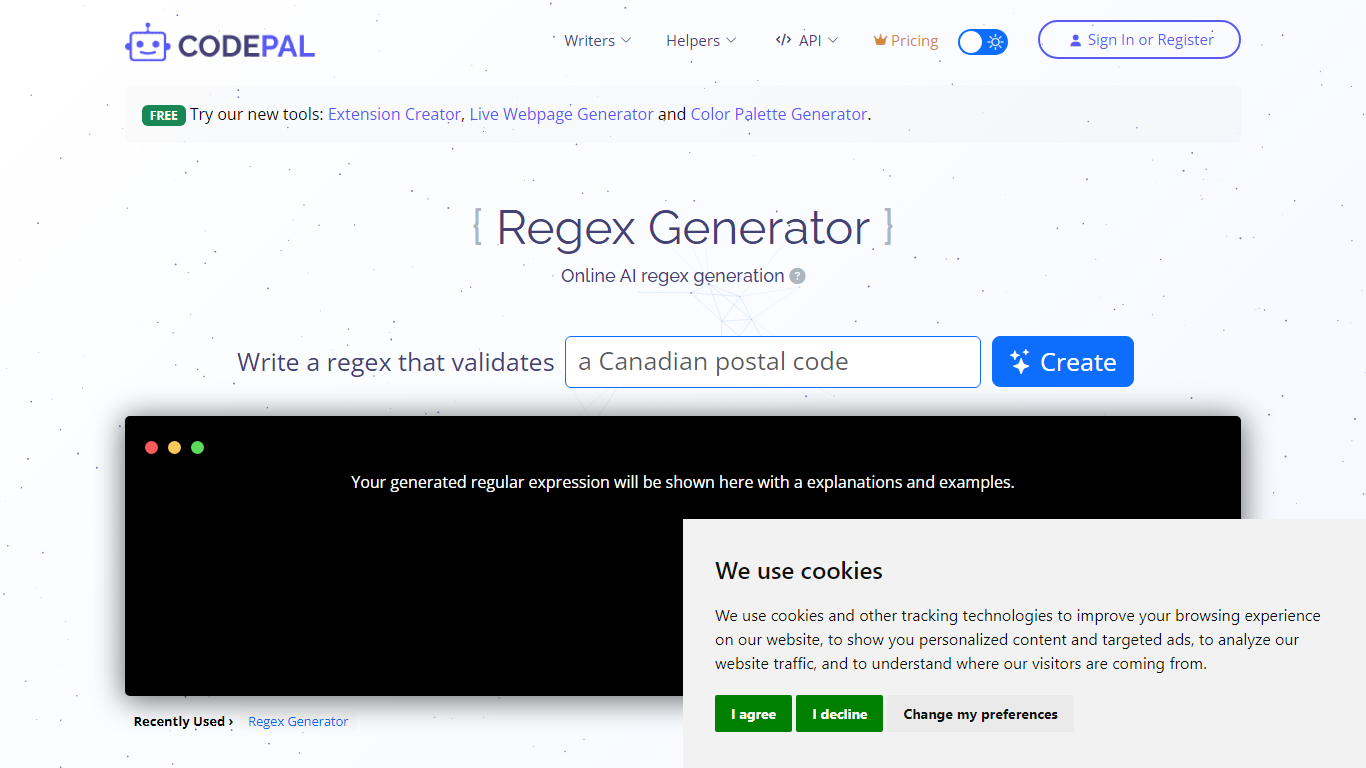
What is Regex Generator By CodePal?
Regex Generator By CodePal writes regular expressions from plain-English descriptions and explains every token before you paste the pattern into production code. You describe what you want to match, pick a flavor like JavaScript, Python, Go, or .NET, and get a working pattern plus sample strings that should and should not match.
Most regex helpers dump a pattern without context. CodePal's generator breaks down groups, anchors, character classes, and quantifiers line by line, and flags common pitfalls like catastrophic backtracking, greedy quantifiers, and missing anchors. That makes it closer to a teaching tool than a one-shot pattern printer, which matters when you are validating emails, parsing logs, or sanitizing user input.
Developers who touch multiple stacks use Regex Generator By CodePal when they need flavor-specific escaping rules without opening a cheat sheet. The tool sits inside the broader CodePal platform, so sign-in unlocks saved history and higher credit limits on the shared free and paid plans.
AskUI Upvotes
Regex Generator By CodePal Upvotes
AskUI Top Features
Tasks are Markdown files in Git with no selectors or traditional test scripts
Agent runs on Windows, macOS, Linux, web, Android, and iOS simulators from one desktop app
Hardware HMI testing via HDMI capture and USB control with zero software on the target device
Each run returns a verdict and screenshot for every step as audit evidence
CLI runs the same agent engine headless in CI pipelines
Bring your own model with no inference fee on Enterprise deployments
ISO 27001 certified with on-premise and air-gapped deployment options
Regex Generator By CodePal Top Features
Generates regex for JavaScript, Python, PHP, Java, Go, .NET, and PCRE from plain-English prompts
Returns a token-by-token explanation of groups, anchors, and quantifiers with each pattern
Produces sample strings that should and should not match for immediate testing
Free Starter plan includes 2 daily credits and up to 30 credits per month across CodePal tools
Standard plan at $25 per month adds 100 monthly credits and unlimited private projects
Warns against pitfalls like nested quantifier backtracking and unescaped metacharacters
AskUI Category
- Developer
Regex Generator By CodePal Category
- Developer
AskUI Pricing Type
- Paid
Regex Generator By CodePal Pricing Type
- Freemium