Ask.Video vs Clipchamp
In the battle of Ask.Video vs Clipchamp, which AI Video Editing tool comes out on top? We compare reviews, pricing, alternatives, upvotes, features, and more.
Between Ask.Video and Clipchamp, which one is superior?
Upon comparing Ask.Video with Clipchamp, which are both AI-powered video editing tools, Both tools are equally favored, as indicated by the identical upvote count. Every vote counts! Cast yours and contribute to the decision of the winner.
Does the result make you go "hmm"? Cast your vote and turn that frown upside down!
Ask.Video

What is Ask.Video?
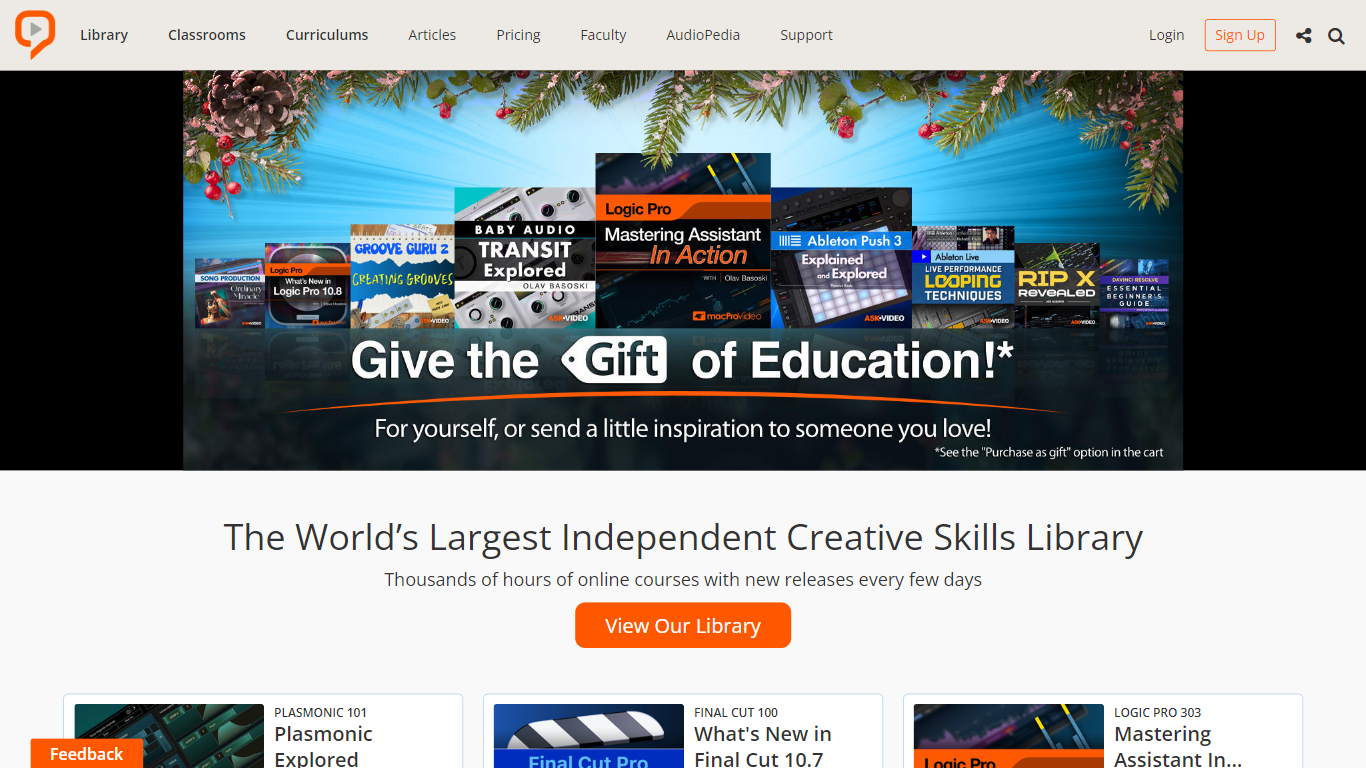
Ask.Video is the go-to destination for mastering popular software across various platforms, including Mac and Windows. With a constantly updated library featuring thousands of hours of video tutorials, Ask.Video provides an educational haven for creative professionals and enthusiasts alike to learn and hone their skills. The website offers an insider's look into top studios, as it showcases industry-leading artists sharing their production tips, tricks, and techniques through real videos. Expand your knowledge in areas such as audio production, video editing, graphic design, and more with hands-on courses tailored to each discipline. Whether you're a beginner or a seasoned pro, Ask.Video equips you with the tools to take your creative projects to the next level.
Clipchamp

What is Clipchamp?
Clipchamp is a versatile video editing platform that empowers users to create stunning videos with ease. Whether you're editing on a browser, using the Windows app, or on mobile, Clipchamp simplifies the process with its smart tools and royalty-free content. It's ideal for everything from YouTube and TikTok videos to promo videos and Facebook video ads. Notable for its AI video editing capabilities, such as autocaptions and text-to-speech, Clipchamp also offers features like green screen effects, video overlays, and even speaker coaching. It ensures that your video fits any platform perfectly by allowing you to resize and transform your video with stylish elements. For business, education, or fun, Clipchamp is the way to go for creating high-quality videos without watermarks in up to 4K resolution. Now a part of Microsoft, this tool assures a smooth experience for all your video creation needs.
Ask.Video Upvotes
Clipchamp Upvotes
Ask.Video Top Features
Real Education: Professional courses by industry-leading artists for an authentic learning experience.
Extensive Library: Access thousands of hours of educational content across various software and skills.
New Releases: Stay updated with the latest courses and tutorials released every few days.
Top Industry Artists: Learn from the real pros working in top studios around the world.
Software Mastery: Specialized tutorials in today's popular software for both Mac & Windows users.
Clipchamp Top Features
Autocaptions: Automatically generate accurate captions in over 140 languages using advanced speech-to-text technology.
Text to Speech: Easily convert text into natural-sounding speech in various languages and voices.
Resize Video: Adjust the aspect ratio of your videos to fit different platforms with customizable background colors and blur effects.
Speaker Coach: Improve communication skills with feedback on pace pitch and filler words using the webcam recorder tool.
Royalty-Free Elements: Enhance your videos with access to a wide range of stock elements including text overlays filters and templates.
Ask.Video Category
- Video Editing
Clipchamp Category
- Video Editing
Ask.Video Pricing Type
- Freemium
Clipchamp Pricing Type
- Freemium