Ask.Video vs Timebolt
In the contest of Ask.Video vs Timebolt, which AI Video Editing tool is the champion? We evaluate pricing, alternatives, upvotes, features, reviews, and more.
If you had to choose between Ask.Video and Timebolt, which one would you go for?
When we examine Ask.Video and Timebolt, both of which are AI-enabled video editing tools, what unique characteristics do we discover? Timebolt is the clear winner in terms of upvotes. Timebolt has 18 upvotes, and Ask.Video has 6 upvotes.
Disagree with the result? Upvote your favorite tool and help it win!
Ask.Video
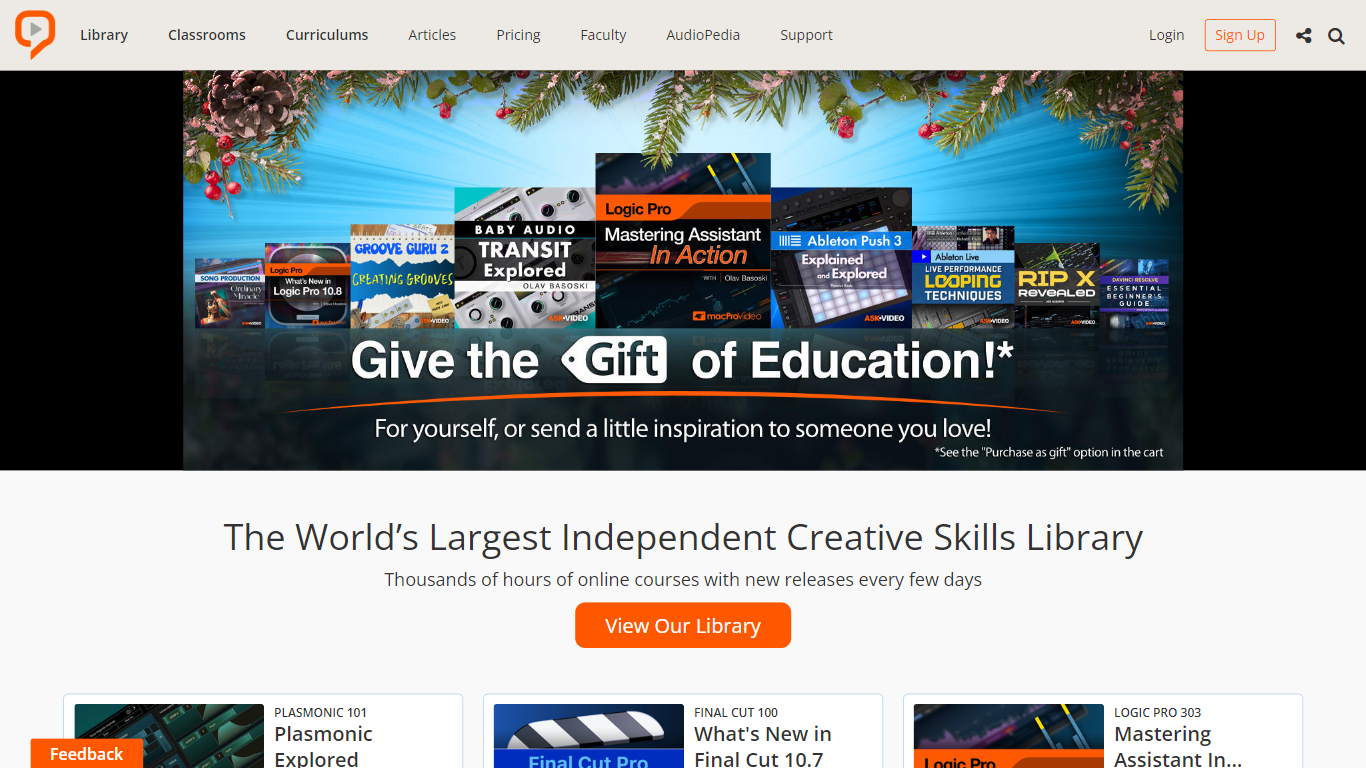

What is Ask.Video?
Ask.Video is the go-to destination for mastering popular software across various platforms, including Mac and Windows. With a constantly updated library featuring thousands of hours of video tutorials, Ask.Video provides an educational haven for creative professionals and enthusiasts alike to learn and hone their skills. The website offers an insider's look into top studios, as it showcases industry-leading artists sharing their production tips, tricks, and techniques through real videos. Expand your knowledge in areas such as audio production, video editing, graphic design, and more with hands-on courses tailored to each discipline. Whether you're a beginner or a seasoned pro, Ask.Video equips you with the tools to take your creative projects to the next level.
Timebolt
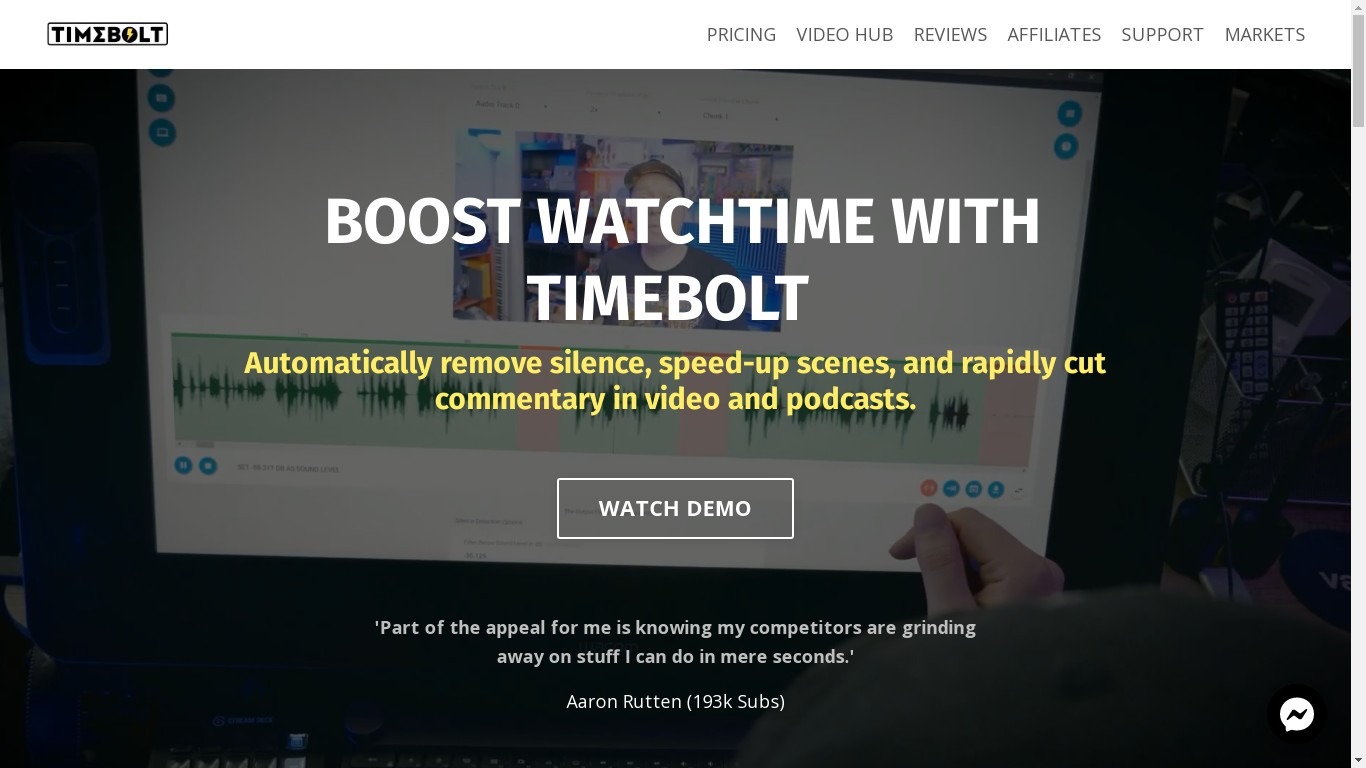
What is Timebolt?
Experience the future of video editing with TimeBolt.io. Automatically jump-cut videos to eliminate silences and awkward pauses, transforming lengthy content into engaging masterpieces. Whether you're editing podcasts or videos, TimeBolt ensures a seamless and rapid editing process, making you talk like a superhuman without the burnout.
Ask.Video Upvotes
Timebolt Upvotes
Ask.Video Top Features
Real Education: Professional courses by industry-leading artists for an authentic learning experience.
Extensive Library: Access thousands of hours of educational content across various software and skills.
New Releases: Stay updated with the latest courses and tutorials released every few days.
Top Industry Artists: Learn from the real pros working in top studios around the world.
Software Mastery: Specialized tutorials in today's popular software for both Mac & Windows users.
Timebolt Top Features
Elimina automáticamente el silencio de vídeos y podcasts
Editor de vídeo rápido para Windows y MAC
Detección automática de silencio en vídeos.
Esculpir: Corta o conserva cualquier palabra o escena.
Opciones de exportación: Premiere, Final Cut Pro, DaVinci Resolve y Camtasia
Elimina las palabras de relleno automáticamente con Umcheck
Ask.Video Category
- Video Editing
Timebolt Category
- Video Editing
Ask.Video Pricing Type
- Freemium
Timebolt Pricing Type
- Paid