Astria vs Canva-Text to Image
In the contest of Astria vs Canva-Text to Image, which AI Image Generation tool is the champion? We evaluate pricing, alternatives, upvotes, features, reviews, and more.
If you had to choose between Astria and Canva-Text to Image, which one would you go for?
When we examine Astria and Canva-Text to Image, both of which are AI-enabled image generation tools, what unique characteristics do we discover? Canva-Text to Image stands out as the clear frontrunner in terms of upvotes. The number of upvotes for Canva-Text to Image stands at 108, and for Astria it's 7.
Don't agree with the result? Cast your vote and be a part of the decision-making process!
Astria
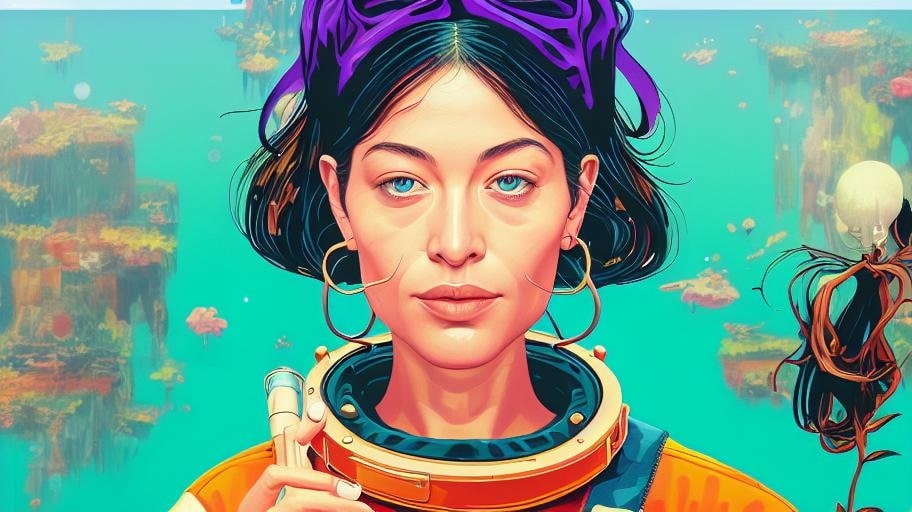

What is Astria?
Astria helps fashion brands and identity-focused creators produce ecommerce visuals and trained headshot portraits from template packs. It runs two production tracks on one site: an Ecommerce Studio for lookbooks, product detail pages, and campaign assets, and a headshot product where you train a model on a subject and generate new portraits from templates. You pick from dozens of ready-made template packs, upload product photos or training images, and generate production-ready visuals without booking a studio shoot.
Where general image generators hand you a blank prompt box, Astria ships with template galleries organized by use case like corporate headshots, dating profile photos, editorial fashion, kids portraits, and ecommerce lookbooks. The Ecommerce Studio page lists brands including Terminal X, Nine West, and Lee Cooper as customers and promises hundreds of on-brand images in minutes rather than weeks. Astria also exposes a programmatic API and a Photoshop plugin, which puts it closer to a production pipeline than a one-off image toy.
Fashion and retail teams use Astria to scale catalog and campaign imagery without repeating full photo shoots for every drop. Creators and professionals use the headshot and personal-brand templates when they need a consistent likeness across many styled outputs. The Academy publishes short workflow videos on building prompts, editorial layouts, and video generation if you want guided walkthroughs rather than figuring out the interface alone.
Canva-Text to Image
What is Canva-Text to Image?
Canva Text to Image turns a written prompt into a finished visual without leaving the Canva editor. You describe what you want, pick from 10+ preset art styles like Photo, Vibrant, Sketch, or Retrowave, and set an aspect ratio. The tool generates several variations in seconds, and you can drop any result straight into a presentation, social post, or poster layout.
Where standalone generators like Midjourney or DALL-E hand you a file to download and edit elsewhere, Canva keeps everything in one workflow. Background removal, Magic Edit prompt-based retouching, text overlays, and export to PNG, JPG, PDF, or PPTX all sit in the same canvas. That trade-off means less raw control over model parameters, but a much faster path from prompt to publishable design.
Content creators use it for social graphics and thumbnails, entrepreneurs for quick branding assets, and hobbyists for concept sketches. You can also upload a reference photo and generate new images that keep the original layout or subject. Pro and Business plans unlock higher AI generation allowances, Magic Expand for extending image borders, and a content planner for scheduling posts.
Free accounts include up to 200 Standard AI uses or 20 Premium AI uses per year. Canva runs automated prompt checks to block inappropriate content, and commercial use is permitted under Canva's AI Product Terms, though you are responsible for trademark and public figure rights.
Astria Upvotes
Canva-Text to Image Upvotes
Astria Top Features
Ecommerce Studio generates hundreds of on-brand product and campaign images from uploaded product photos
Template gallery spans corporate headshots, dating profiles, fashion editorials, kids portraits, and pet photo packs
Pricing page lists per-image rates from $0.008 (Flux 2 Turbo) to 27.5 cents (Recraft V4 Pro) depending on the model
Supports video models including Seedance 2.5 (up to 30 seconds) and MiniMax H3 2K with synchronized audio
Programmatic API documented at docs.astria.ai for building custom avatar, printing, or concept art apps
Photoshop plugin connects Astria image editing into Adobe workflows via the Nano-Banana integration
Canva-Text to Image Top Features
Choose from 10+ preset art styles including Photo, Vibrant, 3D Render, Cinematic, and Retrowave
Free plan includes up to 200 Standard AI uses or 20 Premium AI uses per year
Generate from a text prompt or upload a reference photo to preserve layout and subject
Export finished designs as PNG, JPG, PDF, or PPTX without leaving Canva
Pro plan at $180 per year includes 10x the AI generation allowance of the Free tier
Magic Edit and Magic Eraser let you refine generated images with short written prompts
Astria Category
- Image Generation
Canva-Text to Image Category
- Image Generation
Astria Pricing Type
- Paid
Canva-Text to Image Pricing Type
- Freemium