Atoms vs Code Sensei
Dive into the comparison of Atoms vs Code Sensei and discover which AI Code Assistant tool stands out. We examine alternatives, upvotes, features, reviews, pricing, and beyond.
In a comparison between Atoms and Code Sensei, which one comes out on top?
When we compare Atoms and Code Sensei, two exceptional code assistant tools powered by artificial intelligence, and place them side by side, several key similarities and differences come to light. Atoms is the clear winner in terms of upvotes. Atoms has 92 upvotes, and Code Sensei has 6 upvotes.
Not your cup of tea? Upvote your preferred tool and stir things up!
Atoms
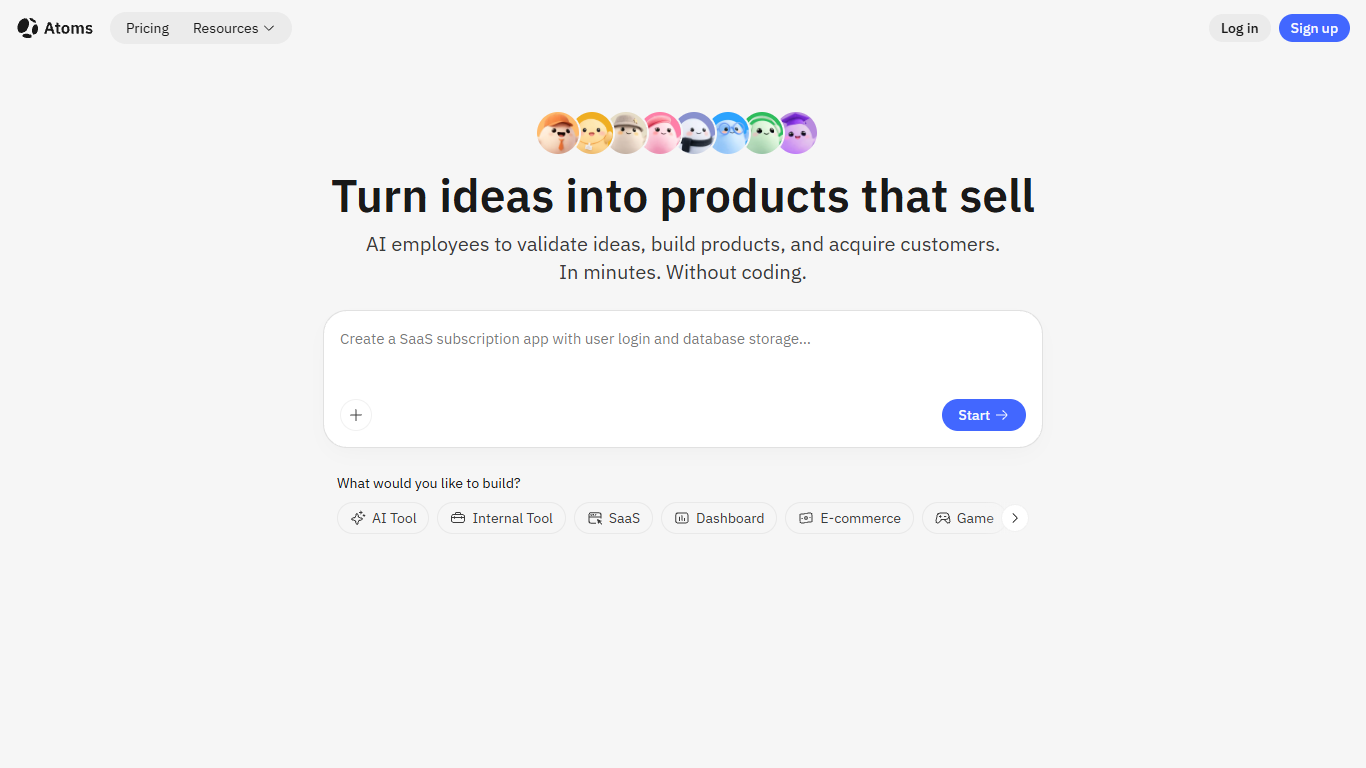

What is Atoms?
Describe a product in chat and Atoms assigns a team of coding agents to research, architect, build, test, and deploy a full-stack app with login, database, Stripe payments, and hosting. Named agents cover product management, engineering, SEO, Google Ads, and data analysis in one workflow. The platform evolved from the MetaGPT open-source multi-agent framework and reports 1M+ builders across 170+ countries.
Most vibe-coding tools stop at a frontend mockup. Atoms assigns named agents (Product Manager Emma, Engineer Alex, SEO Specialist Sarah, Ads Specialist Adrian, and others) to cover research through customer acquisition in one workflow. Race Mode runs prompts across multiple models for higher accuracy on Max plans, and you can export code or sync to GitHub when you outgrow the hosted builder.
Solo founders, indie hackers, and non-technical teams use Atoms to ship SaaS subscriptions, internal dashboards, portfolios, and e-commerce pages without hiring a dev shop. One-click publishing handles hosting, while built-in SEO and Google Ads agents target paying customers from day one.
Code Sensei
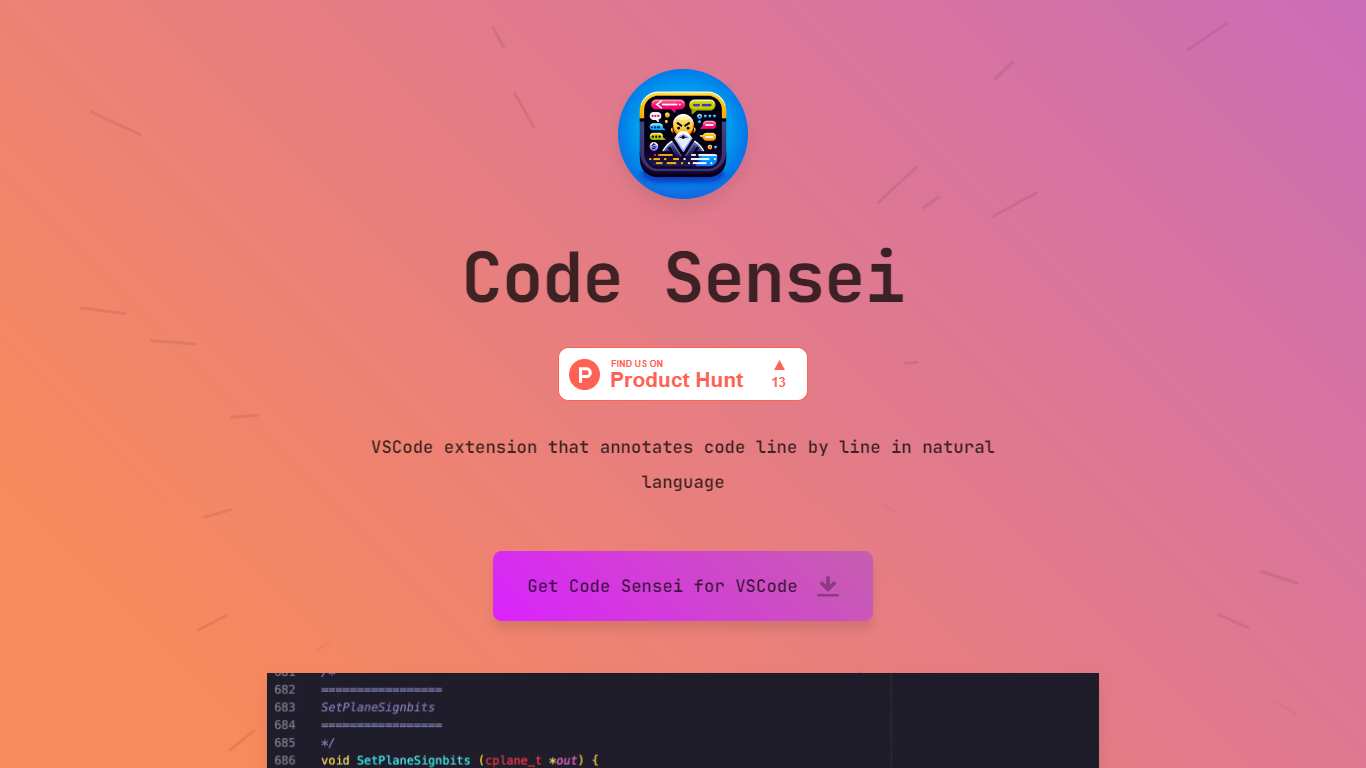
What is Code Sensei?
Code Sensei is your go-to Visual Studio Code extension when you’re looking for a tool to bring clarity and understanding to your coding endeavors. This innovative extension takes your programming experience a step further by providing detailed, natural language annotations for each line of code in real time. By doing so, Code Sensei makes it easier for new learners to understand what each part of the code does, and serves as an invaluable tool for educators who aim to provide clearer coding instructions to their students.
The extension integrates seamlessly with VSCode, allowing coders to progress through their projects efficiently while simultaneously learning from the annotations. This is a particularly useful tool for training courses, online coding schools, or any educational platform that focuses on teaching programming.
For institutions that require a tailored approach, Code Sensei offers custom solutions to fit the specific needs of your training course or online school. With a commitment to enhancing the learning experience, the team behind Code Sensei is available to work closely with clients to deliver a solution that aligns with their educational goals. To inquire about these custom solutions, interested parties are encouraged to reach out through the provided email contact.
Atoms Upvotes
Code Sensei Upvotes
Atoms Top Features
Eight named agents (research, architecture, engineering, SEO, ads, PM, team lead, data) coordinate builds from chat
Atoms Cloud ships user login, database, Stripe payments, and one-click hosting without separate backend setup
Free plan includes 15 daily credits (up to 25 per month), 2 GB storage, and 2 backend projects
Race Mode on Max plans runs prompts across multiple models for up to 3x accuracy improvement
Visual editor plus GitHub export and code download for full ownership of generated projects
Built-in SEO and Google Ads agents automate page optimization and campaign management
Code Sensei Top Features
Natural Language Annotations: Provides line-by-line explanations of code in natural language, enhancing readability and comprehension.
VSCode Integration: Seamlessly integrates with Visual Studio Code for a user-friendly experience.
Learning Aid: Ideal for coding beginners and educational environments, assisting in the understanding of programming concepts.
Custom Solutions: Offers customized annotation solutions to suit the unique needs of training courses and online schools.
Support and Collaboration: Encourages direct contact for tailored solutions, facilitating collaboration between the Code Sensei team and clients.
Atoms Category
- Code Assistant
Code Sensei Category
- Code Assistant
Atoms Pricing Type
- Freemium
Code Sensei Pricing Type
- Freemium