Atoms vs CodePal
In the battle of Atoms vs CodePal, which AI Code Assistant tool comes out on top? We compare reviews, pricing, alternatives, upvotes, features, and more.
Between Atoms and CodePal, which one is superior?
Upon comparing Atoms with CodePal, which are both AI-powered code assistant tools, The upvote count shows a clear preference for Atoms. Atoms has attracted 92 upvotes from aitools.fyi users, and CodePal has attracted 3 upvotes.
You don't agree with the result? Cast your vote to help us decide!
Atoms
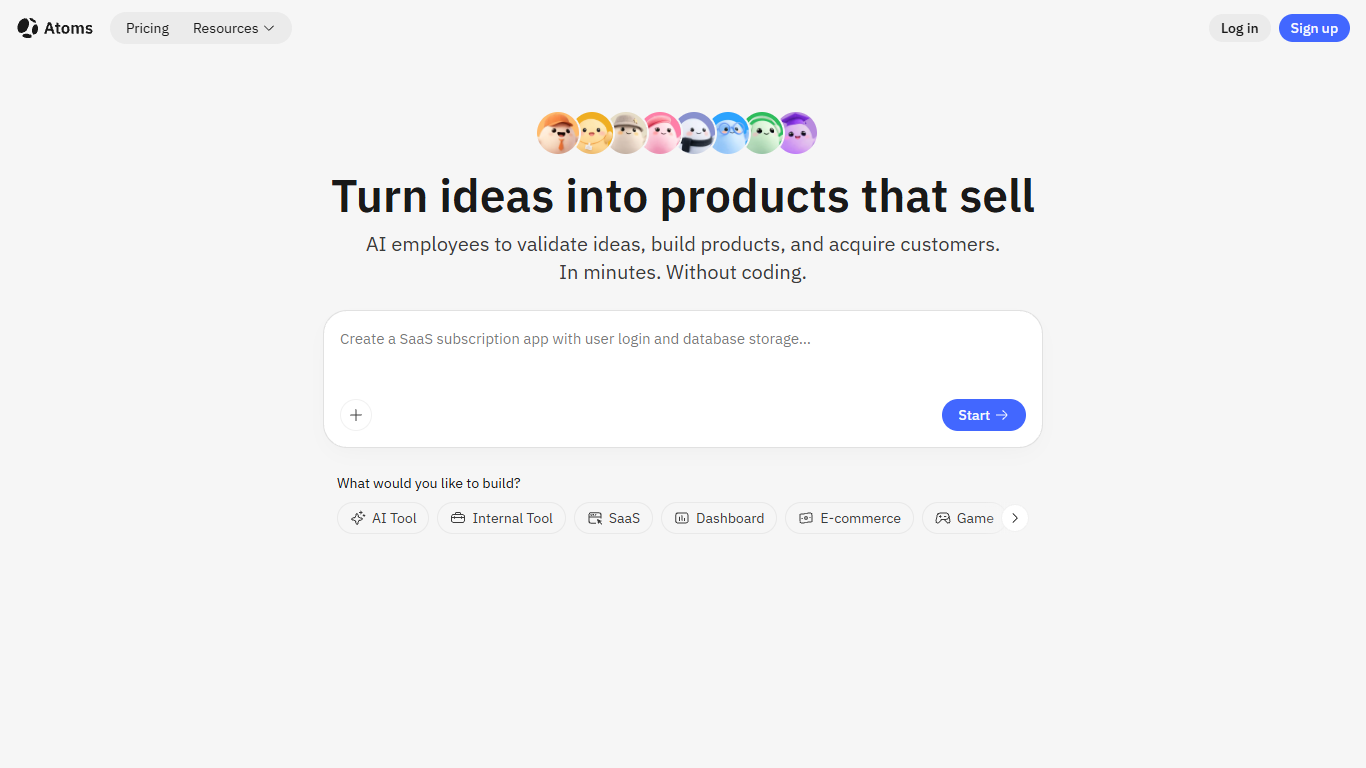

What is Atoms?
Describe a product in chat and Atoms assigns a team of coding agents to research, architect, build, test, and deploy a full-stack app with login, database, Stripe payments, and hosting. Named agents cover product management, engineering, SEO, Google Ads, and data analysis in one workflow. The platform evolved from the MetaGPT open-source multi-agent framework and reports 1M+ builders across 170+ countries.
Most vibe-coding tools stop at a frontend mockup. Atoms assigns named agents (Product Manager Emma, Engineer Alex, SEO Specialist Sarah, Ads Specialist Adrian, and others) to cover research through customer acquisition in one workflow. Race Mode runs prompts across multiple models for higher accuracy on Max plans, and you can export code or sync to GitHub when you outgrow the hosted builder.
Solo founders, indie hackers, and non-technical teams use Atoms to ship SaaS subscriptions, internal dashboards, portfolios, and e-commerce pages without hiring a dev shop. One-click publishing handles hosting, while built-in SEO and Google Ads agents target paying customers from day one.
CodePal
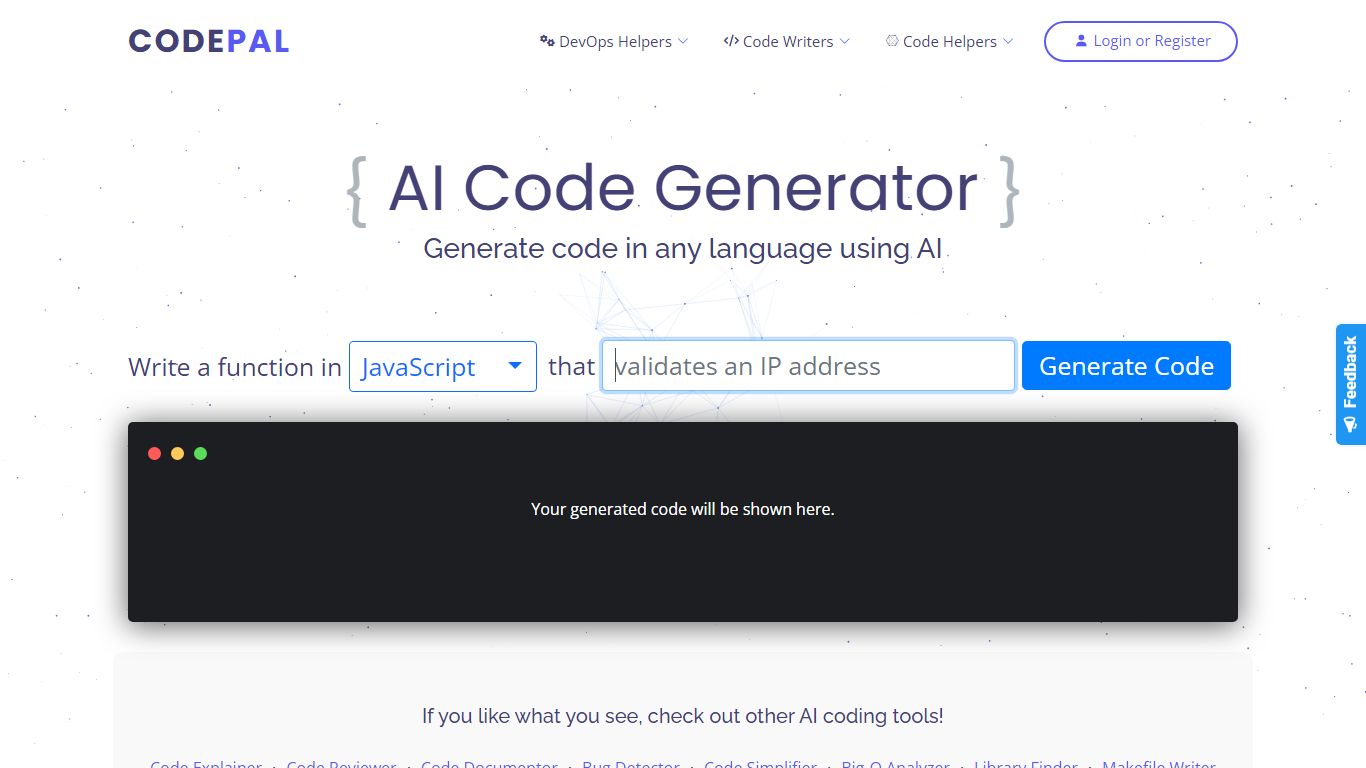
What is CodePal?
CodePal is an AI code assistant and app builder that turns a plain-language product idea into a deployable full-stack web app. You describe what you want, and CodePal scopes a build plan, writes the code, shows each step in real time, and publishes the result to a live URL. The same workspace covers planning, visual editing, GitHub sync, databases, auth, storage, and deployment without stitching separate tools together.
Where many AI builders stop at a landing page or a single-file demo, CodePal targets production-shaped products: SaaS dashboards, marketplaces, booking flows, and internal tools with backends attached. It also ships 60+ standalone developer utilities on its tools page for generating, fixing, refactoring, and explaining code across programming languages, so you can use it as a daily coding helper even when you are not launching a new app.
Founders, indie hackers, and developers who want to ship a first version fast without hiring a team are the core audience. Product managers prototyping internal dashboards and creators launching landing pages or membership sites also fit the workflow, especially when they need GitHub export and a custom domain on paid tiers.
Atoms Upvotes
CodePal Upvotes
Atoms Top Features
Eight named agents (research, architecture, engineering, SEO, ads, PM, team lead, data) coordinate builds from chat
Atoms Cloud ships user login, database, Stripe payments, and one-click hosting without separate backend setup
Free plan includes 15 daily credits (up to 25 per month), 2 GB storage, and 2 backend projects
Race Mode on Max plans runs prompts across multiple models for up to 3x accuracy improvement
Visual editor plus GitHub export and code download for full ownership of generated projects
Built-in SEO and Google Ads agents automate page optimization and campaign management
CodePal Top Features
Build full-stack web apps from a single prompt with planning, code generation, and live publishing in one workspace
62 production-ready app templates for SaaS, marketplaces, dashboards, and landing pages on the solutions page
60+ AI developer tools for code generation, refactoring, debugging, and DevOps across programming languages
Starter plan includes 2 daily credits and up to 30 credits per month with access to all platform tools
Standard plan at $25 per month adds 100 monthly credits, credit rollover, and up to 5 CodePal Cloud projects
GitHub sync lets you inspect, edit generated project files, and keep code in your own development workflow
Workspace tools cover databases, authentication, storage, secrets, logs, and analytics without external stitching
Atoms Category
- Code Assistant
CodePal Category
- Code Assistant
Atoms Pricing Type
- Freemium
CodePal Pricing Type
- Freemium