Atoms vs GitHub Copilot
When comparing Atoms vs GitHub Copilot, which AI Code Assistant tool shines brighter? We look at pricing, alternatives, upvotes, features, reviews, and more.
In a comparison between Atoms and GitHub Copilot, which one comes out on top?
When we put Atoms and GitHub Copilot side by side, both being AI-powered code assistant tools, The upvote count favors Atoms, making it the clear winner. Atoms has received 92 upvotes from aitools.fyi users, while GitHub Copilot has received 4 upvotes.
Does the result make you go "hmm"? Cast your vote and turn that frown upside down!
Atoms

What is Atoms?
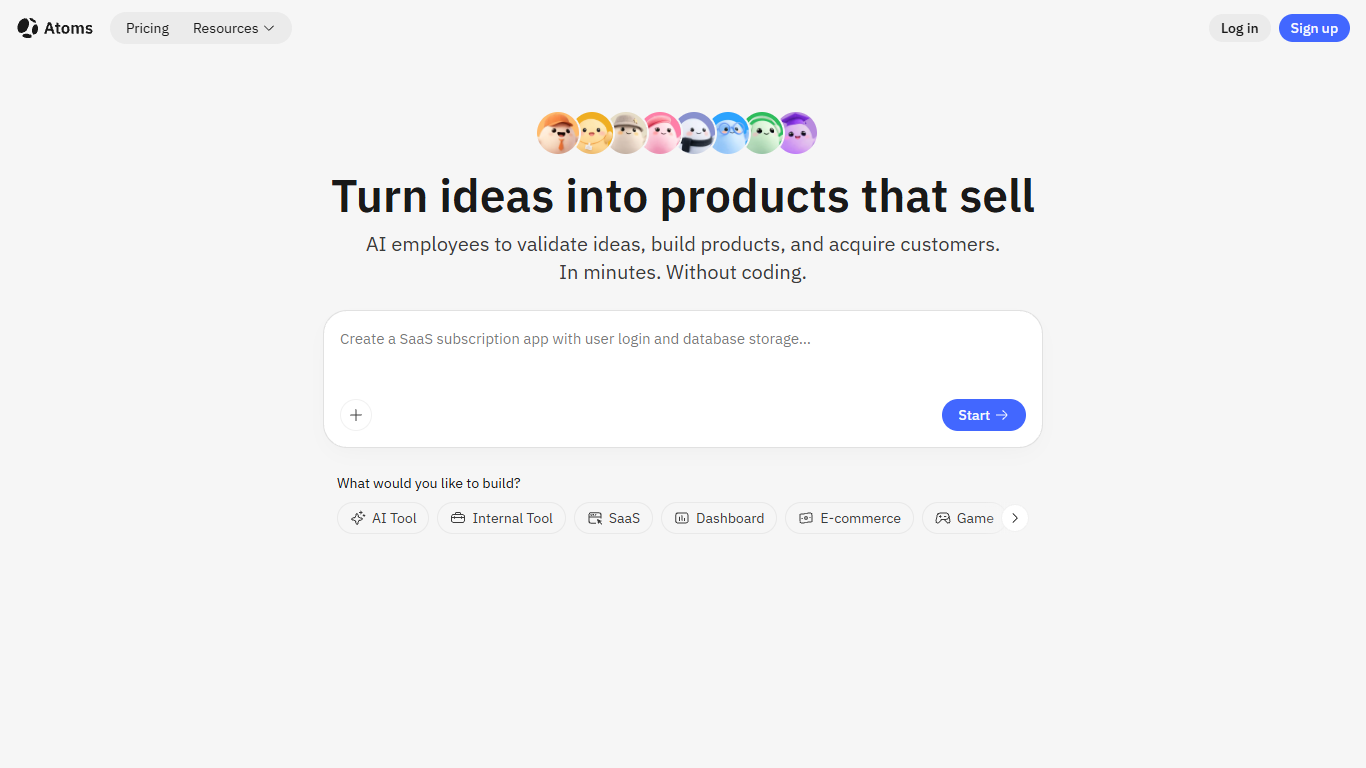
Describe a product in chat and Atoms assigns a team of coding agents to research, architect, build, test, and deploy a full-stack app with login, database, Stripe payments, and hosting. Named agents cover product management, engineering, SEO, Google Ads, and data analysis in one workflow. The platform evolved from the MetaGPT open-source multi-agent framework and reports 1M+ builders across 170+ countries.
Most vibe-coding tools stop at a frontend mockup. Atoms assigns named agents (Product Manager Emma, Engineer Alex, SEO Specialist Sarah, Ads Specialist Adrian, and others) to cover research through customer acquisition in one workflow. Race Mode runs prompts across multiple models for higher accuracy on Max plans, and you can export code or sync to GitHub when you outgrow the hosted builder.
Solo founders, indie hackers, and non-technical teams use Atoms to ship SaaS subscriptions, internal dashboards, portfolios, and e-commerce pages without hiring a dev shop. One-click publishing handles hosting, while built-in SEO and Google Ads agents target paying customers from day one.
GitHub Copilot
What is GitHub Copilot?
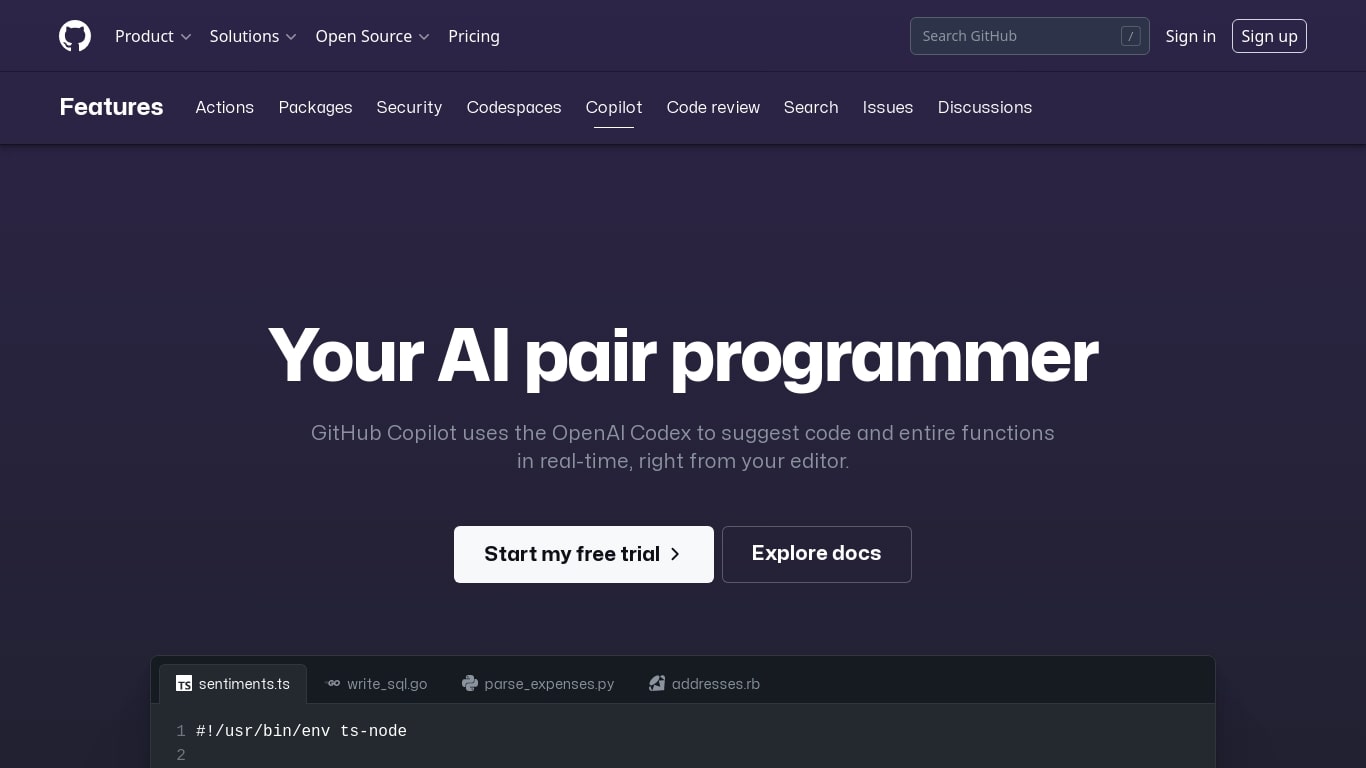
GitHub Copilot is a code assistant that lives inside your editor, terminal, and GitHub.com. It completes lines as you type, answers questions about your codebase in chat, and runs agent workflows that edit multiple files while you review each change. It is built for developers who want help inside the tools they already use rather than a separate chat window.
Most coding assistants bolt onto one IDE. Copilot spans VS Code, JetBrains, Neovim, Visual Studio, the GitHub CLI, GitHub Mobile, and native chat on GitHub.com with the Enterprise plan. That reach matters when your team splits time between local editing, pull request review, and issue triage on the web. The trade-off is complexity: plans, credit allowances, and agent policies vary by tier, so heavy agent users need to watch usage more carefully than someone who only wants inline completions.
Software engineers, open source maintainers, and enterprise dev teams use Copilot for inline completion, multi-file agent edits, automated code review on pull requests, and background cloud agents assigned through GitHub issues. Verified students and teachers can access Pro at no cost through GitHub's education program.
Atoms Upvotes
GitHub Copilot Upvotes
Atoms Top Features
Eight named agents (research, architecture, engineering, SEO, ads, PM, team lead, data) coordinate builds from chat
Atoms Cloud ships user login, database, Stripe payments, and one-click hosting without separate backend setup
Free plan includes 15 daily credits (up to 25 per month), 2 GB storage, and 2 backend projects
Race Mode on Max plans runs prompts across multiple models for up to 3x accuracy improvement
Visual editor plus GitHub export and code download for full ownership of generated projects
Built-in SEO and Google Ads agents automate page optimization and campaign management
GitHub Copilot Top Features
Free tier includes 2,000 code completions and 50 chat requests per month
Pro plan is $10 per month with unlimited completions and next-edit suggestions
Runs in VS Code, JetBrains, Neovim, Visual Studio, Xcode, and Eclipse IDE
Agent mode proposes multi-file edits with Keep or Undo review in the editor
Assign cloud agents to GitHub issues, including Claude and OpenAI Codex on Pro
Copilot CLI and Spaces draw from monthly GitHub AI Credits on paid plans
Enterprise admins control MCP server allow lists from a single control plane
Atoms Category
- Code Assistant
GitHub Copilot Category
- Code Assistant
Atoms Pricing Type
- Freemium
GitHub Copilot Pricing Type
- Freemium