Audio Enhancer vs Audo Studio
Compare Audio Enhancer vs Audo Studio and see which AI Noise Cancellation tool is better when we compare features, reviews, pricing, alternatives, upvotes, etc.
Which one is better? Audio Enhancer or Audo Studio?
When we compare Audio Enhancer with Audo Studio, which are both AI-powered noise cancellation tools, Both tools are equally favored, as indicated by the identical upvote count. Every vote counts! Cast yours and contribute to the decision of the winner.
Does the result make you go "hmm"? Cast your vote and turn that frown upside down!
Audio Enhancer

What is Audio Enhancer?
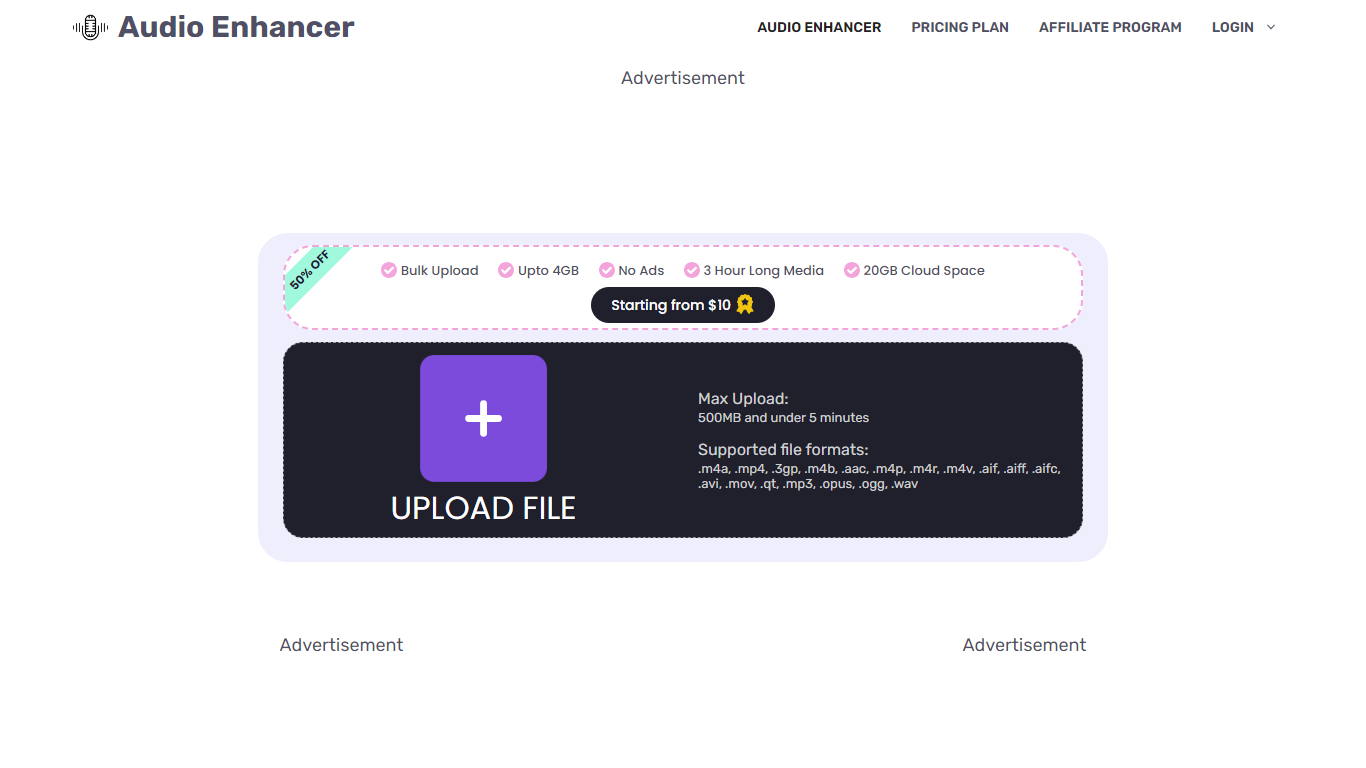
Audio Enhancer uses AI to improve audio quality by removing background noise, echoes, and vocals from audio and video files. It supports large file uploads up to 4GB and allows multiple files to be processed at once, making it suitable for podcasters, video creators, musicians, and content producers. The tool offers specialized features like vocal removal and echo reduction, helping users create clearer, more professional soundtracks. Its cloud-based platform provides fast processing without ads or captchas, ensuring a smooth user experience. With flexible pricing plans, it caters to beginners and professionals alike, offering options for limited or unlimited monthly usage. The AI technology behind the tool is developed by experienced audio engineers, delivering high accuracy in vocal isolation and noise reduction. Users can enhance podcasts, music tracks, videos, and recordings with minimal effort, improving clarity and listener engagement.
Audo Studio
What is Audo Studio?
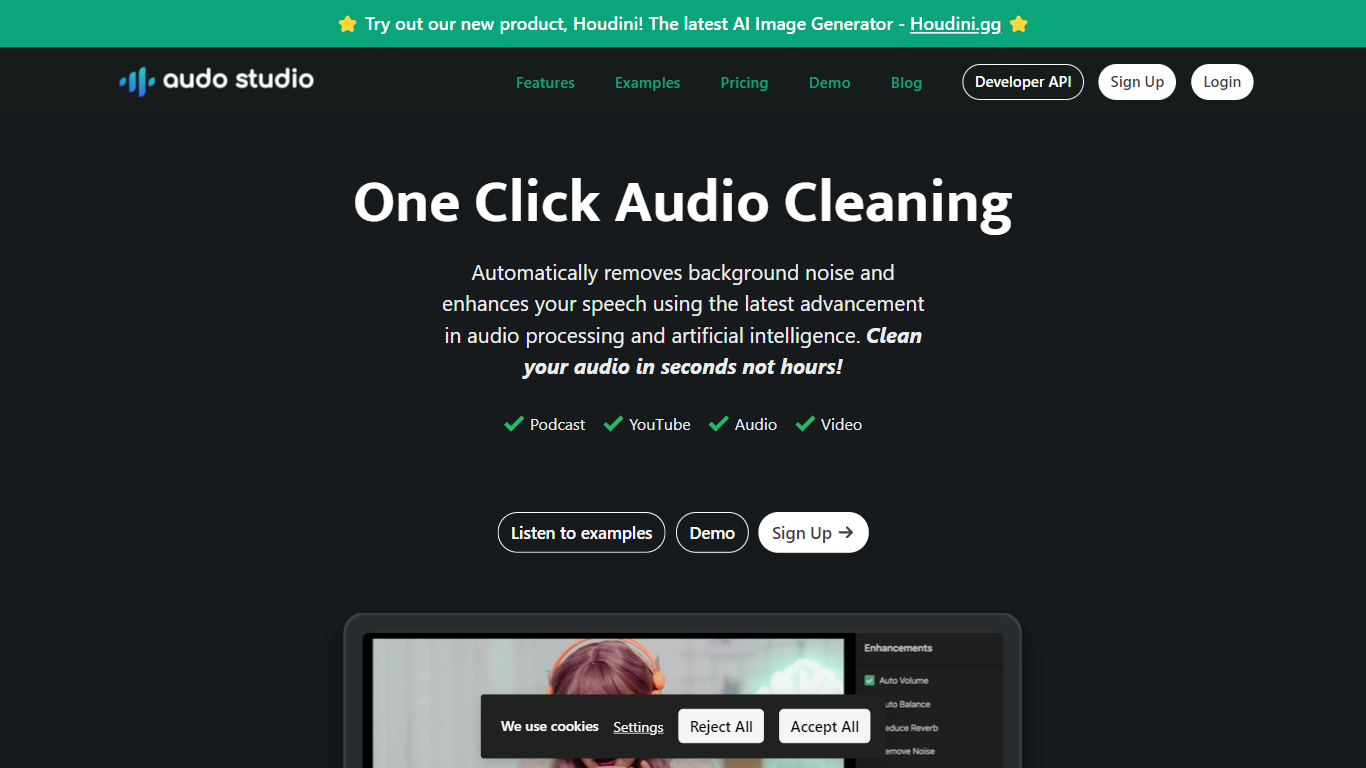
Audo Studio is a fast, browser-based audio cleaning tool designed for YouTubers, podcasters, and content creators. It removes background noise, balances volume, and soon will reduce echo, making recordings sound professional without expensive equipment. The tool uses advanced AI audio processing to clean audio in seconds, saving users hours compared to traditional software.
It works on any operating system since it runs in the browser, making it accessible to everyone. Audo Studio suits individuals who occasionally need audio fixes and creators who want to improve sound quality quickly. Transparent pricing and a free starter plan make it easy to try and scale usage.
Its upcoming echo reduction feature aims to replace acoustic foam panels, reducing setup costs for creators.
Audio Enhancer Upvotes
Audo Studio Upvotes
Audio Enhancer Top Features
🎙️ Vocal Remover isolates vocals for karaoke or remixing
🔊 Echo Remover cleans up reverberations for clearer sound
🛠️ Noise Reducer eliminates background noise in recordings
📁 Supports large files up to 4GB and multiple uploads
☁️ Cloud-based processing with no ads or captchas
Audo Studio Top Features
🎙️ One-click noise removal clears background sounds instantly
🔊 Auto volume adjustment balances speech for smooth listening
🛠️ Browser-based tool works on any operating system easily
⏱️ Fast processing cleans audio in seconds, saving time
🆕 Echo reduction coming soon to cut room reverb without foam panels
Audio Enhancer Category
- Noise Cancellation
Audo Studio Category
- Noise Cancellation
Audio Enhancer Pricing Type
- Freemium
Audo Studio Pricing Type
- Freemium