AudioBot vs vid2txt
In the face-off between AudioBot vs vid2txt, which AI Audio Generation tool takes the crown? We scrutinize features, alternatives, upvotes, reviews, pricing, and more.
In a face-off between AudioBot and vid2txt, which one takes the crown?
If we were to analyze AudioBot and vid2txt, both of which are AI-powered audio generation tools, what would we find? Both tools are equally favored, as indicated by the identical upvote count. You can help us determine the winner by casting your vote and tipping the scales in favor of one of the tools.
Does the result make you go "hmm"? Cast your vote and turn that frown upside down!
AudioBot
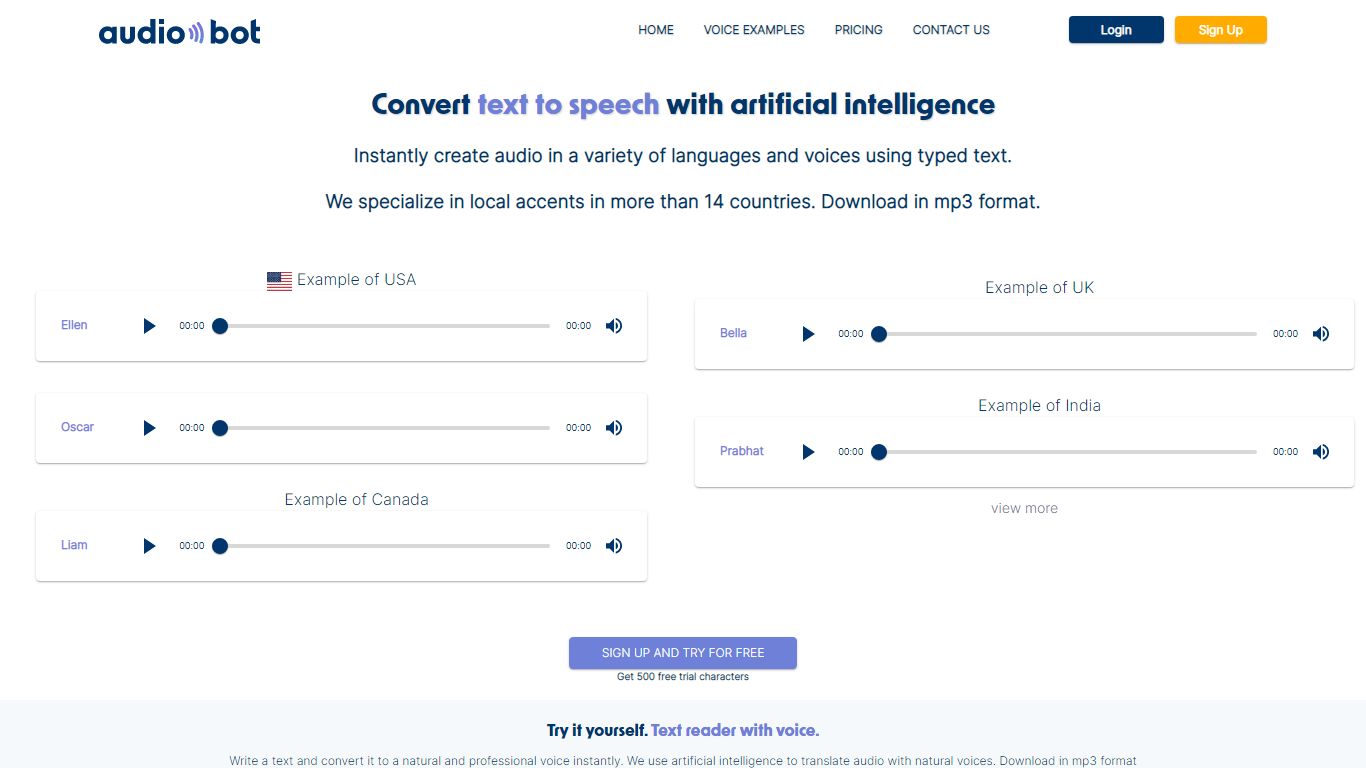

What is AudioBot?
AudioBot turns typed text into downloadable MP3 speech for creators who need localized narration without hiring voice actors. The web app covers Spanish regional accents across more than 14 Latin American countries plus English, French, German, and dozens of other languages. You pick from 500+ neural voices, preview in the browser, and export files you fully own for videos, podcasts, e-learning, and ads.
Most global TTS catalogs treat Spanish as one generic voice. AudioBot built its catalog around country-specific accents from Mexico, Colombia, Argentina, and Spain, which matters when a ad or course needs to sound local rather than dubbed. Prepaid character balances never expire, monthly plans can be canceled anytime, and every tier includes commercial rights with no watermark on downloads.
YouTube creators and podcast hosts generate voiceovers in minutes. E-learning teams localize modules into multiple Spanish dialects. Marketing agencies produce regional ad reads without studio bookings. Small businesses add professional narration to product demos from a browser tab.
vid2txt
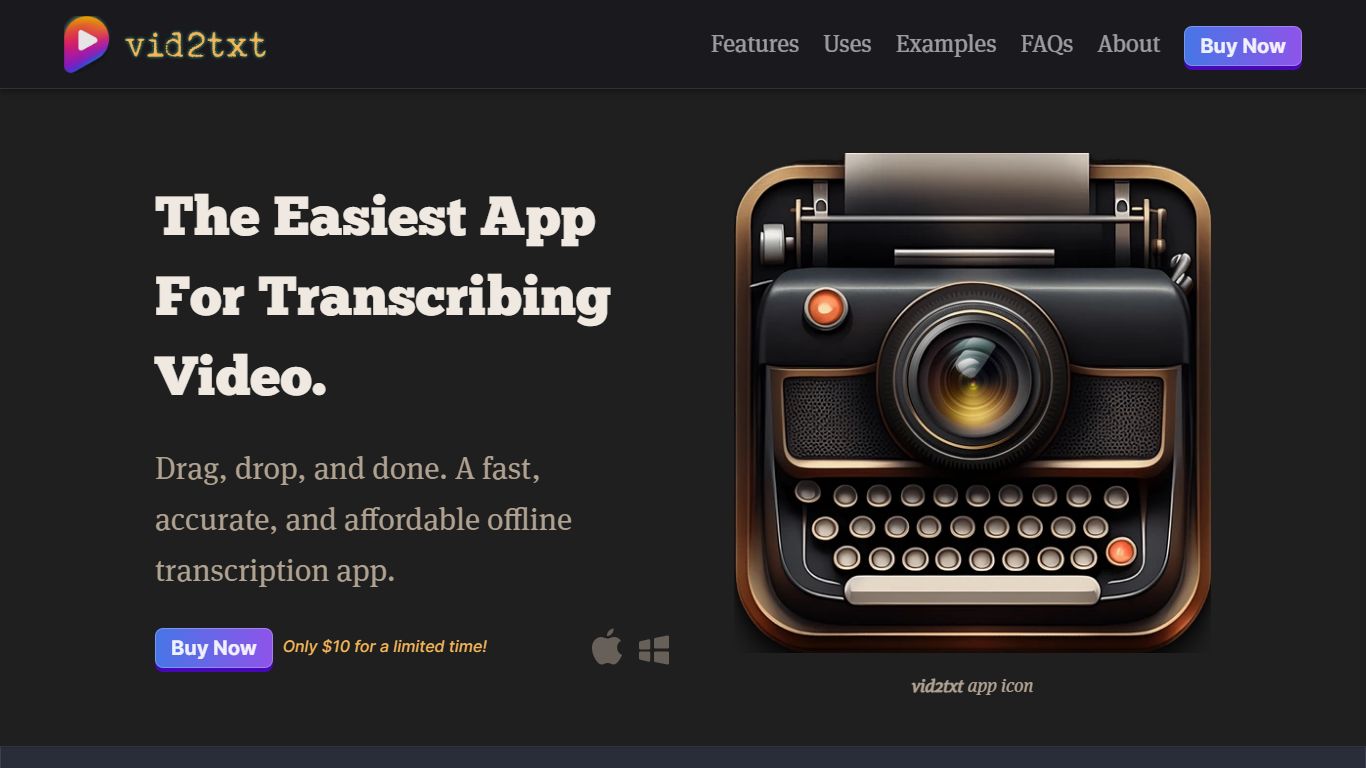
What is vid2txt?
vid2txt transcribes video and audio files on your computer without sending them to the cloud. Drag a file onto the app, and it writes .txt, .srt, and .vtt outputs locally. Content creators, journalists, and students use it when they need captions or searchable text from recordings they already have on disk.
Cloud transcription services charge monthly and route your media through remote servers. vid2txt runs offline on macOS 13+ or Windows 10+, charges a one-time purchase instead of a subscription, and keeps transcripts on your machine. The trade-off is English-only transcription today and no free trial, though the site posts raw sample outputs so you can judge accuracy before buying.
Podcasters chasing SEO-friendly transcripts, reporters converting voice memos, and students turning lecture recordings into editable notes all benefit from support for mp4, mov, wmv, mkv, avi, flv, wav, mp3, and m4a. Hearing-impaired users and researchers who need searchable meeting archives get the same drag-and-drop workflow without quota counters.
AudioBot Upvotes
vid2txt Upvotes
AudioBot Top Features
500+ neural voices across Spanish regional accents in 14+ Latin American countries
500 free trial characters on signup with no credit card required
MP3 downloads with full commercial intellectual property ownership on paid tiers
Prepaid packs from 300,000 characters at $13 USD with no expiration date
Monthly Personal plan at $17 USD includes 200,000 characters and SSML tag support
Supports 30+ languages including English, French, German, Japanese, and Hindi
vid2txt Top Features
Transcribes mp4, mov, wmv, mkv, avi, flv, wav, mp3, and m4a files offline
Outputs .txt, .srt, and .vtt files from each transcription job
One-time purchase at $10 with unlimited transcriptions and no quotas
Runs on macOS 13+ and Windows 10+ with zero data collection
Example 30-second clip transcribed in about 2 seconds on the demo page
Refund policy covers purchases if transcription fails to work
AudioBot Category
- Audio Generation
vid2txt Category
- Audio Generation
AudioBot Pricing Type
- Freemium
vid2txt Pricing Type
- Paid