AutoOptimize vs goodlookup
In the clash of AutoOptimize vs goodlookup, which AI Automation tool emerges victorious? We assess reviews, pricing, alternatives, features, upvotes, and more.
If you had to choose between AutoOptimize and goodlookup, which one would you go for?
Let's take a closer look at AutoOptimize and goodlookup, both of which are AI-driven automation tools, and see what sets them apart. The upvote count reveals a draw, with both tools earning the same number of upvotes. You can help us determine the winner by casting your vote and tipping the scales in favor of one of the tools.
You don't agree with the result? Cast your vote to help us decide!
AutoOptimize

What is AutoOptimize?
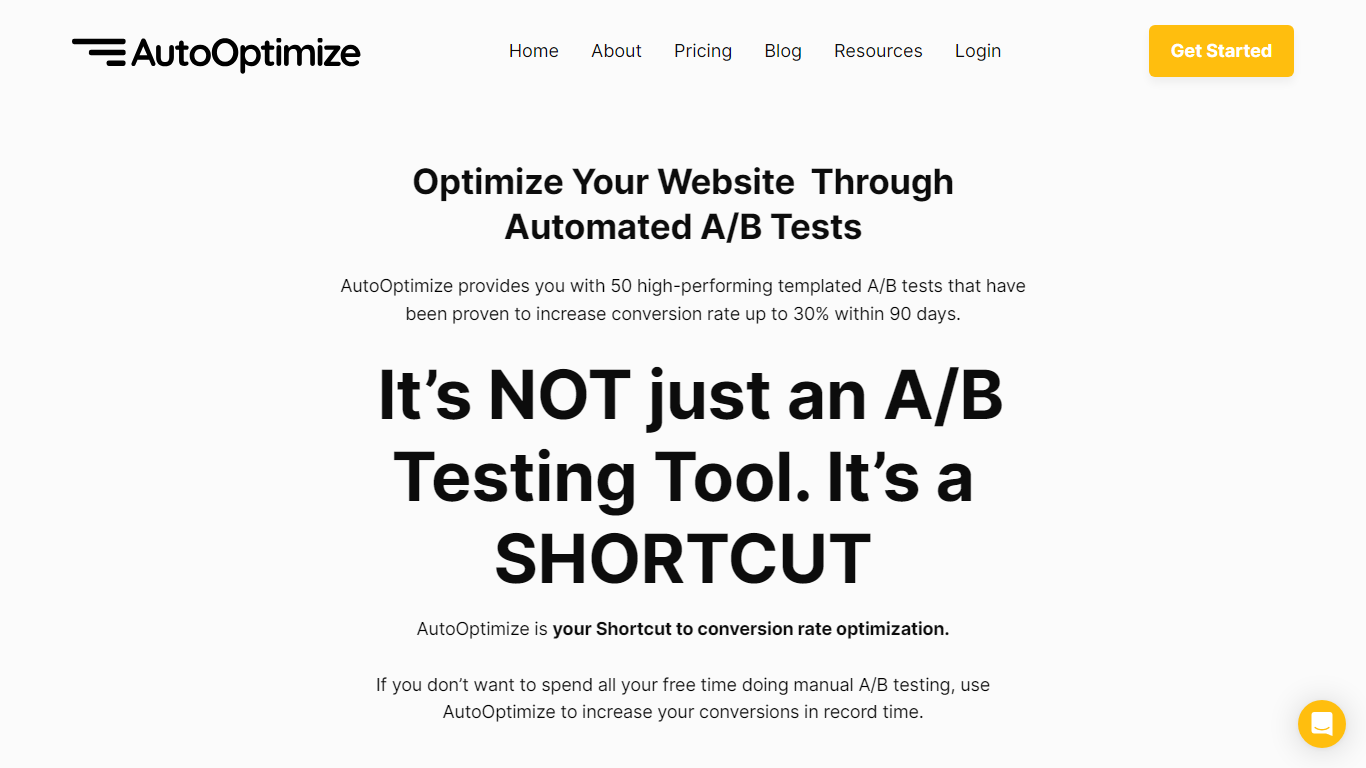
Maximize your website's potential with AutoOptimize’s advanced A/B testing tool! Designed to streamline conversion rate optimization, our platform offers 50 ready-to-use templated A/B tests that have demonstrated up to 30% increase in conversions within just 90 days. No extensive manual testing or hiring expensive CRO professionals—AutoOptimize is your affordable, automated shortcut to better performance.
AutoOptimize is not only about A/B testing; it’s the ultimate time-saving solution compatible with every platform, ensuring you get quick results. The tool provides real-time data, built-in AI features, and dedicated support, all without the need for coding skills. Plus, it’s cloud-based with advanced 256-bit encryption, promising easy organization and top-notch security.
Struggling with rising ad costs, neglected landing page optimizations, or instabilities on ad platforms? AutoOptimize tackles these challenges head-on. Easily set the service in motion in four straightforward steps, then watch as your website optimization takes care of itself, reducing ad costs, increasing revenue, and lowering customer acquisition costs.
goodlookup
What is goodlookup?
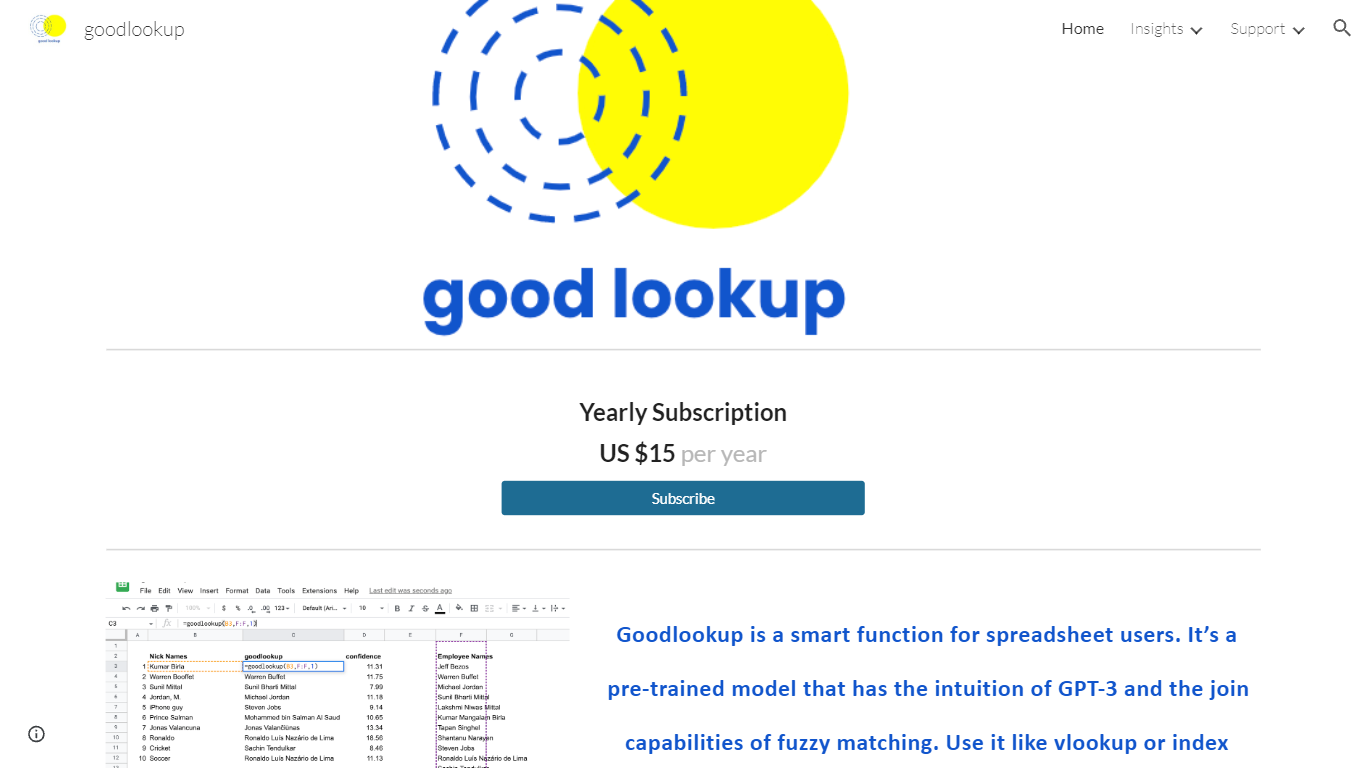
goodlookup is a spreadsheet automation add-on for Google Sheets that adds a semantic lookup function for users who need to link messy text columns without writing fragile VLOOKUP rules. You install it from the Google Workspace Marketplace, activate it under Extensions, and call =GOODLOOKUP() inside a sheet to score how closely two strings relate in meaning, not just spelling.
Classic fuzzy matching stops at character distance, which breaks when one list says "Football" and another says "Soccer," or when a short nickname should map to a full person name. goodlookup uses a pre-trained model described on its site as combining GPT-3 style intuition with join-style matching, returning a score that reflects neighboring words in vector space. Longer exact matches rank higher, but related concepts can still surface as valid pairs.
The product targets analysts, ops teams, and researchers who cluster topics, reconcile CRM exports, or unify survey tags that were typed differently across sources. Pricing is a simple yearly subscription at $15, and the homepage walks through subscribe, install, and activate steps before you open the sample spreadsheet.
AutoOptimize Upvotes
goodlookup Upvotes
AutoOptimize Top Features
Pre-Built A/B Tests: Simplifies the optimization process with 50 high-performance templates.
No-Code Solution: Easy to use without any technical expertise making it accessible for anyone.
Real-Time Data: Offers valuable insights with real-time project tracking and notifications.
Dedicated Support: Provides thorough onboarding and continuous customer assistance.
Increased Security: Ensures data protection with advanced 256-bit encryption for peace of mind.
goodlookup Top Features
=GOODLOOKUP() custom function works inside Google Sheets like VLOOKUP or INDEX MATCH
Yearly subscription listed at $15 on the official goodlookup site
Scores matches using semantic relationships, synonyms, and cultural variants
Installs from the Google Workspace Marketplace as a Sheets add-on
Returns match scores so longer identical strings rank above weaker neighbors
AutoOptimize Category
- Automation
goodlookup Category
- Automation
AutoOptimize Pricing Type
- Freemium
goodlookup Pricing Type
- Paid