AutoShorts.ai vs Supercreator AI
When comparing AutoShorts.ai vs Supercreator AI, which AI Video Generation tool shines brighter? We look at pricing, alternatives, upvotes, features, reviews, and more.
In a comparison between AutoShorts.ai and Supercreator AI, which one comes out on top?
When we put AutoShorts.ai and Supercreator AI side by side, both being AI-powered video generation tools, The community has spoken, Supercreator AI leads with more upvotes. Supercreator AI has attracted 52 upvotes from aitools.fyi users, and AutoShorts.ai has attracted 6 upvotes.
Want to flip the script? Upvote your favorite tool and change the game!
AutoShorts.ai

What is AutoShorts.ai?
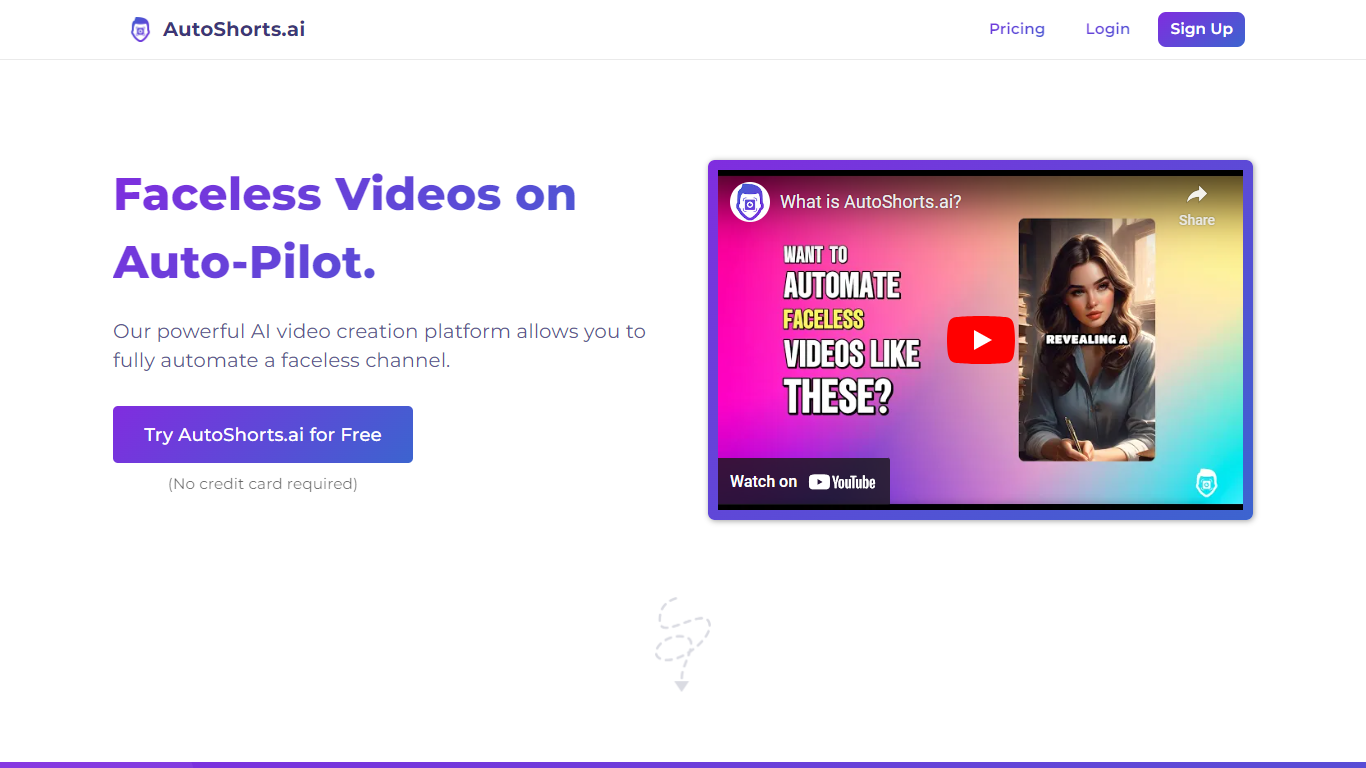
AutoShorts.ai turns a faceless short-form channel into a scheduled publishing loop. You pick a niche or write a custom prompt, configure a Series once, and it scripts, generates visuals with voiceover, and auto-posts finished clips to TikTok, YouTube, and Instagram. The homepage reports 2.5 million videos generated and 28,000 faceless creators on the platform.
Most AI video tools spit out one clip at a time. AutoShorts.ai is built for recurring Series where posting frequency scales with your plan, from three times per week on Starter up to twice daily on Hardcore. Paid tiers bundle motion credits (27 to 124 per month) so animated footage has a defined quota rather than unlimited generation.
The dashboard workflow is Series-first: choose a preset niche or custom prompt, connect your social accounts, set a posting schedule, and let generation run on autopilot. You can preview each output and edit the script, title, images, or background music before publishing.
Faceless creators, affiliate marketers, and social media managers use it to grow channels without a production stack. Art style options include Lego, Disney Toon, Minecraft, GTAV, and comic book looks, and the site states every video is generated fresh rather than recycled.
Supercreator AI

What is Supercreator AI?
Supercreator AI lets you plan a short video scene by scene, record it with a scrolling teleprompter, then trim and caption the footage in the same browser workspace. Storyboarding, recording, timeline editing, and mini apps for AI media, talking avatars, and multi-shot sequences all sit on one home screen. You sign in to save creations, but every tool is listed before you start.
Where many video editors assume you already have footage, Supercreator AI front-loads scripting and recording. The storyboard maps scenes before capture, the recorder scrolls your script while you film, and one-click templates plus AI captions sit beside standalone tools like a Reel transcriber and clip editor. That workflow keeps scripting, capture, and polish in one tab instead of three separate apps.
It fits creators who publish to TikTok, Reels, and Shorts and want scripting, capture, and caption polish without switching tools. Founders, educators, and on-camera marketers get teleprompter support, visual aids, and reusable identity presets across projects.
AutoShorts.ai Upvotes
Supercreator AI Upvotes
AutoShorts.ai Top Features
Starter posts 3 times per week ($19/mo), Daily posts once per day ($39/mo), Hardcore posts twice per day ($69/mo)
Paid plans include 27 to 124 motion credits per month depending on tier
Auto-posts finished videos to TikTok, YouTube, and Instagram from one dashboard
Preview every clip and edit the script, title, images, or background music before it goes live
Pick from dozens of art styles or write a custom prompt for each series
Paid plans include voice cloning, HD output, background music, and no watermark
Supercreator AI Top Features
Storyboard maps scripts scene by scene before you hit record
Built-in recorder pairs a teleprompter with visual aids and smart overlays
Timeline editor cuts clips and adds AI-generated stylized captions
One-click templates turn raw clips into scroll-stopping social videos
Script Trainer collects high-performing videos, transcribes them, and drafts new scripts
Avatars mini app builds talking-head videos with AI voices
Super Director stitches multi-shot AI video sequences from one workspace
AutoShorts.ai Category
- Video Generation
Supercreator AI Category
- Video Generation
AutoShorts.ai Pricing Type
- Freemium
Supercreator AI Pricing Type
- Freemium