AutoUnsubscribe vs Email Bind
In the battle of AutoUnsubscribe vs Email Bind, which AI Email Assistant tool comes out on top? We compare reviews, pricing, alternatives, upvotes, features, and more.
Which one is better? AutoUnsubscribe or Email Bind?
Upon comparing AutoUnsubscribe with Email Bind, which are both AI-powered email assistant tools, Email Bind is the clear winner in terms of upvotes. Email Bind has received 7 upvotes from aitools.fyi users, while AutoUnsubscribe has received 6 upvotes.
Not your cup of tea? Upvote your preferred tool and stir things up!
AutoUnsubscribe

What is AutoUnsubscribe?
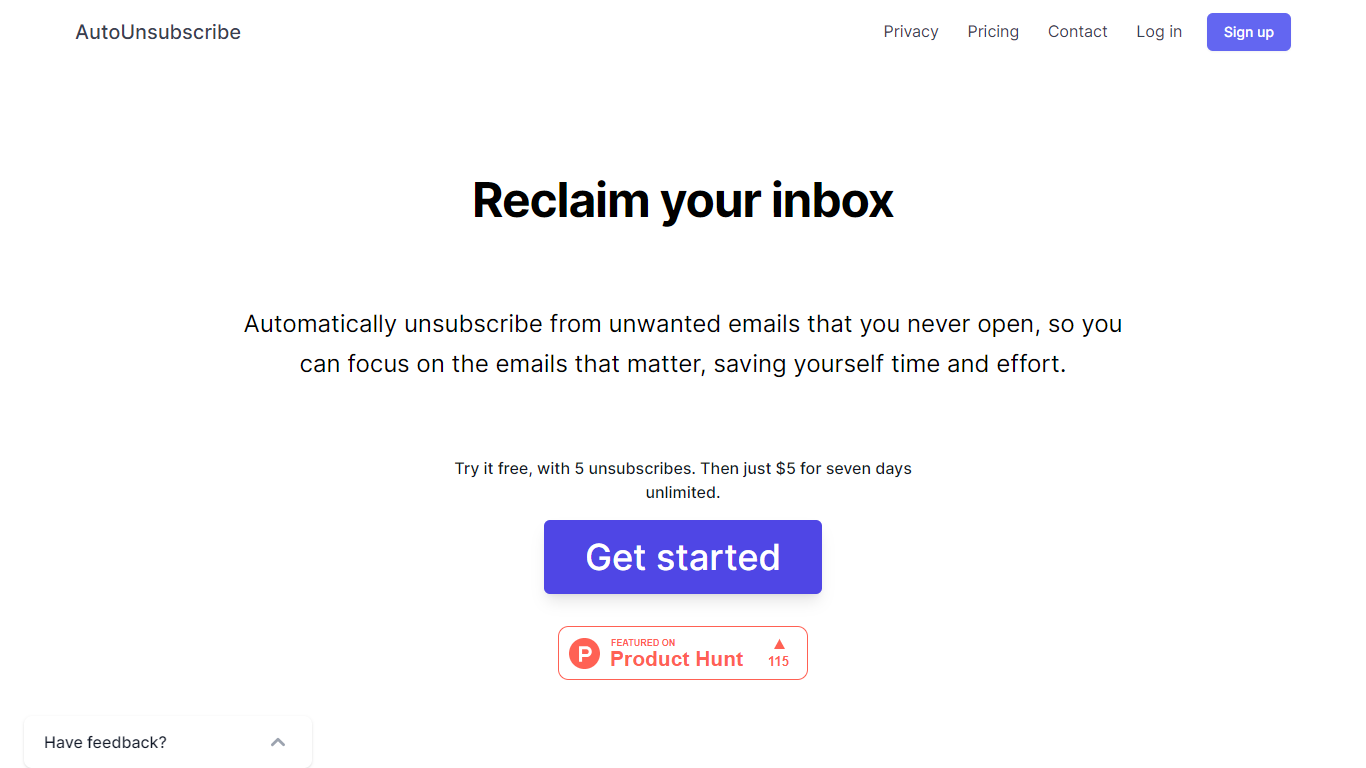
AutoUnsubscribe is an innovative email management tool designed to help you take back control of your inbox by eliminating the clutter of unwanted emails. Offering a seamless and automated way to unsubscribe from emails you never engage with, this service ensures that you can focus on the messages that truly matter. With the ability to work with all email providers that support IMAP, including Gmail, Yahoo, Outlook, and more, AutoUnsubscribe is both versatile and user-friendly.
The process is straightforward. When unread subscriptions in your inbox cross a certain threshold, AutoUnsubscribe intelligently flags them for removal. Before it proceeds with the automatic unsubscribe process, you receive a notification, allowing you to review these selections and make changes to your Keep List if necessary. For a hands-off approach, their AutoShield feature – available through a monthly subscription – will automatically discard all future emails from unsubscribed senders, offering peace of mind that you won't be bombarded with unwanted emails even if the unsubscribe function fails.
AutoUnsubscribe is privacy-focused, eschewing the reading or storage of your emails beyond sender information, and steadfastly refuses to sell any data. Available to try for free before committing to a modestly priced unlimited weekly plan, this service is built to be accessible and reassuringly secure.
Email Bind
What is Email Bind?
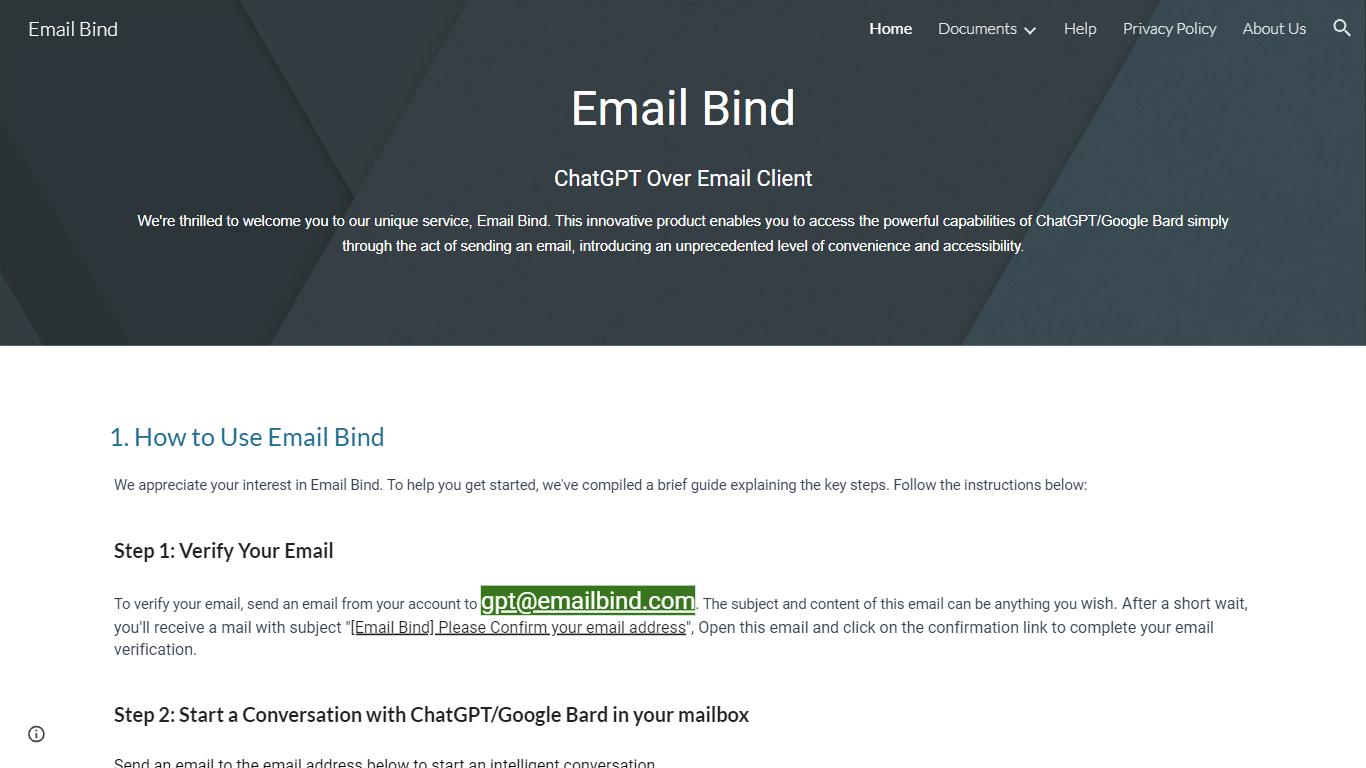
Email Bind is an email assistant that lets you chat with ChatGPT or Google Bard by sending normal emails from any inbox. Verify your address by mailing [email protected], then email prompts to [email protected] for GPT-3.5/4 replies or [email protected] for web-connected answers. Replies land back in your mailbox, including multi-turn threads when you hit reply.
Most AI chat tools expect a browser login and a stable internet path to OpenAI or Google. Email Bind routes prompts through email instead, which helps users on restricted networks or anyone who already lives in Gmail, Outlook, or QQ Mail. Bard replies can pull newer web information, and the service documents Chinese-language support on the Bard path.
Professionals, students, and non-technical teams use Email Bind for drafts, translations, meeting summaries, and coding help without opening a separate chat UI. Early Access includes 100,000 tokens per month, caps single conversations at 2,000 words, and deletes message content from servers within minutes. The iPhone app unlocks prompt templates, GPT-4, token limits, and temperature controls through a Pro upgrade.
AutoUnsubscribe Upvotes
Email Bind Upvotes
AutoUnsubscribe Top Features
Automatically Unsubscribe: Streamlines your inbox by unsubscribing from emails you do not open.
Keep List: Protects important subscriptions you wish not to unsubscribe from.
Real Unsubscribing: Utilizes genuine unsubscribe links for permanent removal from sender lists.
One-Click Unsubscribing: Allows easy unsubscribe operations directly from the dashboard.
Privacy Assurance: Prioritizes your privacy by not reading emails or storing unnecessary data.
Email Bind Top Features
Email [email protected] to use ChatGPT GPT-3.5 and GPT-4 models by mail
Email [email protected] for Google Bard replies with internet access
Early Access includes 100,000 tokens per month at no listed cost
Multi-turn conversations work by replying to Email Bind response messages
iPhone app adds prompt templates, GPT-4 toggles, max tokens, and temperature controls
Message content is deleted from servers within 1 to 10 minutes after processing
AutoUnsubscribe Category
- Email Assistant
Email Bind Category
- Email Assistant
AutoUnsubscribe Pricing Type
- Freemium
Email Bind Pricing Type
- Freemium