AutoUnsubscribe vs IntelliMail
In the battle of AutoUnsubscribe vs IntelliMail, which AI Email Assistant tool comes out on top? We compare reviews, pricing, alternatives, upvotes, features, and more.
Between AutoUnsubscribe and IntelliMail, which one is superior?
Upon comparing AutoUnsubscribe with IntelliMail, which are both AI-powered email assistant tools, The upvote count is neck and neck for both AutoUnsubscribe and IntelliMail. Join the aitools.fyi users in deciding the winner by casting your vote.
Not your cup of tea? Upvote your preferred tool and stir things up!
AutoUnsubscribe

What is AutoUnsubscribe?
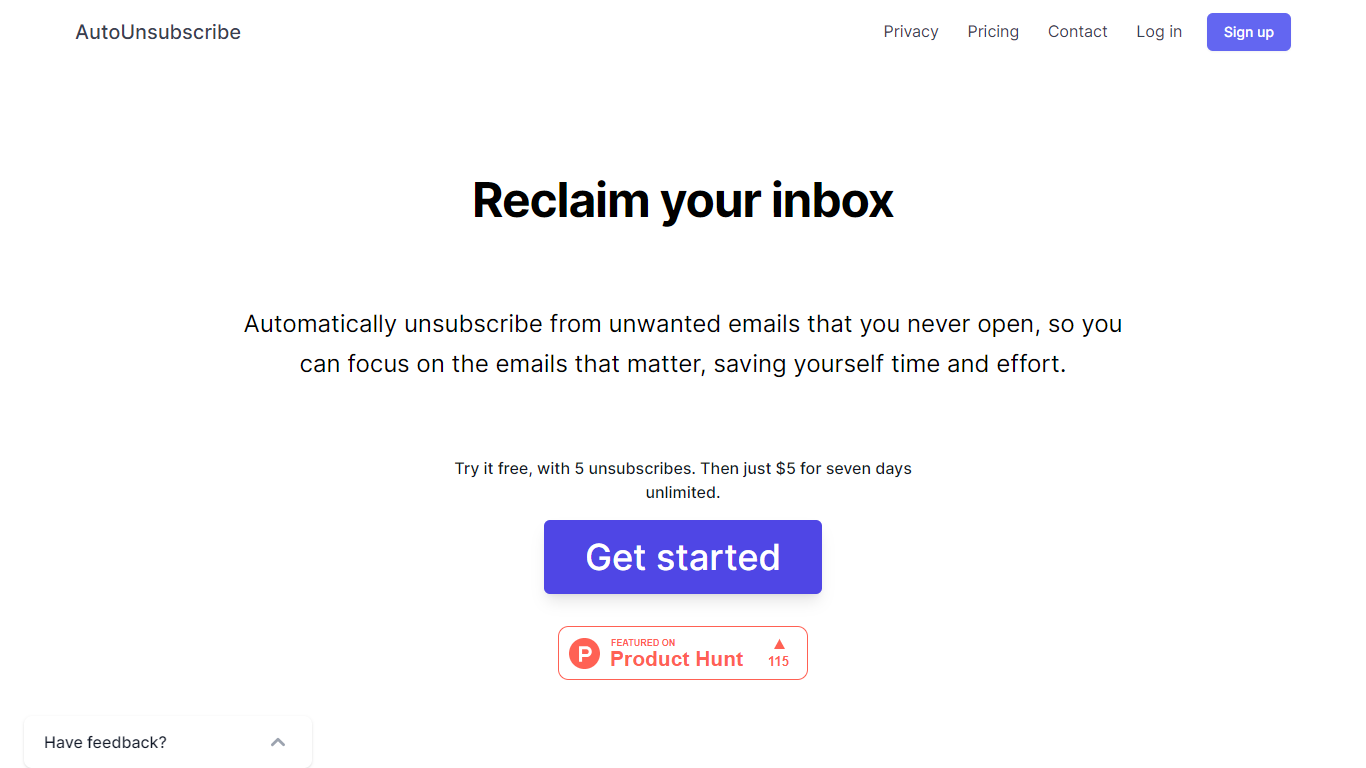
AutoUnsubscribe is an innovative email management tool designed to help you take back control of your inbox by eliminating the clutter of unwanted emails. Offering a seamless and automated way to unsubscribe from emails you never engage with, this service ensures that you can focus on the messages that truly matter. With the ability to work with all email providers that support IMAP, including Gmail, Yahoo, Outlook, and more, AutoUnsubscribe is both versatile and user-friendly.
The process is straightforward. When unread subscriptions in your inbox cross a certain threshold, AutoUnsubscribe intelligently flags them for removal. Before it proceeds with the automatic unsubscribe process, you receive a notification, allowing you to review these selections and make changes to your Keep List if necessary. For a hands-off approach, their AutoShield feature – available through a monthly subscription – will automatically discard all future emails from unsubscribed senders, offering peace of mind that you won't be bombarded with unwanted emails even if the unsubscribe function fails.
AutoUnsubscribe is privacy-focused, eschewing the reading or storage of your emails beyond sender information, and steadfastly refuses to sell any data. Available to try for free before committing to a modestly priced unlimited weekly plan, this service is built to be accessible and reassuringly secure.
IntelliMail
What is IntelliMail?
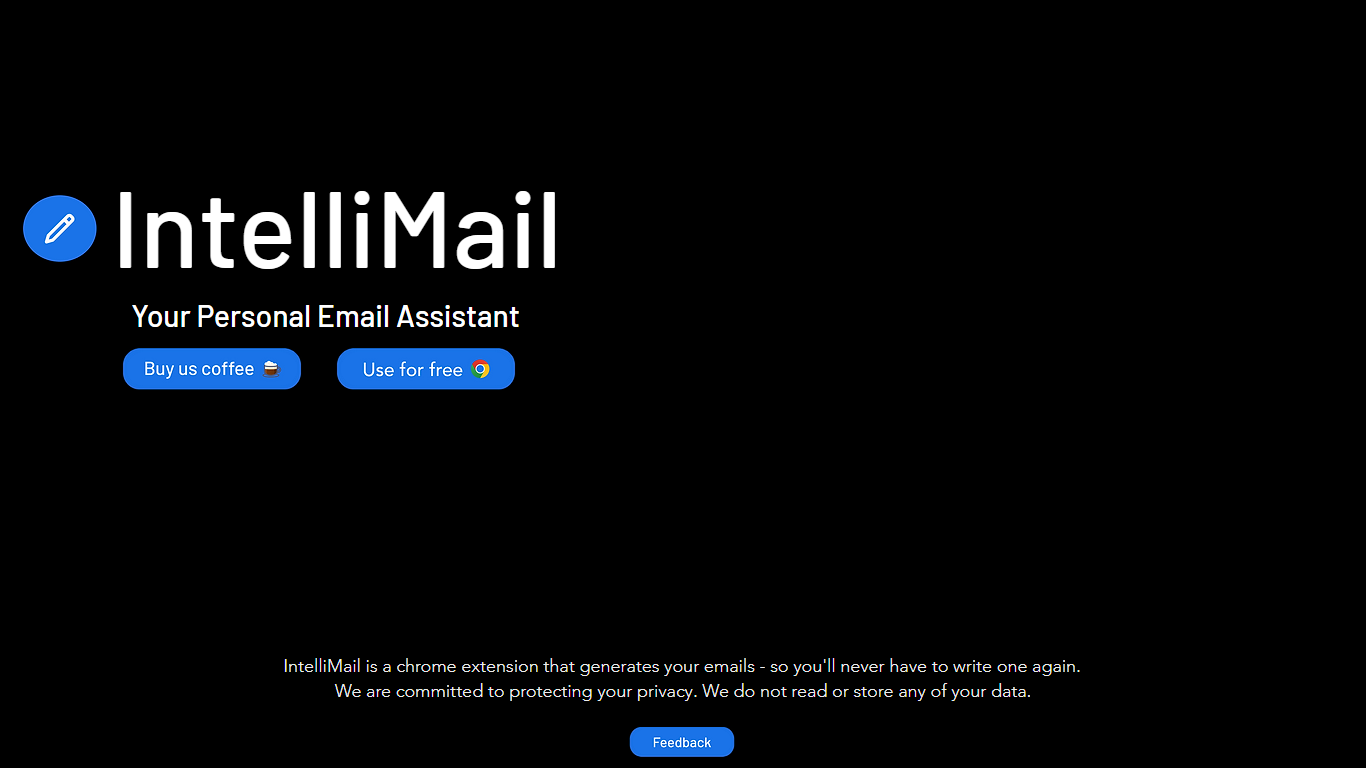
IntelliMail ships as a Chrome extension that drafts full emails from the context you provide, so you skip blank-message typing in the browser. The intellimail.xyz landing page links straight to the Chrome Web Store listing and positions the tool as a personal email assistant.
Many email helpers only suggest snippets inside a web app. IntelliMail installs as a browser extension and generates complete messages after you add context, with a public pledge that the team does not read or store your data on intellimail.xyz.
Professionals who write thank-you notes, internship outreach, and routine replies in Chrome are the natural fit. The site keeps the workflow minimal: download the extension, open your mail client, add context, and generate.
The product is marketed as free on the Chrome Web Store page linked from the homepage. Optional support runs through a Buy Me a Coffee link, and feedback goes to an Airtable form also linked on the site.
IntelliMail.xyz runs on Wix with React, Chakra UI, Cloudflare, Hotjar, and Sentry detected in the page bundle. Version 1.6.9 was the last Chrome Web Store update noted on the linked listing when this page was reviewed.
AutoUnsubscribe Upvotes
IntelliMail Upvotes
AutoUnsubscribe Top Features
Automatically Unsubscribe: Streamlines your inbox by unsubscribing from emails you do not open.
Keep List: Protects important subscriptions you wish not to unsubscribe from.
Real Unsubscribing: Utilizes genuine unsubscribe links for permanent removal from sender lists.
One-Click Unsubscribing: Allows easy unsubscribe operations directly from the dashboard.
Privacy Assurance: Prioritizes your privacy by not reading emails or storing unnecessary data.
IntelliMail Top Features
📧 Full email drafts: Extension generates complete messages from the context you supply.
🔒 Privacy pledge: Site states IntelliMail does not read or store user data.
🧩 Chrome install: Distributed through the Chrome Web Store link on intellimail.xyz.
☕ Optional support: Buy Me a Coffee link for voluntary donations on the homepage.
📝 Feedback form: Airtable feedback link collects product input from users.
AutoUnsubscribe Category
- Email Assistant
IntelliMail Category
- Email Assistant
AutoUnsubscribe Pricing Type
- Freemium
IntelliMail Pricing Type
- Free