Babble AI vs TypingMind
Explore the showdown between Babble AI vs TypingMind and find out which AI Chat Bot tool wins. We analyze upvotes, features, reviews, pricing, alternatives, and more.
In a face-off between Babble AI and TypingMind, which one takes the crown?
When we contrast Babble AI with TypingMind, both of which are exceptional AI-operated chat bot tools, and place them side by side, we can spot several crucial similarities and divergences. The upvote count reveals a draw, with both tools earning the same number of upvotes. Every vote counts! Cast yours and contribute to the decision of the winner.
Disagree with the result? Upvote your favorite tool and help it win!
Babble AI
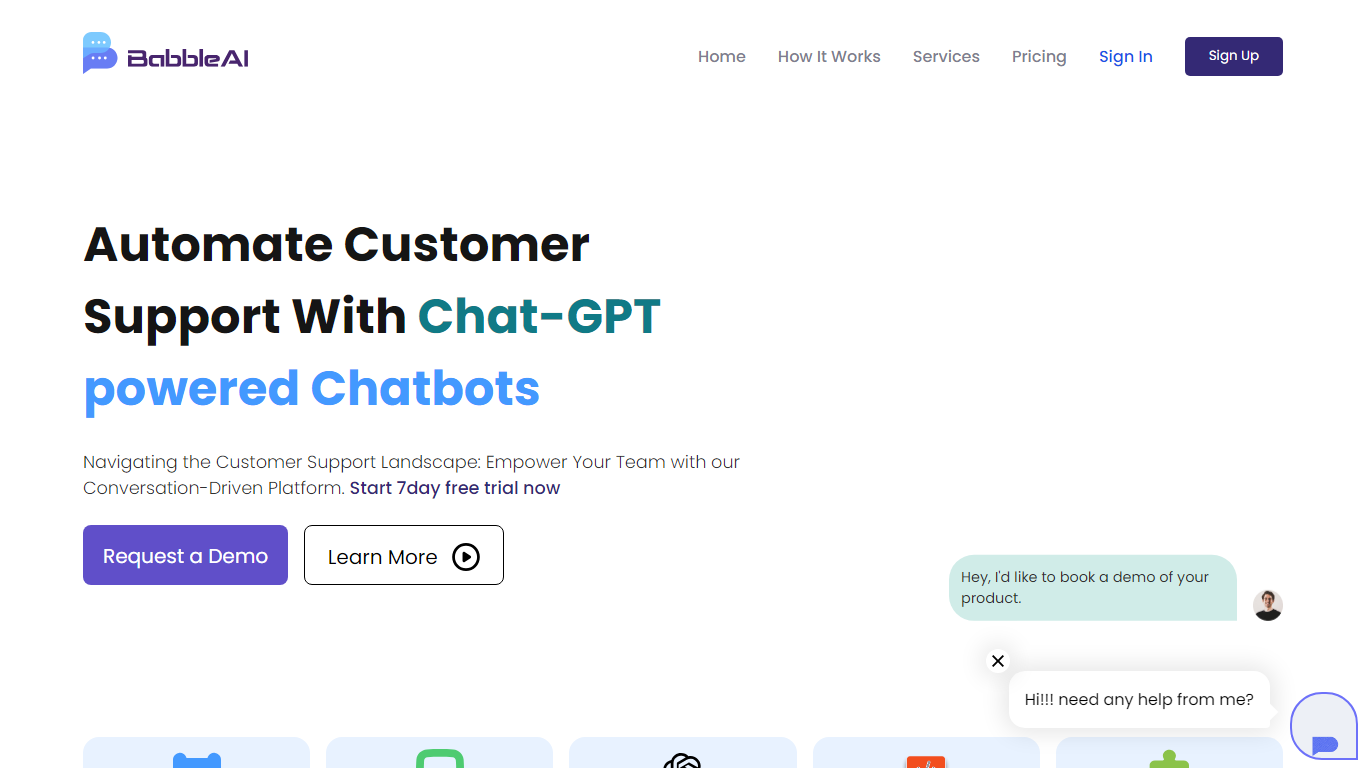

What is Babble AI?
Babble AI is a no-code chatbot builder for customer support, sales, and operations teams that want automated conversations on their website and other channels. You train bots on your own text documents, customize replies, add clickable links, and hand chats to human agents when needed. The platform targets support, e-commerce, healthcare, and legal workflows with multilingual replies and a real-time analytics dashboard.
Compared with generic live-chat widgets, Babble AI bundles document training, ticketing integrations, appointment scheduling, and CRM hooks in one builder rather than treating bots as a bolt-on. Plan limits are spelled out in users and unique messages, so you size capacity before you publish rather than discovering caps after launch.
It fits teams that need 24/7 FAQ coverage, lead qualification, order-status updates, or multilingual support without hiring developers. Marketing and support leads can spin up a first bot on the free tier, then move to Starter or Pro when traffic and message volume grow.
TypingMind
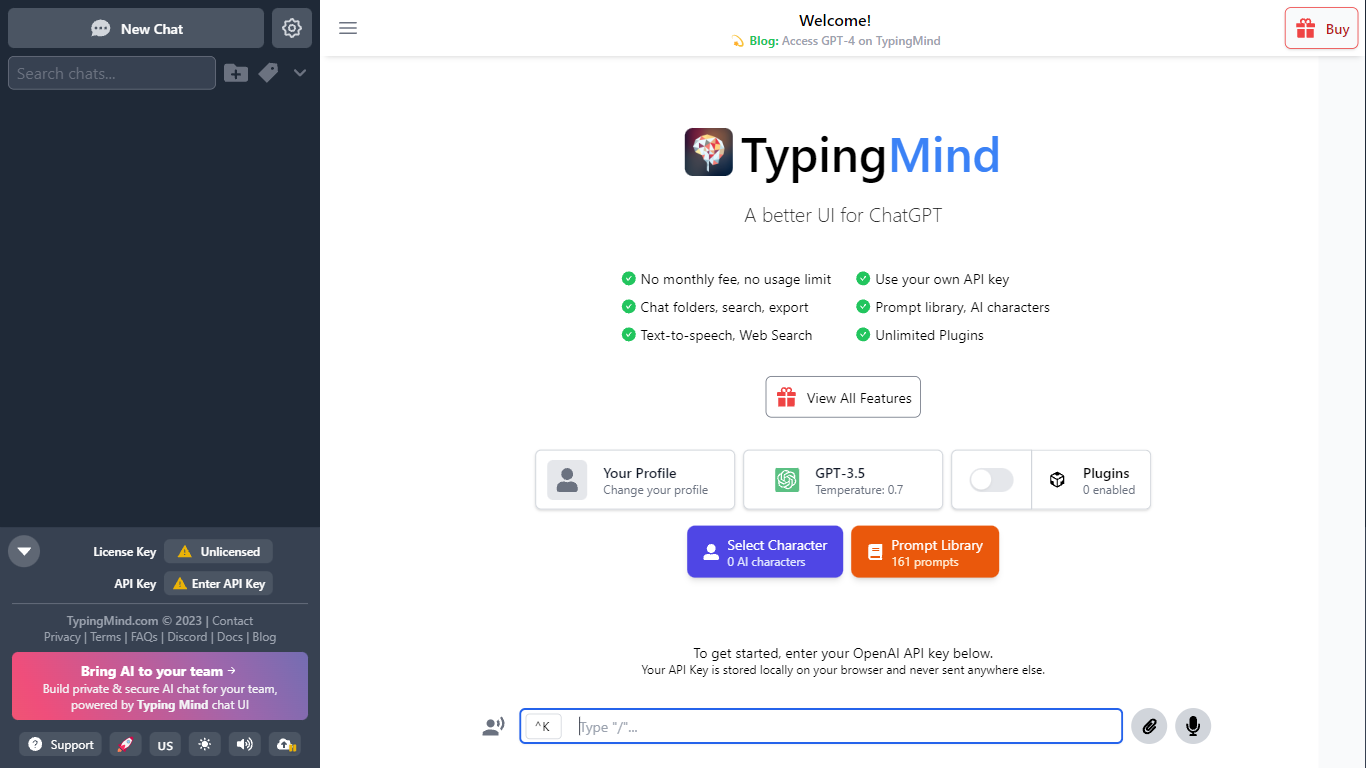
What is TypingMind?
TypingMind gives you one chat interface for ChatGPT, Claude, Gemini, DeepSeek, and other LLMs while you bring your own API keys. You pay a one-time license fee to TypingMind, then only for the tokens each model provider charges. Chats, folders, agents, and API credentials stay in local browser storage by default, so your conversations are not sent for model training.
Where ChatGPT Plus locks you into OpenAI and caps usage, TypingMind lets you switch models mid-conversation, run multi-model parallel chats, and connect MCP tools, RAG knowledge bases, and custom plugins. Prompt caching can cut token costs up to 90% on supported models. Over 50 pre-built agents cover coding, research, and marketing workflows out of the box.
TypingMind suits power users and teams who already pay for API access and want a richer UI than vendor defaults. More than 20,641 customers use it daily, and a separate TypingMind for Teams product adds admin controls, custom branding, and self-hosting for companies.
Babble AI Upvotes
TypingMind Upvotes
Babble AI Top Features
Free plan includes 1 chatbot, 100 users, and 500 unique messages
Starter plan at $14.99 per month includes 2 chatbots, 800 users, and 4,000 unique messages
Pro plan at $44.99 per month supports 5 chatbots, 3,000 users, and 15,000 unique messages
Train chatbots by uploading text documents through a no-code builder
Human agents can take over bot conversations through built-in live chat
Real-time analytics dashboard tracks customer interactions across bots
TypingMind Top Features
Access ChatGPT, Claude, Gemini, and 20+ LLMs from one interface
Lifetime licenses from $39 Standard to $99 Premium with no TypingMind subscription
Prompt caching reduces token costs up to 90% on supported models
50+ pre-built AI agents plus custom agent and plugin builder
MCP connectors for Figma, GitHub, GitLab, Redis, Make, and Apify
Local-first storage keeps chats and API keys on your device by default
Babble AI Category
- Chat Bot
TypingMind Category
- Chat Bot
Babble AI Pricing Type
- Freemium
TypingMind Pricing Type
- Paid