Behnevis vs Dubbah
When comparing Behnevis vs Dubbah, which AI Translation tool shines brighter? We look at pricing, alternatives, upvotes, features, reviews, and more.
Between Behnevis and Dubbah, which one is superior?
When we put Behnevis and Dubbah side by side, both being AI-powered translation tools, Dubbah stands out as the clear frontrunner in terms of upvotes. Dubbah has 7 upvotes, and Behnevis has 6 upvotes.
You don't agree with the result? Cast your vote to help us decide!
Behnevis

What is Behnevis?
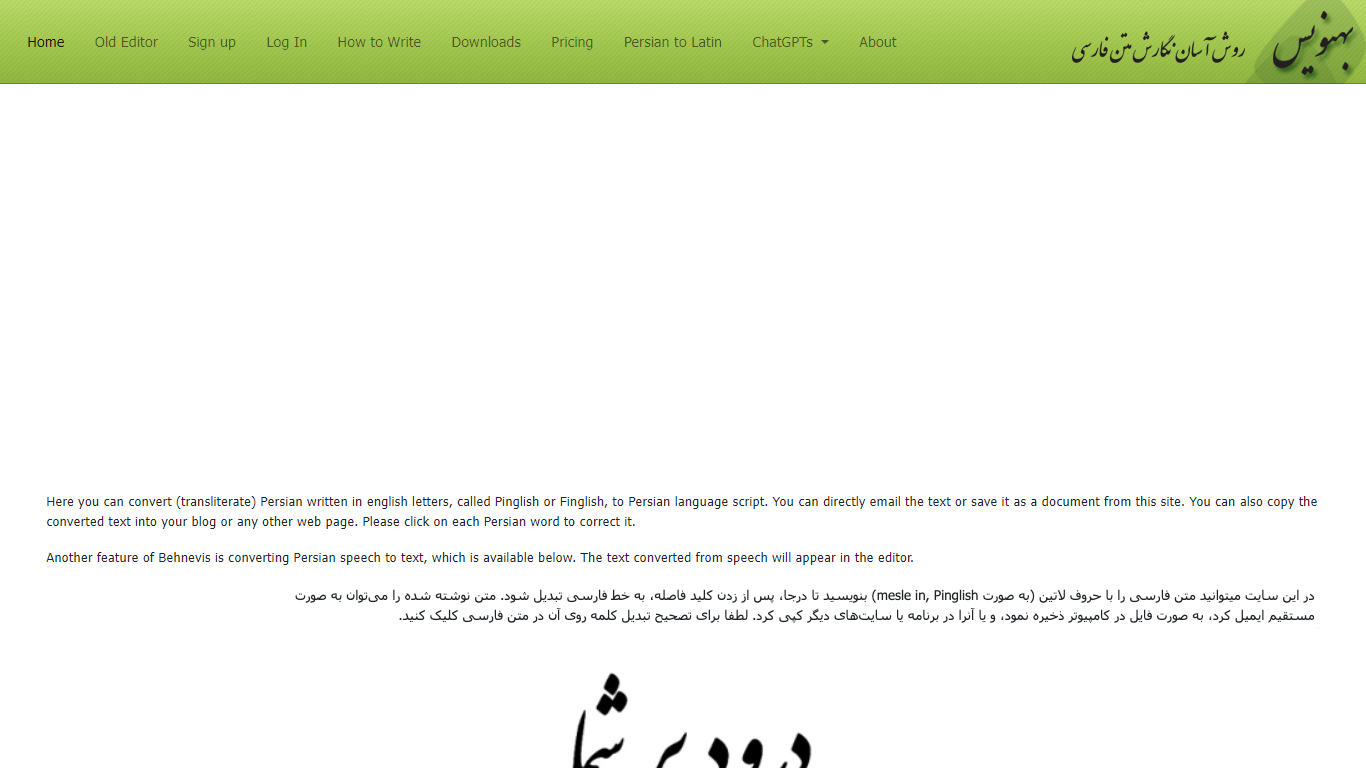
Behnevis is an online Persian writing tool that turns Pinglish or Finglish (Persian typed with Latin letters) into standard Persian script. You type in the editor, and the site converts words as you go. It has been running since 2009 and targets Persian speakers who prefer typing with an English keyboard.
The main site offers an in-place editor plus speech-to-text that supports Persian and more than 100 other languages. You can click any converted word to fix its spelling, and Behnevis remembers that correction for later. The legacy two-part editor remains available for free with no usage limits.
Paid plans unlock unlimited in-place editing, speech-to-text, an ad-free experience, and a Microsoft Word add-on for Windows. Behnevis also links to custom OpenAI GPT chatbots for Persian conversation practice.
Dubbah
What is Dubbah?
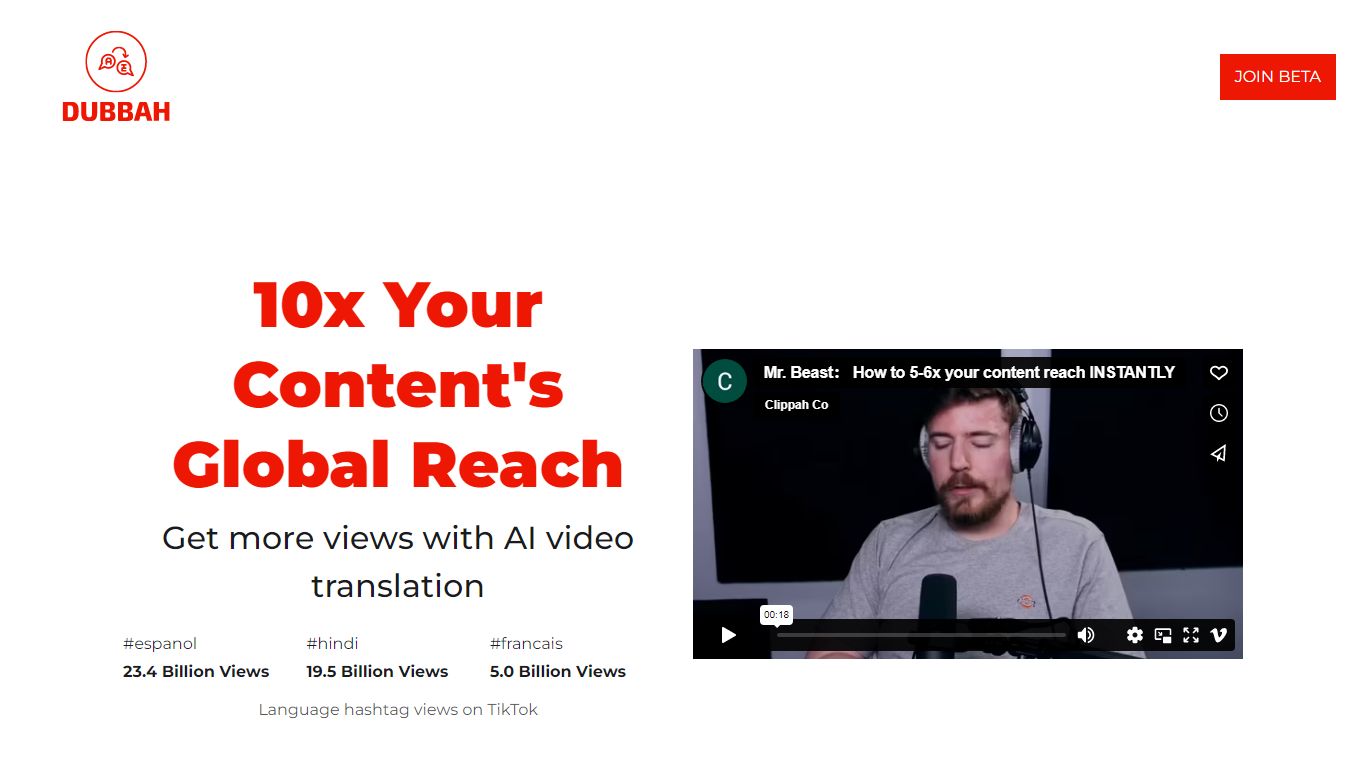
Dubbah dubs videos into 14 languages locally on your Mac without shipping files to the cloud. Drop an MP4 or MOV, pick target languages, and the app translates dialogue, clones the speaker's voice tone, and lets you edit every line before export.
Cloud dubbing services charge per minute and keep copies on remote servers. Dubbah runs on macOS 13+ for Apple Silicon and Intel, works offline after setup, and stays free with no subscriptions or per-minute metering according to the product site.
Creators, educators, and indie filmmakers use Dubbah when they need multilingual cuts for social clips, training videos, or client deliverables while keeping sensitive footage on the machine. There is no account signup; download the app and start dubbing immediately.
Behnevis Upvotes
Dubbah Upvotes
Behnevis Top Features
Type Persian in Latin letters and watch words convert to Persian script in the editor
Click any converted word to fix its transliteration; Behnevis saves your correction
Turn spoken Persian (and 100+ other languages) into text with the speech tool
Use the legacy two-part Pinglish editor for free with no usage caps
Run the MS Word add-on on Windows for offline Latin-to-Persian conversion inside Word
Dubbah Top Features
Dubs video into 14 languages including Spanish, Mandarin, Hindi, Arabic, and Japanese
Runs locally on macOS 13+ for Apple Silicon and Intel Macs
Voice cloning matches original speaker tone in the target language
Edit translated lines, timing, and re-generate individual segments before export
Works offline after initial setup with no internet required for dubbing
Completely free with no subscriptions or per-minute fees listed on site
Behnevis Category
- Translation
Dubbah Category
- Translation
Behnevis Pricing Type
- Freemium
Dubbah Pricing Type
- Free