BeyondWords vs vid2txt
Compare BeyondWords vs vid2txt and see which AI Audio Generation tool is better when we compare features, reviews, pricing, alternatives, upvotes, etc.
Which one is better? BeyondWords or vid2txt?
When we compare BeyondWords with vid2txt, which are both AI-powered audio generation tools, vid2txt is the clear winner in terms of upvotes. vid2txt has attracted 7 upvotes from aitools.fyi users, and BeyondWords has attracted 6 upvotes.
Don't agree with the result? Cast your vote and be a part of the decision-making process!
BeyondWords

What is BeyondWords?
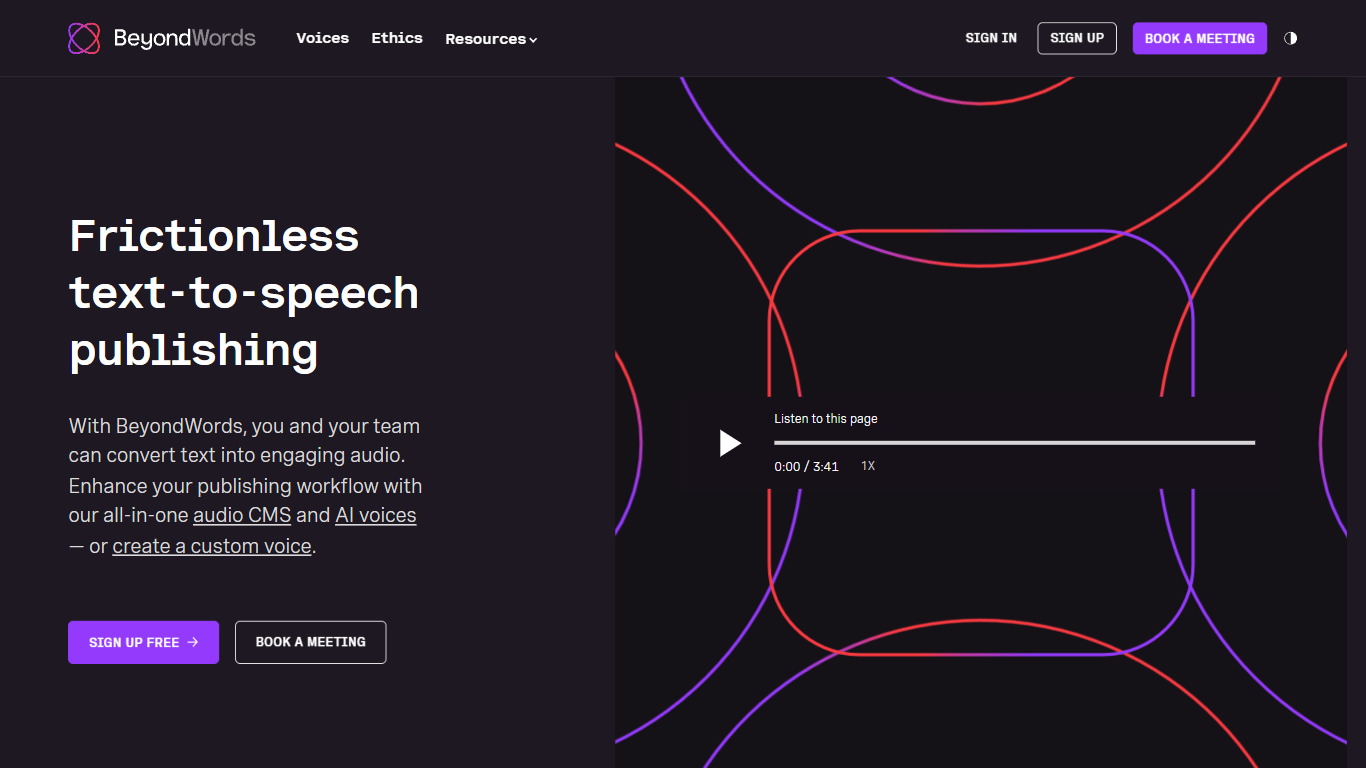
BeyondWords turns written articles into publishable audio through an audio CMS built for newsrooms and digital publishers. Connect WordPress, Ghost, or an RSS feed, and each article gets a narrated version with a branded player you embed in a few lines of code. The platform handles pronunciation rules, metadata mapping, and smart updates that regenerate only changed paragraphs.
Generic text-to-speech tools bill by characters and treat every snippet the same. BeyondWords prices by article and stores audio alongside CMS metadata like authors, categories, and identifiers. That article-first model, plus pronunciation controls for names and industry terms, targets publishers who need predictable costs at scale rather than one-off voice generation.
News publishers, editorial teams, and digital media companies use BeyondWords to add listen buttons without hiring voice actors. Clients include Mediacorp, News Corp, and The Irish Times. Teams can clone editorial voices in 24 hours, mix in music and interview clips, and monetize playback through Google Ad Manager integrations.
vid2txt
What is vid2txt?
vid2txt transcribes video and audio files on your computer without sending them to the cloud. Drag a file onto the app, and it writes .txt, .srt, and .vtt outputs locally. Content creators, journalists, and students use it when they need captions or searchable text from recordings they already have on disk.
Cloud transcription services charge monthly and route your media through remote servers. vid2txt runs offline on macOS 13+ or Windows 10+, charges a one-time purchase instead of a subscription, and keeps transcripts on your machine. The trade-off is English-only transcription today and no free trial, though the site posts raw sample outputs so you can judge accuracy before buying.
Podcasters chasing SEO-friendly transcripts, reporters converting voice memos, and students turning lecture recordings into editable notes all benefit from support for mp4, mov, wmv, mkv, avi, flv, wav, mp3, and m4a. Hearing-impaired users and researchers who need searchable meeting archives get the same drag-and-drop workflow without quota counters.
BeyondWords Upvotes
vid2txt Upvotes
BeyondWords Top Features
Article-first pricing charges per article, not by character count
Professional voice clones ready in 24 hours from five recorded articles
Instant voice cloning from five seconds of audio sample
154 languages and accents available in the premade voice library
WCAG 2 compliant audio player embeds with a few lines of code
Smart updates regenerate only new paragraphs when articles change
vid2txt Top Features
Transcribes mp4, mov, wmv, mkv, avi, flv, wav, mp3, and m4a files offline
Outputs .txt, .srt, and .vtt files from each transcription job
One-time purchase at $10 with unlimited transcriptions and no quotas
Runs on macOS 13+ and Windows 10+ with zero data collection
Example 30-second clip transcribed in about 2 seconds on the demo page
Refund policy covers purchases if transcription fails to work
BeyondWords Category
- Audio Generation
vid2txt Category
- Audio Generation
BeyondWords Pricing Type
- Paid
vid2txt Pricing Type
- Paid