BGRemover vs PostSpark
In the battle of BGRemover vs PostSpark, which AI Image Editing tool comes out on top? We compare reviews, pricing, alternatives, upvotes, features, and more.
Between BGRemover and PostSpark, which one is superior?
Upon comparing BGRemover with PostSpark, which are both AI-powered image editing tools, The upvote count is neck and neck for both BGRemover and PostSpark. Every vote counts! Cast yours and contribute to the decision of the winner.
Disagree with the result? Upvote your favorite tool and help it win!
BGRemover

What is BGRemover?
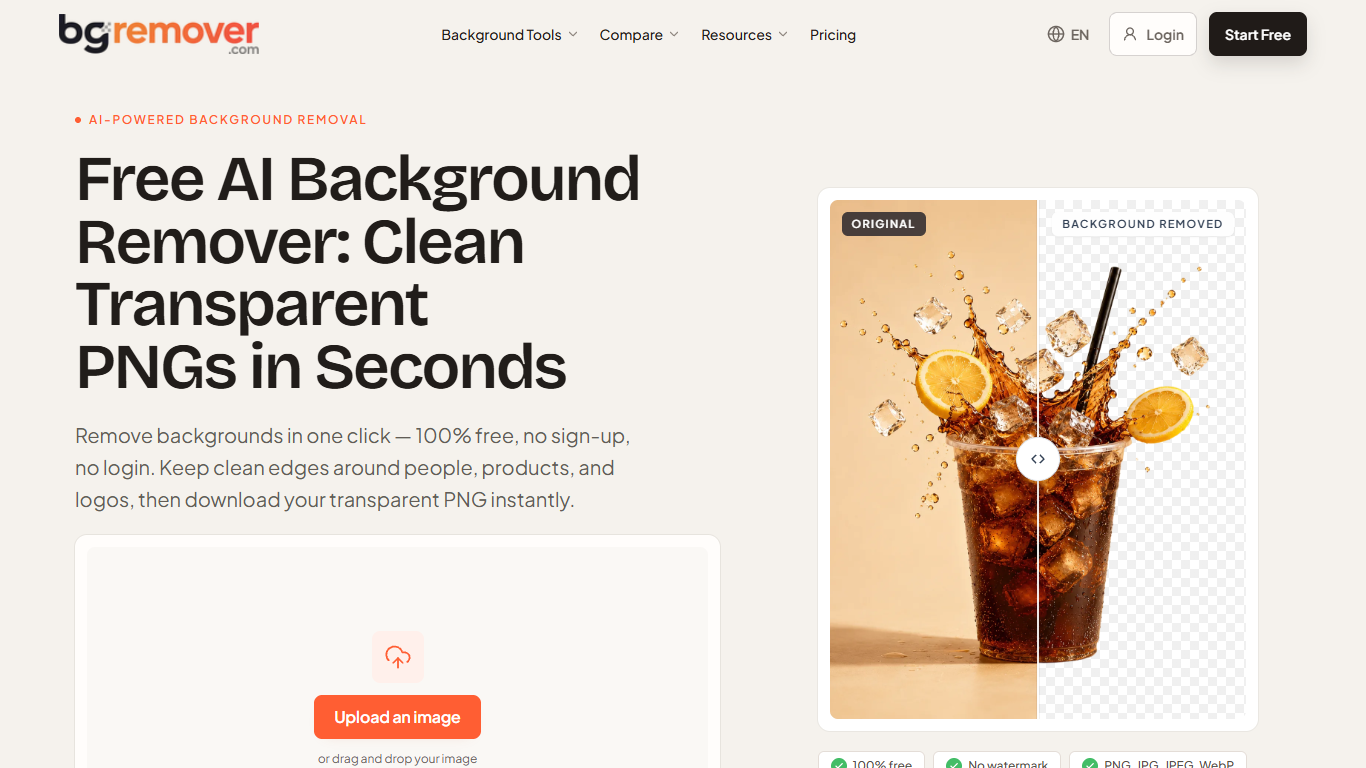
BGRemover is a browser-based background remover for still images and short video clips. Drop in a PNG, JPG, JPEG, or WebP up to 10 MB, generate a cutout in the workspace, zoom to 100% to check hair or label edges, then download a transparent PNG or a white-background version. It targets anyone who needs a clean cutout without installing desktop editing software.
Most one-click removers hand you a download immediately. BGRemover makes you review the result in Preview first, with outline touch-up tools if an edge still needs work. The homepage also shows interactive before-and-after samples for portraits, products, hair, and logos so you can judge edge quality on familiar subjects before uploading your own file.
Ecommerce sellers use it for marketplace listing photos, freelance designers for client logos and campaign assets, and creators for profile shots or social graphics. Separate templates cover passport photos, product shots, stickers, and video clips with background replacement.
Video background removal accepts MP4, MOV, M4V, MKV, and WebM files in the same workspace. You can keep a transparent-style cutout, pick a solid color, or upload a custom replacement image for short reels and talking-head clips.
PostSpark
What is PostSpark?
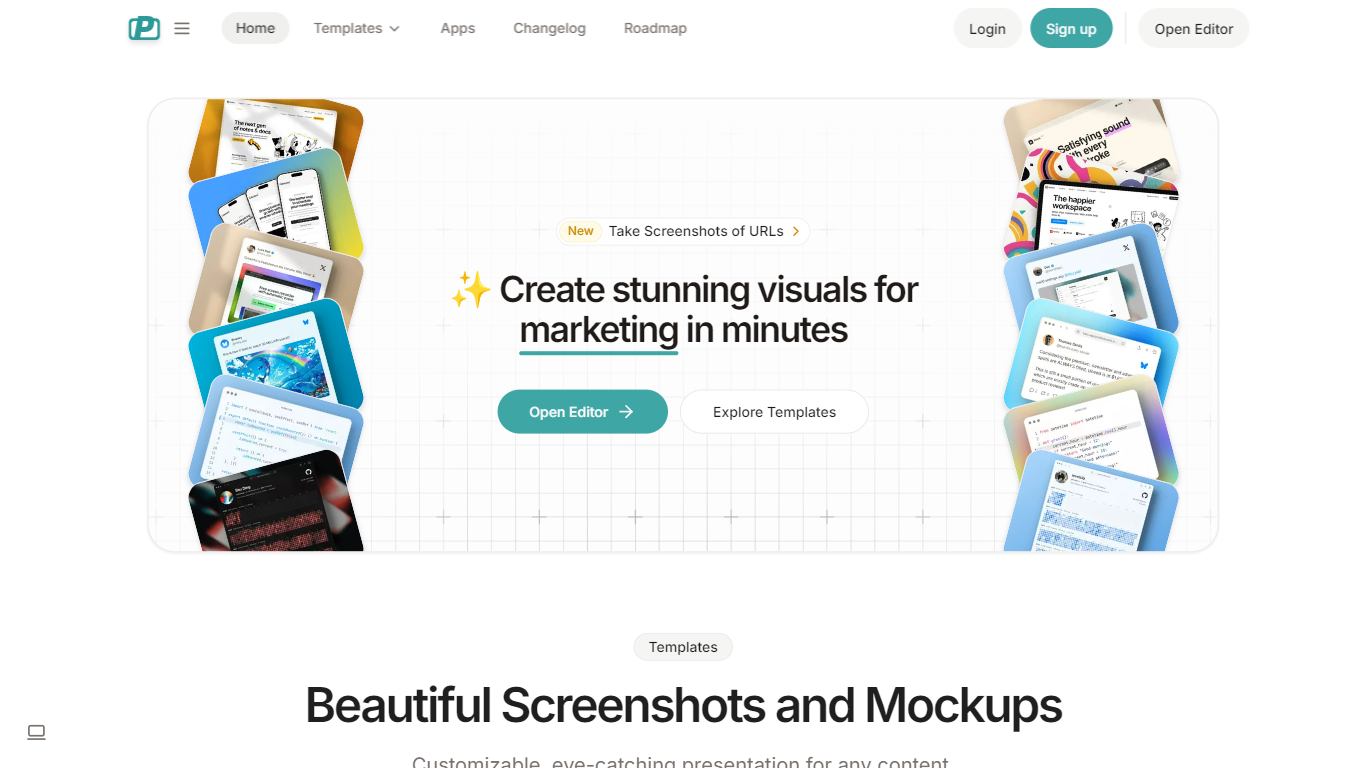
PostSpark is a versatile tool designed for creating visually appealing images tailored for social media platforms. It offers a comprehensive suite of features that enable users to generate stunning screenshots, mockups, and other visual content with ease. The core functionality revolves around a powerful editor that allows for customization of themes, backgrounds, and layouts, ensuring that users can produce content that aligns with their branding and aesthetic preferences.
Targeted primarily at creators, developers, and marketers, PostSpark caters to individuals and teams looking to enhance their online presence through high-quality visuals. Its unique value proposition lies in its user-friendly interface combined with advanced editing capabilities, making it accessible for both novice and experienced users. The tool stands out in the market by providing a one-stop solution for all visual content needs, eliminating the need for multiple applications.
Key differentiators include the ability to capture website screenshots directly, customizable theme presets, and a library of beautiful backgrounds sourced from Unsplash. Additionally, the tool supports various export formats and aspect ratios, ensuring that images are optimized for any social media platform. With features like keyboard shortcuts and quick export options, PostSpark streamlines the design process, allowing users to create professional visuals in just a few clicks.
BGRemover Upvotes
PostSpark Upvotes
BGRemover Top Features
Upload PNG, JPG, JPEG, WebP, or GIF files up to 10 MB
Inspect cutouts at 100% zoom before you download
Export transparent PNG or swap to a solid white background
Video workflow accepts MP4, MOV, M4V, MKV, and WebM clips
Free account includes 2 HD image downloads and 1 video download
Pro plan covers up to 80 images and 30 videos monthly on 300 credits
PostSpark Top Features
Powerful & Easy to Use Editor: A user-friendly interface that allows for quick customization of designs, saving time with presets and ensuring images are optimized for social media.
Customizable Theme Presets: Users can save their settings and create reusable themes that match their brand identity, enhancing consistency across visual content.
Website Screenshots: Users can enter any URL to capture perfectly optimized screenshots of websites, streamlining the process of creating visual content.
Aspect Ratios: The tool allows for exporting images in perfectly sized formats for any popular social media platform, ensuring that visuals are displayed correctly.
Quick Export Options: Users can copy images to the clipboard or download them in various formats (PNG, JPEG, WebP) with a single click, facilitating easy sharing and usage.
BGRemover Category
- Image Editing
PostSpark Category
- Image Editing
BGRemover Pricing Type
- Freemium
PostSpark Pricing Type
- Freemium