bigmp4 vs Timebolt
Compare bigmp4 vs Timebolt and see which AI Video Editing tool is better when we compare features, reviews, pricing, alternatives, upvotes, etc.
Which one is better? bigmp4 or Timebolt?
When we compare bigmp4 with Timebolt, which are both AI-powered video editing tools, The users have made their preference clear, Timebolt leads in upvotes. Timebolt has attracted 18 upvotes from aitools.fyi users, and bigmp4 has attracted 6 upvotes.
Disagree with the result? Upvote your favorite tool and help it win!
bigmp4
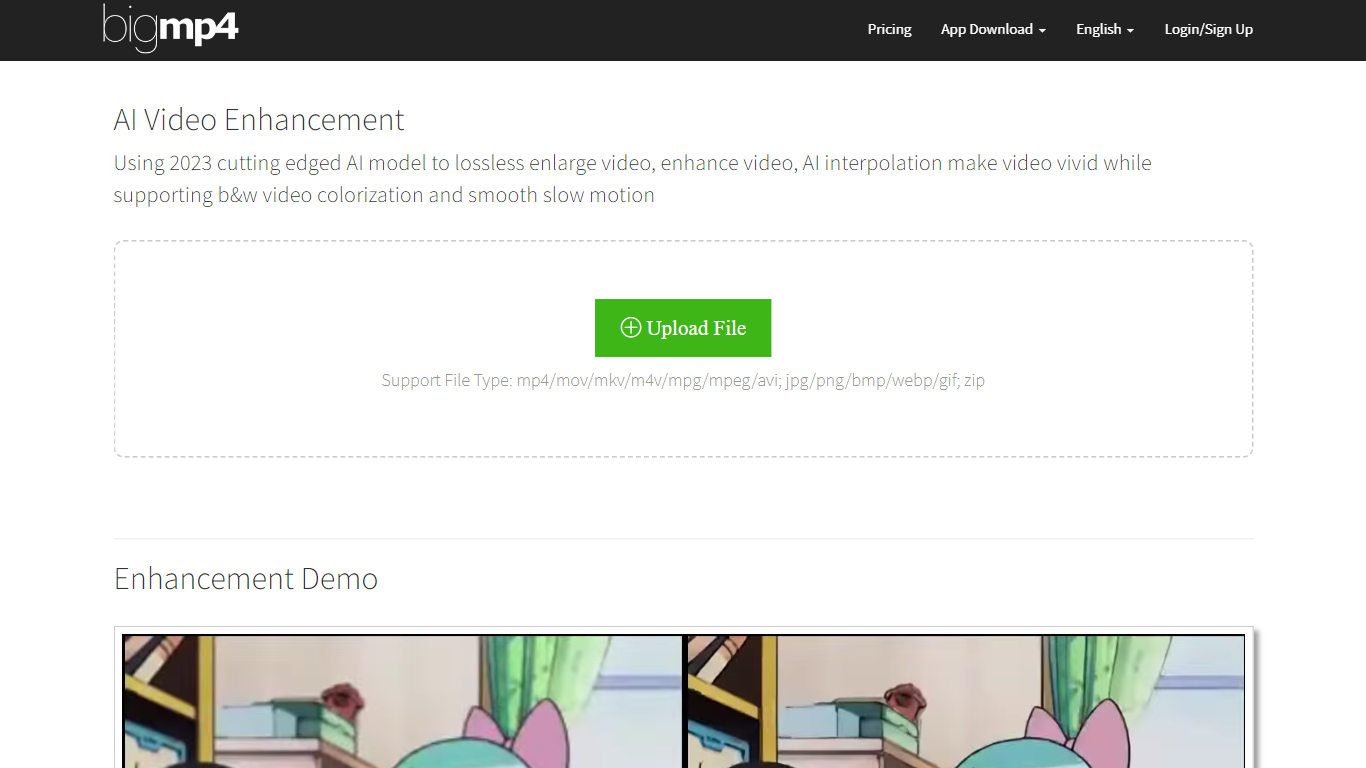

What is bigmp4?
bigmp4 harnesses the power of 2023's cutting-edge AI technology to transform video content with exceptional enhancement features. The AI Video Enhancement tool offers a lossless video enlargement service that can scale up videos to 2k, 4k, and 8k resolutions while enhancing video quality and reducing noise. In addition to upsizing video resolution, the tool brings life to black and white footage through effective AI colorization, providing a natural and vibrant color output. A standout feature is the AI interpolation system which can increase video frame rates to 60, 120, or even 240 fps, lending a vivid, smooth, and lifelike quality to the visual experience. The video slow motion feature is particularly impressive, maintaining the original fps after interpolation to achieve silky smooth slow-motion effects.
For efficient processing, bigmp4 supports batch mode, allowing users to upload multiple images in a zip file for AI lossless HD enlargement or AI colorization. It also supports a range of file types including but not limited to mp4, mov, mkv, avi for videos, and jpg, png, bmp, webp, and gif for images. bigmp4 cares about user privacy, ensuring that uploaded files and processed results are automatically deleted within a week to protect user data.
Timebolt
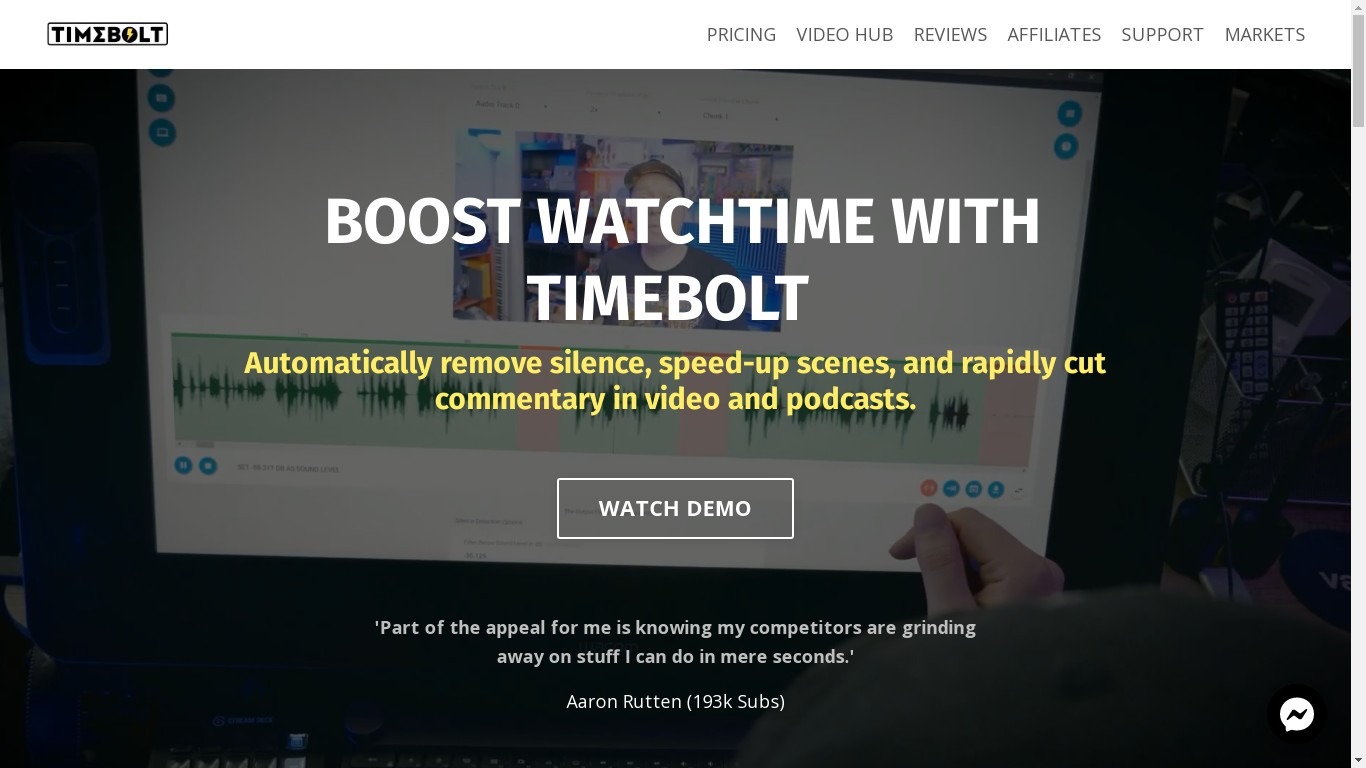
What is Timebolt?
Experience the future of video editing with TimeBolt.io. Automatically jump-cut videos to eliminate silences and awkward pauses, transforming lengthy content into engaging masterpieces. Whether you're editing podcasts or videos, TimeBolt ensures a seamless and rapid editing process, making you talk like a superhuman without the burnout.
bigmp4 Upvotes
Timebolt Upvotes
bigmp4 Top Features
Lossless Video Enlargement: Enhance the resolution of videos to 2k/4k/8k without losing quality.
Black & White Video Colorization: Transform black & white videos into full vibrant color using AI technology.
AI Video Interpolation: Increase video frame rates to make footage appear smoother and more lifelike.
Smooth Slow Motion: Apply slow motion to videos while maintaining original frame rates for seamless playback.
Batch Mode Support: Upload and process multiple images at once via zip file for efficient lossless HD enhancements.
Timebolt Top Features
Elimina automáticamente el silencio de vídeos y podcasts
Editor de vídeo rápido para Windows y MAC
Detección automática de silencio en vídeos.
Esculpir: Corta o conserva cualquier palabra o escena.
Opciones de exportación: Premiere, Final Cut Pro, DaVinci Resolve y Camtasia
Elimina las palabras de relleno automáticamente con Umcheck
bigmp4 Category
- Video Editing
Timebolt Category
- Video Editing
bigmp4 Pricing Type
- Freemium
Timebolt Pricing Type
- Paid