Bing Microsoft AI Translator vs Rask
Explore the showdown between Bing Microsoft AI Translator vs Rask and find out which AI Translation tool wins. We analyze upvotes, features, reviews, pricing, alternatives, and more.
In a face-off between Bing Microsoft AI Translator and Rask, which one takes the crown?
When we contrast Bing Microsoft AI Translator with Rask, both of which are exceptional AI-operated translation tools, and place them side by side, we can spot several crucial similarities and divergences. The upvote count shows a clear preference for Rask. The upvote count for Rask is 14, and for Bing Microsoft AI Translator it's 10.
Does the result make you go "hmm"? Cast your vote and turn that frown upside down!
Bing Microsoft AI Translator


What is Bing Microsoft AI Translator?
Microsoft Translator on Bing is a free web translator for turning words and phrases between English and more than 100 languages. Paste text, pick languages from long dropdown lists, or let the page auto-detect the source language before you translate.
The Bing interface adds practical extras beyond basic text swap. You can listen to a translation, open an on-screen keyboard, capture or upload an image to translate text in photos, and regenerate results in Standard, Casual, or Formal tone. A phrase helper surfaces common expressions grouped by topics like travel, dining, and emergencies.
It fits travelers, students, and anyone who needs a quick translation in the browser without installing software. Navigation on the page also points to separate Microsoft Translator experiences for live conversation, mobile apps, and business use.
Rask
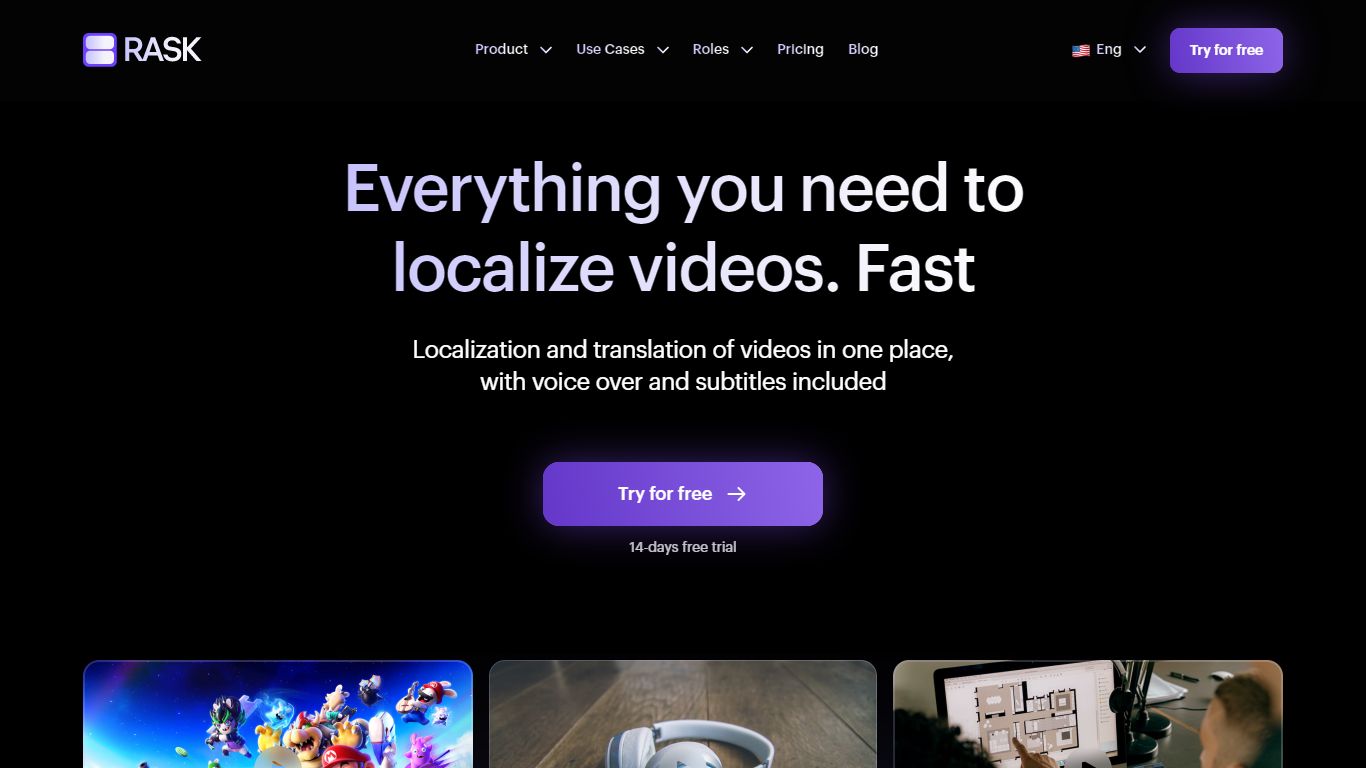
What is Rask?
Rask translates and dubs video and audio into 130+ languages with cloned voices, lip sync, and subtitle workflows built for marketing clips, training modules, and long-form media. Upload a file or connect via API, and the platform handles transcription, translation, voice generation, and optional lip matching in one pipeline.
General translation suites spread across text, documents, and live chat. Rask narrows on A/V localization with multi-speaker detection, a translation dictionary for brand terms, voice presets, and SOC 2 Type II certification for enterprise buyers who need audit trails. Free browser tools cover subtitles, dubbing, and transcription without opening the full editor.
The product targets L&D teams, marketers, podcasters, and film distributors who publish the same footage in multiple languages. Plans scale by included minutes from a 3-minute free trial through Creator, Creator Pro, and Business tiers, with custom Enterprise contracts for high-volume API users.
Bing Microsoft AI Translator Upvotes
Rask Upvotes
Bing Microsoft AI Translator Top Features
Auto-detect source language across more than 100 listed language options
Each translation request accepts up to 1,000 characters of input text
Regenerate results in Standard, Casual, or Formal tone with one click
Capture or upload an image to translate text found in photos
Speak to translate when typing is awkward on mobile or desktop
Listen to translations read aloud from the results panel
Browse common phrase sets for travel, dining, and emergencies
Rask Top Features
Translates and dubs video and audio into 130+ languages with voice cloning in 32 languages
Creator plan includes 25 minutes per month at $60 monthly or 300 minutes at $396 per year
Lip-sync tool matches translated speech to on-screen mouth movement across 130+ languages
Multi-speaker detection assigns different cloned voices when several people talk in one file
Translation dictionary and prompting keep brand terms and phrasing consistent across projects
API automates batch localization for teams processing hours of media daily
SOC 2 Type II certified with GDPR compliance and enterprise SSO/SAML options
Bing Microsoft AI Translator Category
- Translation
Rask Category
- Translation
Bing Microsoft AI Translator Pricing Type
- Free
Rask Pricing Type
- Freemium