Blend AI Studio vs Diagram
In the battle of Blend AI Studio vs Diagram, which AI Design tool comes out on top? We compare reviews, pricing, alternatives, upvotes, features, and more.
Between Blend AI Studio and Diagram, which one is superior?
Upon comparing Blend AI Studio with Diagram, which are both AI-powered design tools, The users have made their preference clear, Diagram leads in upvotes. Diagram has 35 upvotes, and Blend AI Studio has 6 upvotes.
Think we got it wrong? Cast your vote and show us who's boss!
Blend AI Studio
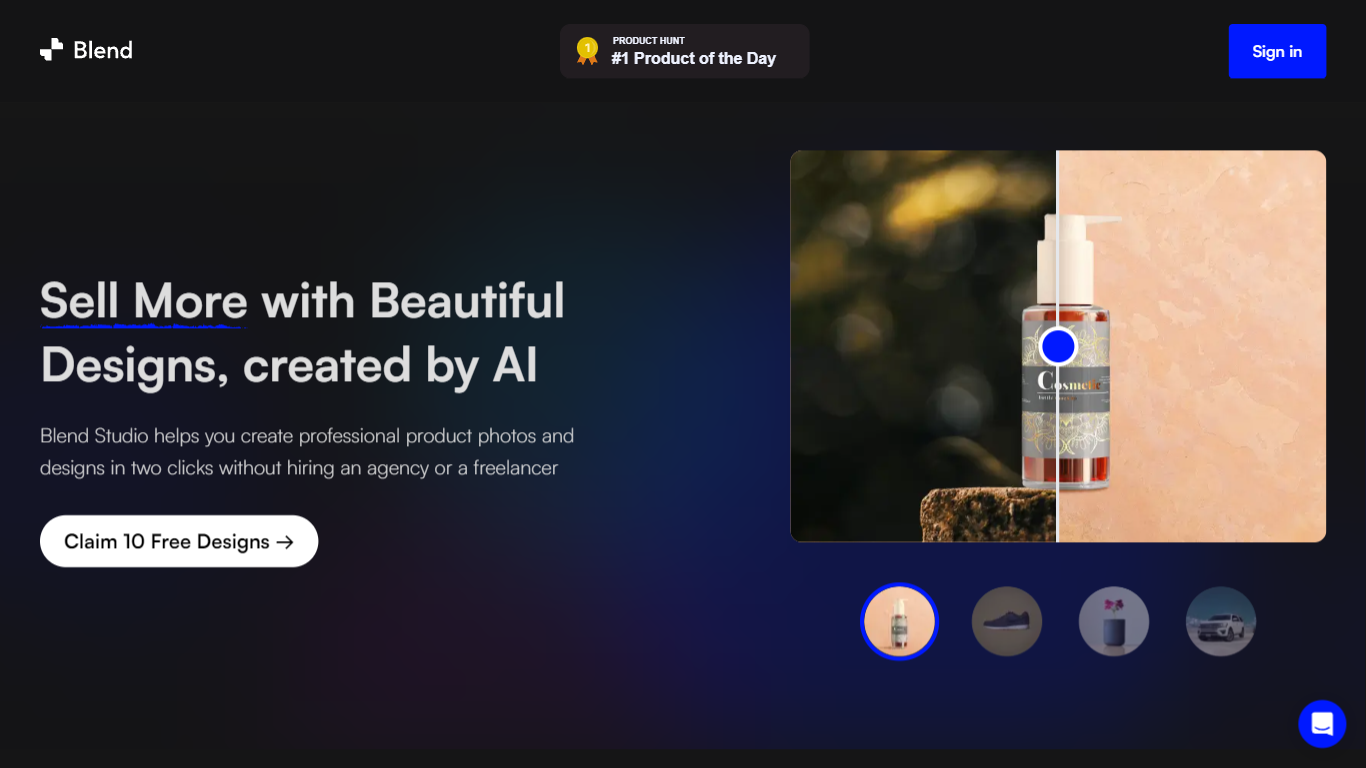

What is Blend AI Studio?
Blend AI Studio is an ecommerce design studio for product photos, model shots, lifestyle scenes, and short product videos without booking a studio or photographer. Upload a product image, pick a workflow like studio shots, ghost mannequin, or virtual try-on, and export listing-ready visuals in minutes.
The platform bundles background removal, AI backgrounds, on-model try-on, logo design, poster creation, and AI video into one web and mobile workflow. Sellers on Amazon, Etsy, Shopify, and DTC storefronts use it to replace scattered editing tools and expensive shoots with batch-friendly production.
Blend is built by BlendIt Studios and positions itself for fashion, beauty, home goods, and high-volume catalog teams that need consistent visuals across thousands of SKUs. The company reports 10M+ images created and 3.5M sellers using the product.
Diagram
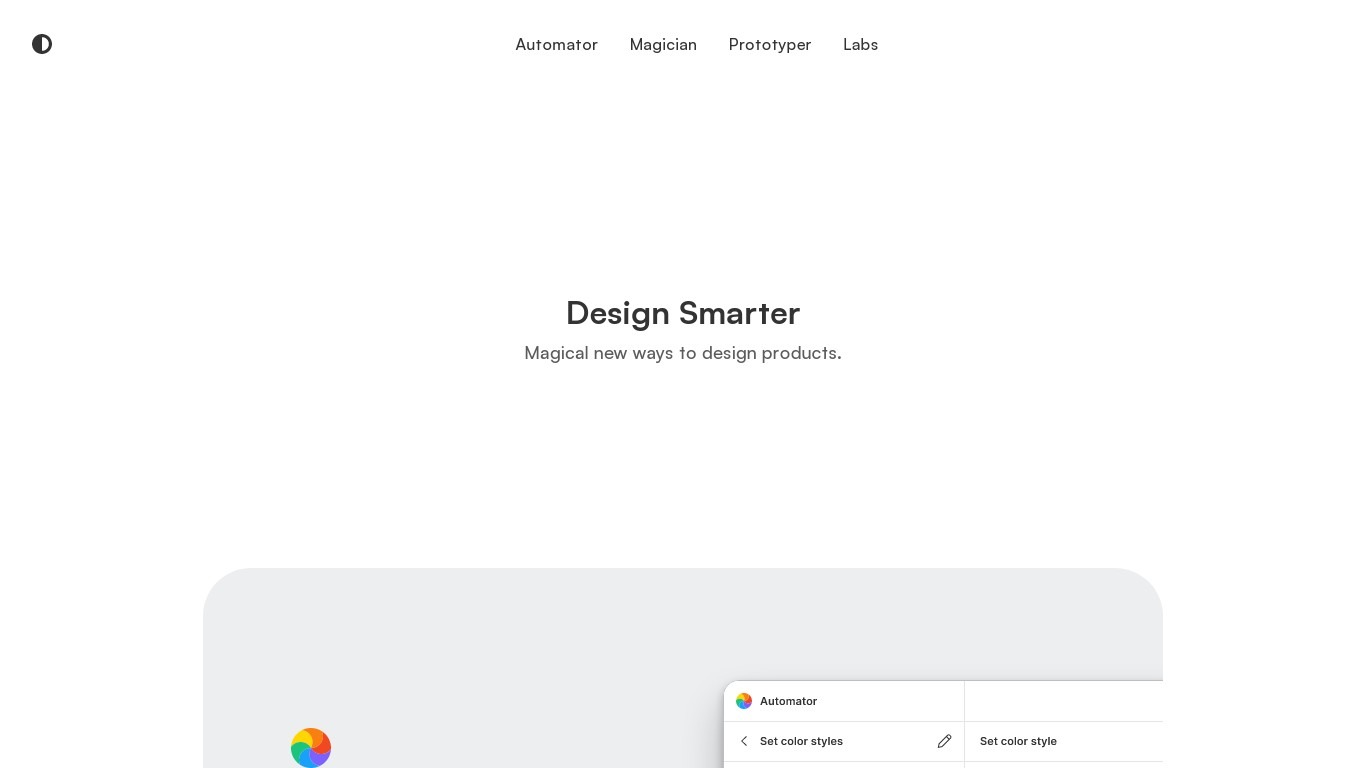
What is Diagram?
Design Smarter. Design with the power of AI to do everything from copywriting to generating unique icons from the text. Automate your tasks in one click.
Blend AI Studio Upvotes
Diagram Upvotes
Blend AI Studio Top Features
Turn flat product photos into white-background studio shots in one upload
Show apparel and jewelry on diverse AI models or your own model photo
Place products in lifestyle scenes without location shoots or props
Generate short AI product videos for ads, reels, and marketplace listings
Batch process large catalogs with ghost mannequin, recolor, and background tools
Design logos, posters, and brand kits alongside product photography workflows
Diagram Top Features
No top features listedBlend AI Studio Category
- Design
Diagram Category
- Design
Blend AI Studio Pricing Type
- Freemium
Diagram Pricing Type
- Free