Blend AI Studio vs Headshot Pro
In the battle of Blend AI Studio vs Headshot Pro, which AI Design tool comes out on top? We compare reviews, pricing, alternatives, upvotes, features, and more.
Between Blend AI Studio and Headshot Pro, which one is superior?
Upon comparing Blend AI Studio with Headshot Pro, which are both AI-powered design tools, Neither tool takes the lead, as they both have the same upvote count. You can help us determine the winner by casting your vote and tipping the scales in favor of one of the tools.
Does the result make you go "hmm"? Cast your vote and turn that frown upside down!
Blend AI Studio

What is Blend AI Studio?
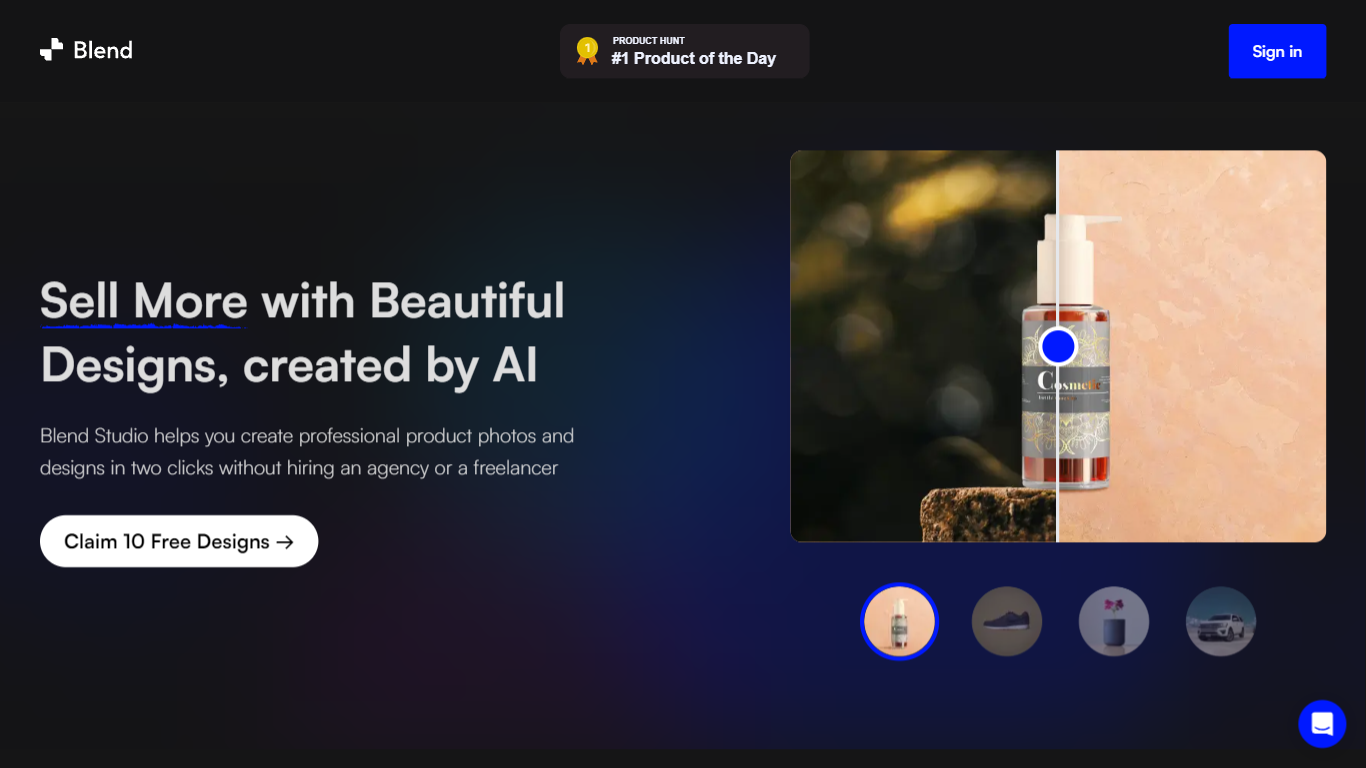
Blend AI Studio is an ecommerce design studio for product photos, model shots, lifestyle scenes, and short product videos without booking a studio or photographer. Upload a product image, pick a workflow like studio shots, ghost mannequin, or virtual try-on, and export listing-ready visuals in minutes.
The platform bundles background removal, AI backgrounds, on-model try-on, logo design, poster creation, and AI video into one web and mobile workflow. Sellers on Amazon, Etsy, Shopify, and DTC storefronts use it to replace scattered editing tools and expensive shoots with batch-friendly production.
Blend is built by BlendIt Studios and positions itself for fashion, beauty, home goods, and high-volume catalog teams that need consistent visuals across thousands of SKUs. The company reports 10M+ images created and 3.5M sellers using the product.
Headshot Pro
What is Headshot Pro?
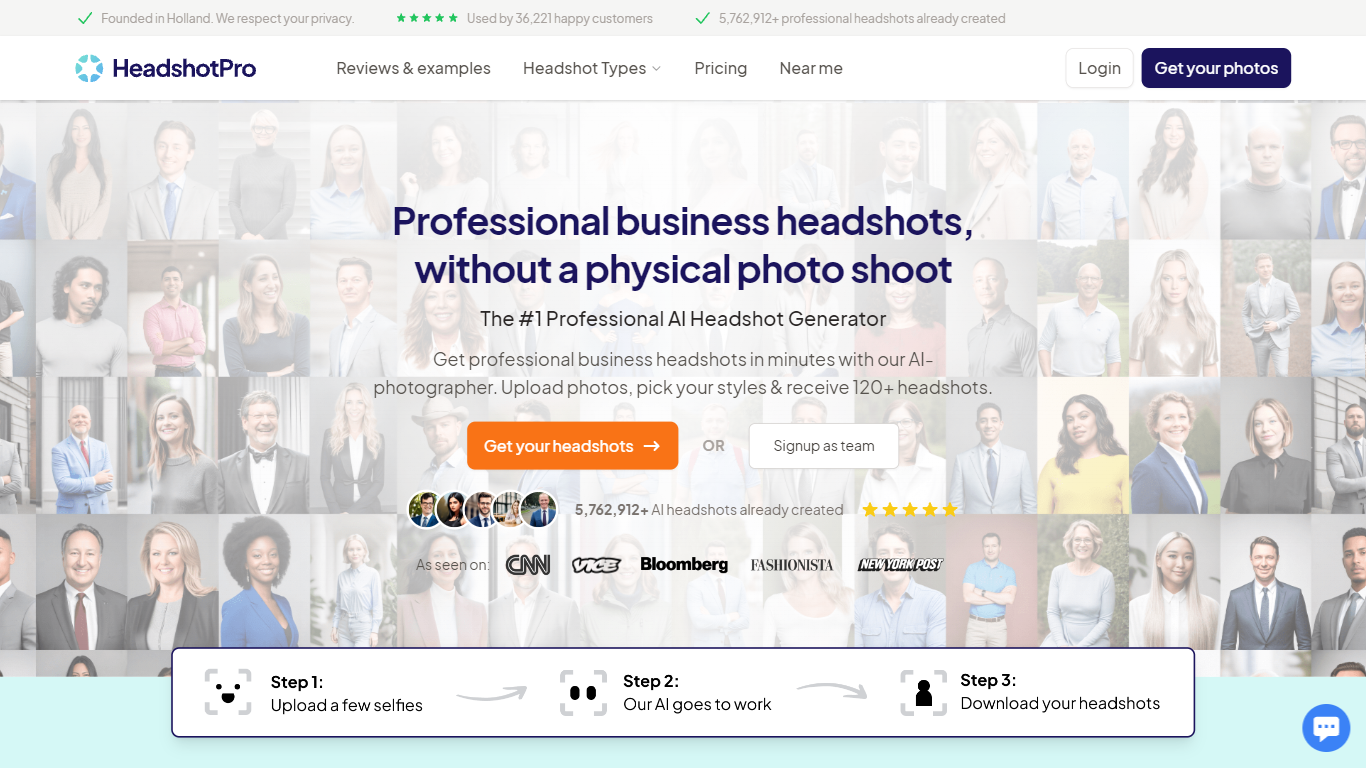
Headshot Pro turns a handful of phone selfies into studio-style professional portraits in under 30 minutes. You upload a few photos, pick backdrops and outfits from a large style library, and download 30 to 70 high-resolution JPEGs as a ZIP or individual files. The product targets individuals refreshing LinkedIn or resume photos and companies that need matching headshots across distributed teams without booking photographers.
Most avatar generators chase novelty filters. Headshot Pro narrows in on corporate-ready likeness: auto-validation flags bad uploads before a shoot starts, admins can lock one backdrop and outfit pool for an entire org, and team credits stack lifetime volume discounts up to 60% off. One-time packages start at $29 with no subscription, which is a different trade-off from monthly portrait apps that keep charging.
HR and marketing leads use it to roll out consistent photos for new hires, sales decks, and website team pages. Solo professionals, real estate agents, and executives use the same flow for a fast LinkedIn refresh, with optional 4K upscale and a built-in profile picture editor that crops to platform dimensions.
Blend AI Studio Upvotes
Headshot Pro Upvotes
Blend AI Studio Top Features
Turn flat product photos into white-background studio shots in one upload
Show apparel and jewelry on diverse AI models or your own model photo
Place products in lifestyle scenes without location shoots or props
Generate short AI product videos for ads, reels, and marketplace listings
Batch process large catalogs with ghost mannequin, recolor, and background tools
Design logos, posters, and brand kits alongside product photography workflows
Headshot Pro Top Features
Delivers 30 to 70 headshots from a few selfies in as little as 15 minutes on the Executive plan
Thousands of backdrop and outfit combinations, or tap Choose for me to let the system pair styles
Team admin dashboard with email invites, magic-link login, and bulk download for 5 to 1,000 members
Built-in profile picture editor crops to LinkedIn, Slack, and email dimensions with optional logo overlay
Input selfies auto-delete after 30 days and are never used to train models, per the security page
Volume discounts stack on lifetime team spend, reaching 60% off at 200 or more credits
Blend AI Studio Category
- Design
Headshot Pro Category
- Design
Blend AI Studio Pricing Type
- Freemium
Headshot Pro Pricing Type
- Paid