Blend AI Studio vs Pinegraph
In the face-off between Blend AI Studio vs Pinegraph, which AI Design tool takes the crown? We scrutinize features, alternatives, upvotes, reviews, pricing, and more.
In a face-off between Blend AI Studio and Pinegraph, which one takes the crown?
If we were to analyze Blend AI Studio and Pinegraph, both of which are AI-powered design tools, what would we find? Interestingly, both tools have managed to secure the same number of upvotes. You can help us determine the winner by casting your vote and tipping the scales in favor of one of the tools.
Think we got it wrong? Cast your vote and show us who's boss!
Blend AI Studio

What is Blend AI Studio?
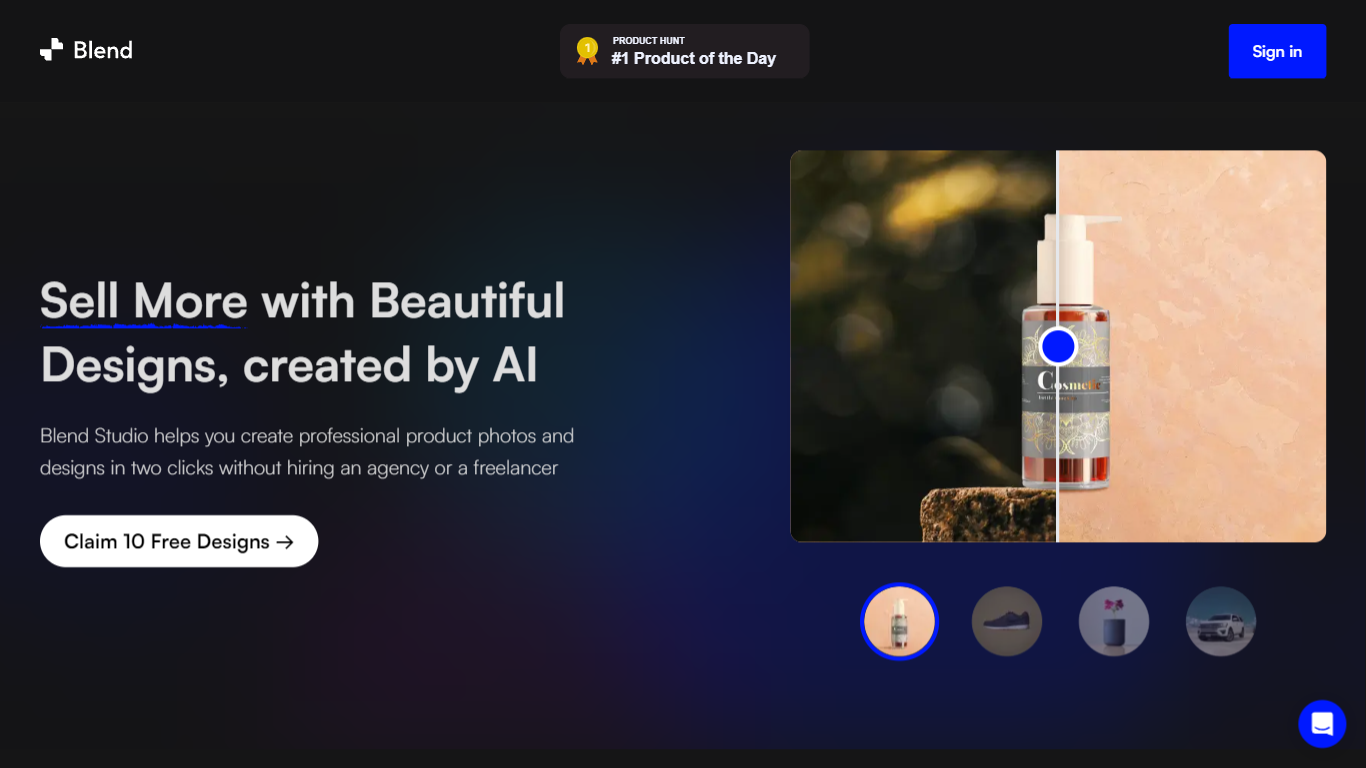
Blend AI Studio is an ecommerce design studio for product photos, model shots, lifestyle scenes, and short product videos without booking a studio or photographer. Upload a product image, pick a workflow like studio shots, ghost mannequin, or virtual try-on, and export listing-ready visuals in minutes.
The platform bundles background removal, AI backgrounds, on-model try-on, logo design, poster creation, and AI video into one web and mobile workflow. Sellers on Amazon, Etsy, Shopify, and DTC storefronts use it to replace scattered editing tools and expensive shoots with batch-friendly production.
Blend is built by BlendIt Studios and positions itself for fashion, beauty, home goods, and high-volume catalog teams that need consistent visuals across thousands of SKUs. The company reports 10M+ images created and 3.5M sellers using the product.
Pinegraph

What is Pinegraph?
Pinegraph is an AI tool that specializes in generating anime-style artwork. With its stable diffusionwaifu and diffusiondisco capabilities, Pinegraph is able to create stunning and unique images with a touch of AI. The generatoranime feature of Pinegraph allows users to easily create their own anime characters, while the diffusionstability and diffusionmidjourney features offer a smooth and seamless creative process. Pinegraph's aipinecassolatent diffusion technology ensures high-quality results, while the gengeneratoramplifcationai and artdreamlensavqganfree features provide even more advanced customization options. Whether you're an artist or simply an anime enthusiast, Pinegraph is the perfect tool for bringing your artistic visions to life.
Blend AI Studio Upvotes
Pinegraph Upvotes
Blend AI Studio Top Features
Turn flat product photos into white-background studio shots in one upload
Show apparel and jewelry on diverse AI models or your own model photo
Place products in lifestyle scenes without location shoots or props
Generate short AI product videos for ads, reels, and marketplace listings
Batch process large catalogs with ghost mannequin, recolor, and background tools
Design logos, posters, and brand kits alongside product photography workflows
Pinegraph Top Features
Stable Diffusionwaifu: Generate anime-style artwork with stable diffusionwaifu technology.
Diffusiondisco: Create unique and mesmerizing anime images with the diffusiondisco capability.
Generatoranime: Easily generate your own anime characters using the generatoranime feature.
Diffusionstability: Enjoy a seamless and stable creative process with the diffusionstability feature.
Aipinecassolatent: Experience high-quality results with Pinegraph's aipinecassolatent diffusion technology.
Blend AI Studio Category
- Design
Pinegraph Category
- Design
Blend AI Studio Pricing Type
- Freemium
Pinegraph Pricing Type
- Freemium