Blend AI Studio vs WhatTheFont
In the face-off between Blend AI Studio vs WhatTheFont, which AI Design tool takes the crown? We scrutinize features, alternatives, upvotes, reviews, pricing, and more.
In a face-off between Blend AI Studio and WhatTheFont, which one takes the crown?
If we were to analyze Blend AI Studio and WhatTheFont, both of which are AI-powered design tools, what would we find? Both tools have received the same number of upvotes from aitools.fyi users. You can help us determine the winner by casting your vote and tipping the scales in favor of one of the tools.
Does the result make you go "hmm"? Cast your vote and turn that frown upside down!
Blend AI Studio
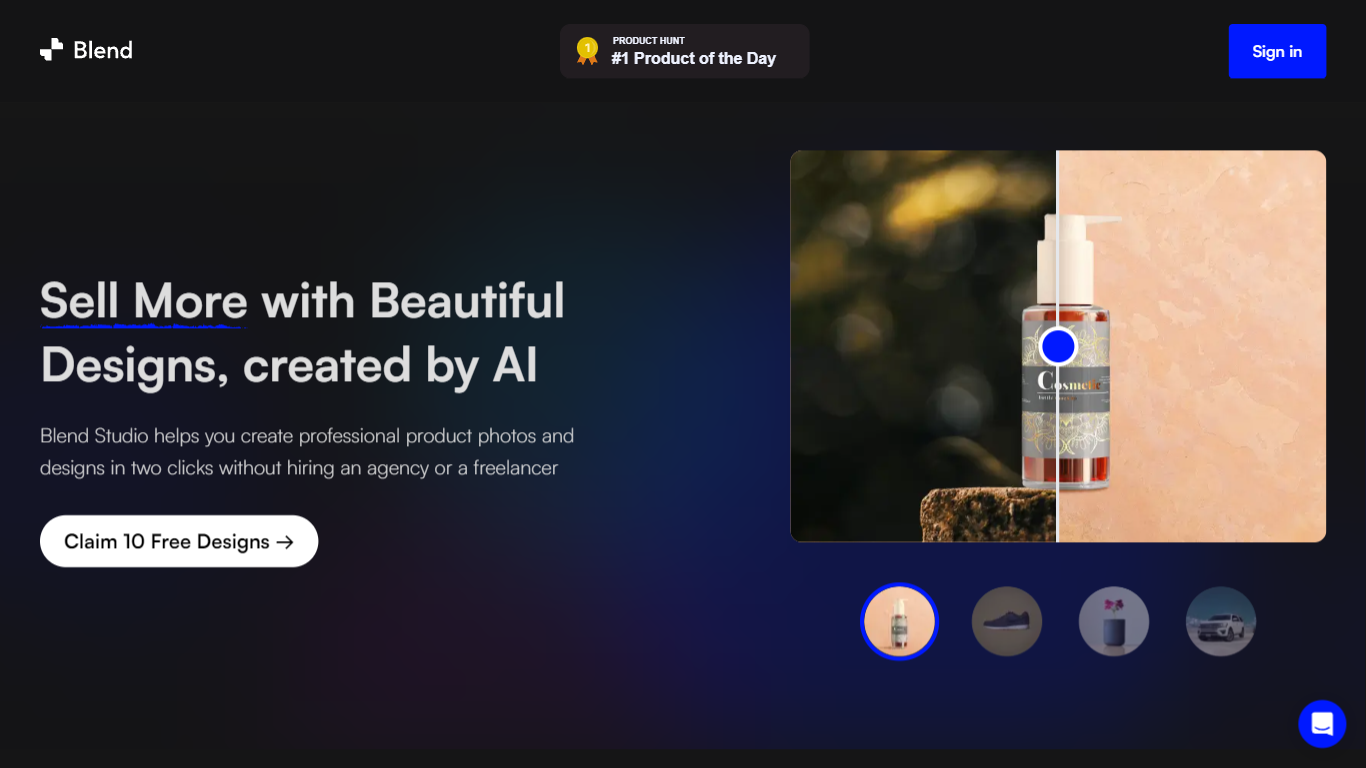

What is Blend AI Studio?
Blend AI Studio is an ecommerce design studio for product photos, model shots, lifestyle scenes, and short product videos without booking a studio or photographer. Upload a product image, pick a workflow like studio shots, ghost mannequin, or virtual try-on, and export listing-ready visuals in minutes.
The platform bundles background removal, AI backgrounds, on-model try-on, logo design, poster creation, and AI video into one web and mobile workflow. Sellers on Amazon, Etsy, Shopify, and DTC storefronts use it to replace scattered editing tools and expensive shoots with batch-friendly production.
Blend is built by BlendIt Studios and positions itself for fashion, beauty, home goods, and high-volume catalog teams that need consistent visuals across thousands of SKUs. The company reports 10M+ images created and 3.5M sellers using the product.
WhatTheFont
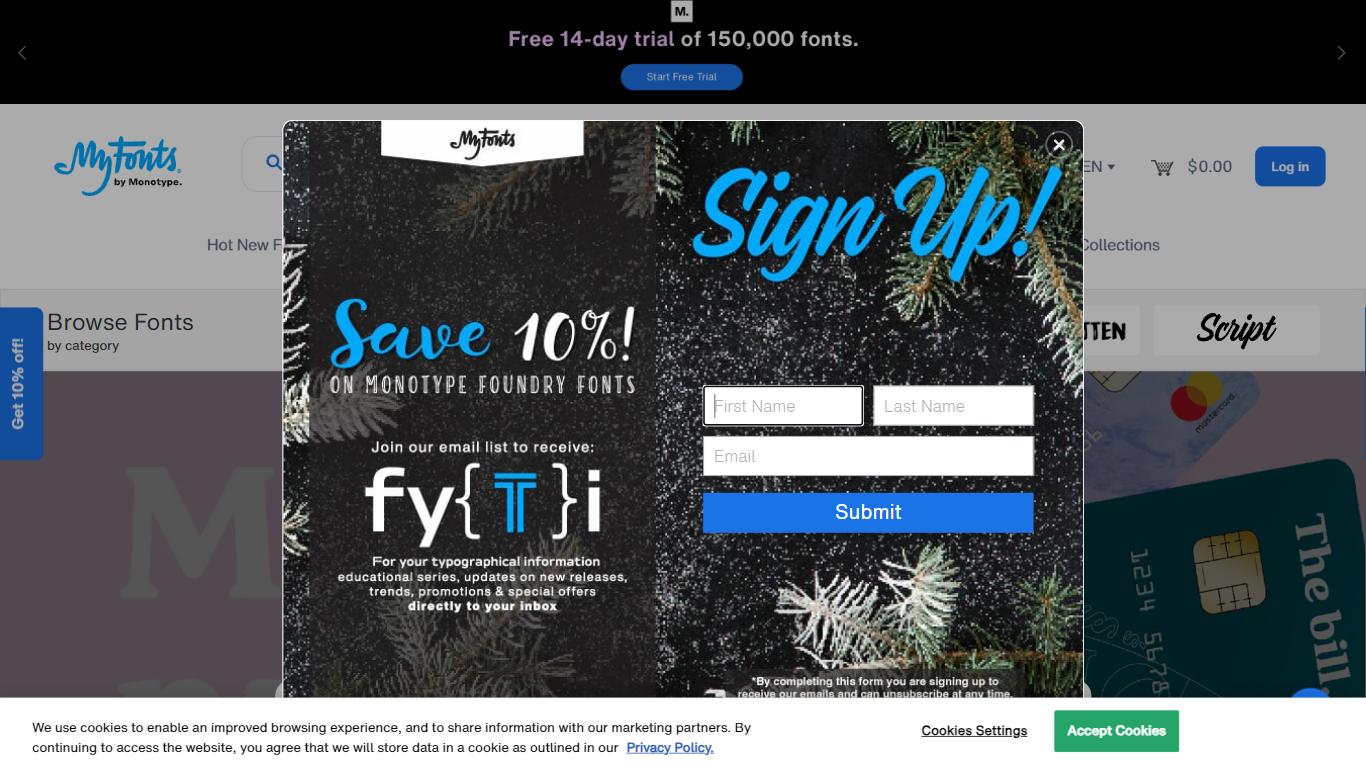
What is WhatTheFont?
WhatTheFont is a powerful tool designed to assist users in identifying fonts used in various designs and layouts. With its advanced algorithm, users can upload an image or provide a URL to analyze and extract font information. The tool provides accurate results, showcasing the font name, style, and size. Whether you're a designer, marketer, or enthusiast, WhatTheFont simplifies the font identification process, saving you time and effort. Stay updated with the latest font trends and make informed design choices with WhatTheFont.
Blend AI Studio Upvotes
WhatTheFont Upvotes
Blend AI Studio Top Features
Turn flat product photos into white-background studio shots in one upload
Show apparel and jewelry on diverse AI models or your own model photo
Place products in lifestyle scenes without location shoots or props
Generate short AI product videos for ads, reels, and marketplace listings
Batch process large catalogs with ghost mannequin, recolor, and background tools
Design logos, posters, and brand kits alongside product photography workflows
WhatTheFont Top Features
Accurate Font Identification: WhatTheFont uses an advanced algorithm to accurately identify fonts used in images or provided URLs. It provides the font name style and size information.
Image Upload or URL Input: Users can upload an image or provide a URL for font analysis making it convenient to identify fonts used in various designs and layouts.
Time-Saving: WhatTheFont eliminates the need for manual font identification saving designers and marketers valuable time and effort.
Stay Updated with Font Trends: By using WhatTheFont users can stay updated with the latest font trends ensuring their designs are on par with contemporary styles.
User-Friendly Interface: WhatTheFont offers an intuitive and user-friendly interface making it easy for both professionals and enthusiasts to navigate and utilize the tool effectively.
Blend AI Studio Category
- Design
WhatTheFont Category
- Design
Blend AI Studio Pricing Type
- Freemium
WhatTheFont Pricing Type
- Freemium