BlogImagery vs Uizard
In the contest of BlogImagery vs Uizard, which AI Design tool is the champion? We evaluate pricing, alternatives, upvotes, features, reviews, and more.
If you had to choose between BlogImagery and Uizard, which one would you go for?
When we examine BlogImagery and Uizard, both of which are AI-enabled design tools, what unique characteristics do we discover? The upvote count is neck and neck for both BlogImagery and Uizard. Every vote counts! Cast yours and contribute to the decision of the winner.
Feeling rebellious? Cast your vote and shake things up!
BlogImagery
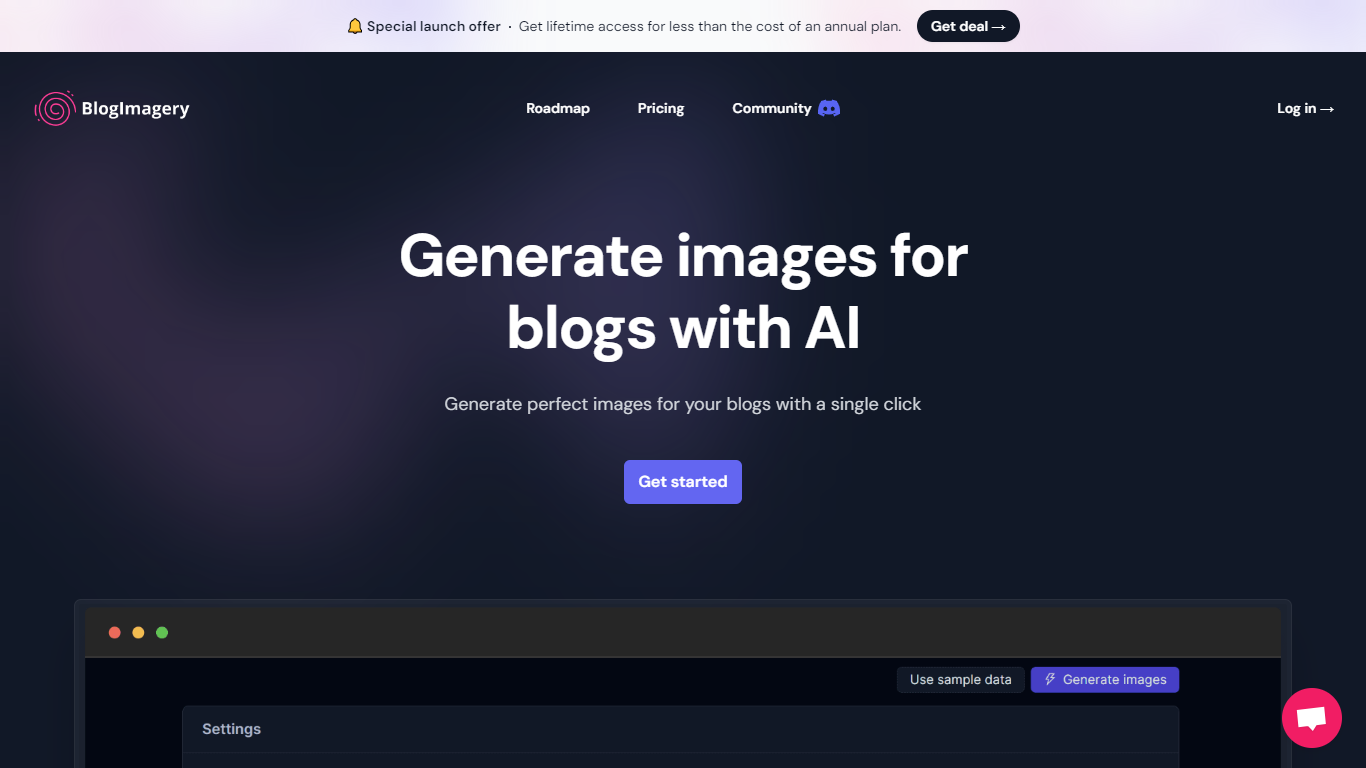

What is BlogImagery ?
BlogImagery is a revolutionary tool designed to help content creators generate original, eye-catching images for their blogs with just a single click. Leveraging the power of AI, BlogImagery reduces the time and effort typically spent on sourcing stock photos, providing a swift and easy solution for bloggers to create unique visuals that align with their content.
With BlogImagery, you can select from multiple art styles such as Cinematic, Colorful Scribbles, Colorpop, Digital Painting, and Vintage Photography to perfectly match your blog's aesthetic. The AI-generated images are not only copyright-free but also enhance articles by transforming text-heavy content into visually appealing posts. Users can expect original images to perform better in engagement compared to standard stock photos.
BlogImagery also aids in explaining complex or abstract concepts through visuals, catering to audiences who might not be experts in the subject matter. The service offers a special launch deal with lifetime access at a highly attractive price point, and plans are versatile with monthly and lifetime payment options to suit different needs.
Uizard
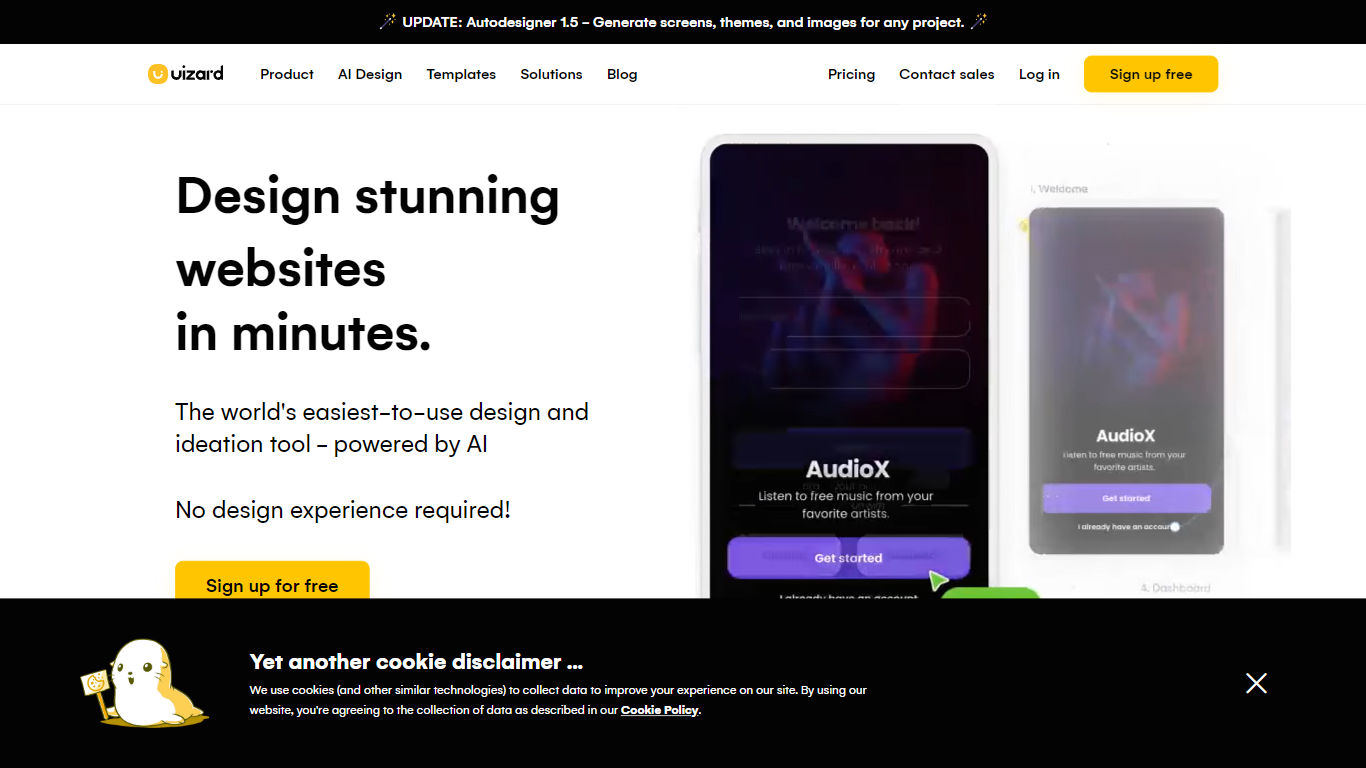
What is Uizard?
Uizard turns text prompts, screenshots, and hand-drawn wireframes into editable UI mockups and prototypes in a browser editor. Product teams sketch apps, websites, and web apps without opening a desktop design suite, then share interactive previews with stakeholders.
Figma and traditional design tools assume you already know layout. Uizard's Autodesigner 2.0 chat interface generates multi-screen prototypes from plain English, while Screenshot Scanner and Wireframe Scanner import existing visuals or paper sketches into editable components you can drag and adjust.
Free accounts get 3 AI generations per month on Autodesigner 1.5 with 2 projects. Pro at $12 per month adds 500 monthly AI generations on Autodesigner 2.0, React CSS developer handoff, and up to 100 projects. Business at $39 per month raises the cap to 5,000 generations with a custom brand kit.
Uizard fits product managers validating MVPs, startup founders pitching investors, and marketers who need mockups fast without hiring a dedicated UI designer for every concept.
BlogImagery Upvotes
Uizard Upvotes
BlogImagery Top Features
One-Click Image Generation: Produce perfect images for your blog posts at the click of a button.
Diverse Art Styles: Choose from styles like Cinematic, Colorful Scribbles, and Vintage Photography to align with your blog's aesthetic.
Engagement Boost: Use original AI-generated images to significantly improve engagement over stock photos.
Copyright-Free: Access a library of images without worrying about copyright issues.
Complex Concept Illustration: Explain difficult concepts through visuals, making them easier to understand for your readers.
Uizard Top Features
Autodesigner 2.0 generates multi-screen prototypes from conversational text prompts
Screenshot Scanner converts UI screenshots into editable mockup components
Wireframe Scanner digitizes hand-drawn wireframe photos into the editor
Pro plan includes 500 AI generations per month at $12 per month billed annually
Developer handoff exports React CSS from Pro plans and above
Template library covers mobile apps, websites, web apps, and wireframe starters
BlogImagery Category
- Design
Uizard Category
- Design
BlogImagery Pricing Type
- Freemium
Uizard Pricing Type
- Freemium