BlogImagery vs Vizcom
In the battle of BlogImagery vs Vizcom, which AI Design tool comes out on top? We compare reviews, pricing, alternatives, upvotes, features, and more.
Between BlogImagery and Vizcom, which one is superior?
Upon comparing BlogImagery with Vizcom, which are both AI-powered design tools, The upvote count shows a clear preference for Vizcom. Vizcom has received 7 upvotes from aitools.fyi users, while BlogImagery has received 6 upvotes.
Not your cup of tea? Upvote your preferred tool and stir things up!
BlogImagery

What is BlogImagery ?
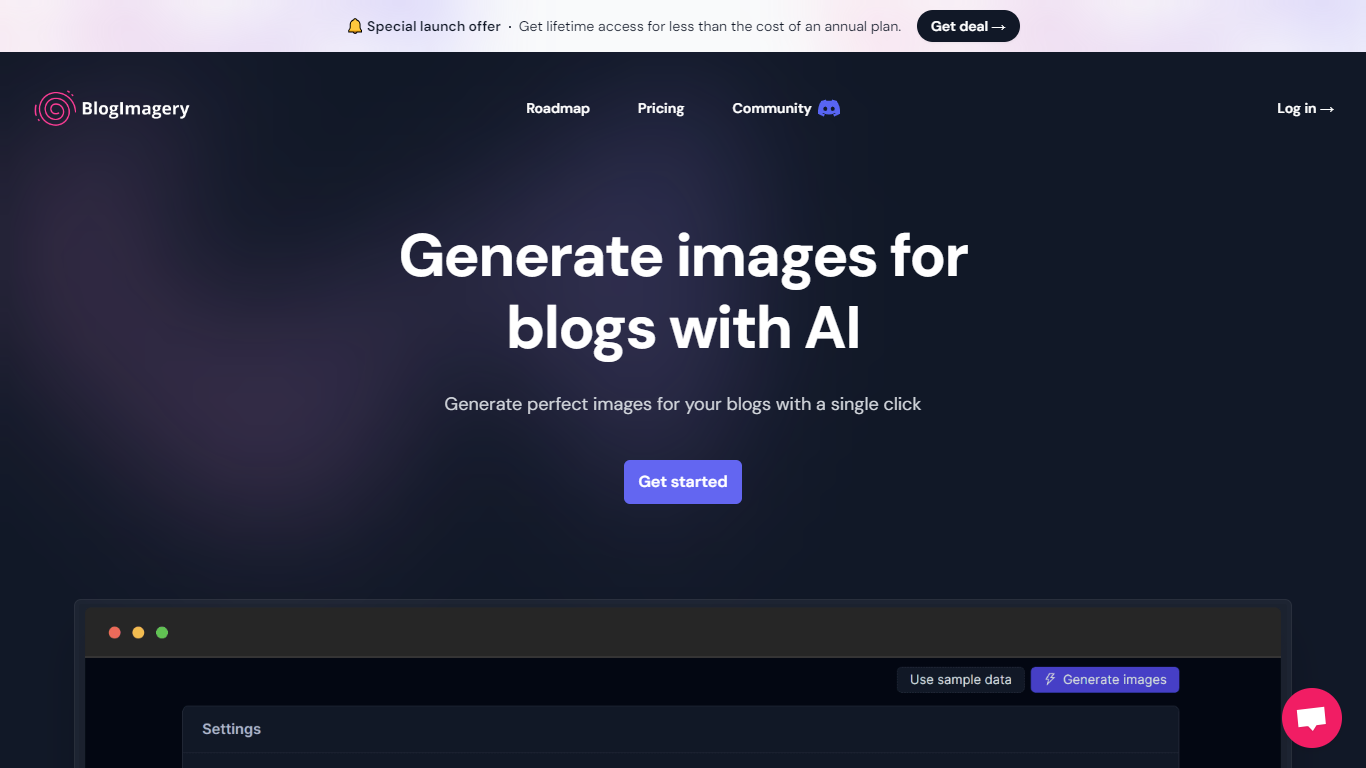
BlogImagery is a revolutionary tool designed to help content creators generate original, eye-catching images for their blogs with just a single click. Leveraging the power of AI, BlogImagery reduces the time and effort typically spent on sourcing stock photos, providing a swift and easy solution for bloggers to create unique visuals that align with their content.
With BlogImagery, you can select from multiple art styles such as Cinematic, Colorful Scribbles, Colorpop, Digital Painting, and Vintage Photography to perfectly match your blog's aesthetic. The AI-generated images are not only copyright-free but also enhance articles by transforming text-heavy content into visually appealing posts. Users can expect original images to perform better in engagement compared to standard stock photos.
BlogImagery also aids in explaining complex or abstract concepts through visuals, catering to audiences who might not be experts in the subject matter. The service offers a special launch deal with lifetime access at a highly attractive price point, and plans are versatile with monthly and lifetime payment options to suit different needs.
Vizcom

What is Vizcom?
Vizcom turns rough sketches into photorealistic renders, 3D views, and short animations inside one shared design canvas built for physical products. You sketch or upload a concept, prompt changes to form, color, and materials, then branch into multiple variations without leaving the board. The web app at app.vizcom.com handles auth, file storage, and team roles, while the marketing site covers pricing, industry solutions, and student programs. You sketch or upload a concept, prompt changes to form, color, and materials, then branch into multiple variations without leaving the board. The web app at app.vizcom.com handles auth, file storage, and team roles, while the marketing site covers pricing, industry solutions, and student programs.
Where generic image generators chase open-ended prompts, Vizcom is built around physical products and the messy middle of industrial ideation. Its canvas layers sketch, render, iterate, and make-it-real steps with controls like New view, Variate form and color, and 3D model drops, so you are steering proportions and materials rather than gambling on a single text prompt. Credit-based plans also tie cost to render volume, which fits teams that run dozens of concept passes per week.
Vizcom targets product, industrial, footwear, apparel, gaming, and automotive designers who need fast visual buy-in before CAD or prototyping. Brands like Ford, Hasbro, Kohler, and Dell appear in customer stories, and the site offers dedicated solution pages plus free education access for qualified students and teachers.
BlogImagery Upvotes
Vizcom Upvotes
BlogImagery Top Features
One-Click Image Generation: Produce perfect images for your blog posts at the click of a button.
Diverse Art Styles: Choose from styles like Cinematic, Colorful Scribbles, and Vintage Photography to align with your blog's aesthetic.
Engagement Boost: Use original AI-generated images to significantly improve engagement over stock photos.
Copyright-Free: Access a library of images without worrying about copyright issues.
Complex Concept Illustration: Explain difficult concepts through visuals, making them easier to understand for your readers.
Vizcom Top Features
Starter plan includes 800 monthly credits with no credit card required
Professional plan costs $49 per user per month with 20,000 credits and 4K exports
Canvas actions include New view, Variate form and color, and multi-result batches up to four images
Drop in 3D models to swap colors, materials, and scenes without leaving the board
Education plan grants 15,000 credits per month for qualified students and teachers
Paid seats keep designs private; free users may contribute generated images to service improvements
BlogImagery Category
- Design
Vizcom Category
- Design
BlogImagery Pricing Type
- Freemium
Vizcom Pricing Type
- Freemium