BrokerSpot vs HomeDesignsAI
Explore the showdown between BrokerSpot vs HomeDesignsAI and find out which AI Real Estate tool wins. We analyze upvotes, features, reviews, pricing, alternatives, and more.
In a face-off between BrokerSpot and HomeDesignsAI, which one takes the crown?
When we contrast BrokerSpot with HomeDesignsAI, both of which are exceptional AI-operated real estate tools, and place them side by side, we can spot several crucial similarities and divergences. In the race for upvotes, HomeDesignsAI takes the trophy. The upvote count for HomeDesignsAI is 8, and for BrokerSpot it's 6.
Disagree with the result? Upvote your favorite tool and help it win!
BrokerSpot


What is BrokerSpot?
BrokerSpot is a lead generation platform built for real estate agents who want buyer and seller prospects in one workflow. The site describes an all-in-one setup for generating leads, managing them in a dashboard, and moving deals forward, with options to connect leads to an external CRM.
Agents sign up through a self-guided onboarding flow and can target specific zip codes to build local presence. BrokerSpot runs internet advertising on your behalf through a separate monthly ad budget and sends notifications when new leads arrive. The product is available as a mobile app on iOS and Android, with chat-based support through the platform.
As of the homepage, BrokerSpot reports 12.1K agents signed up, 930K seller and buyer leads delivered, and a 4.9 average customer rating across app stores.
HomeDesignsAI
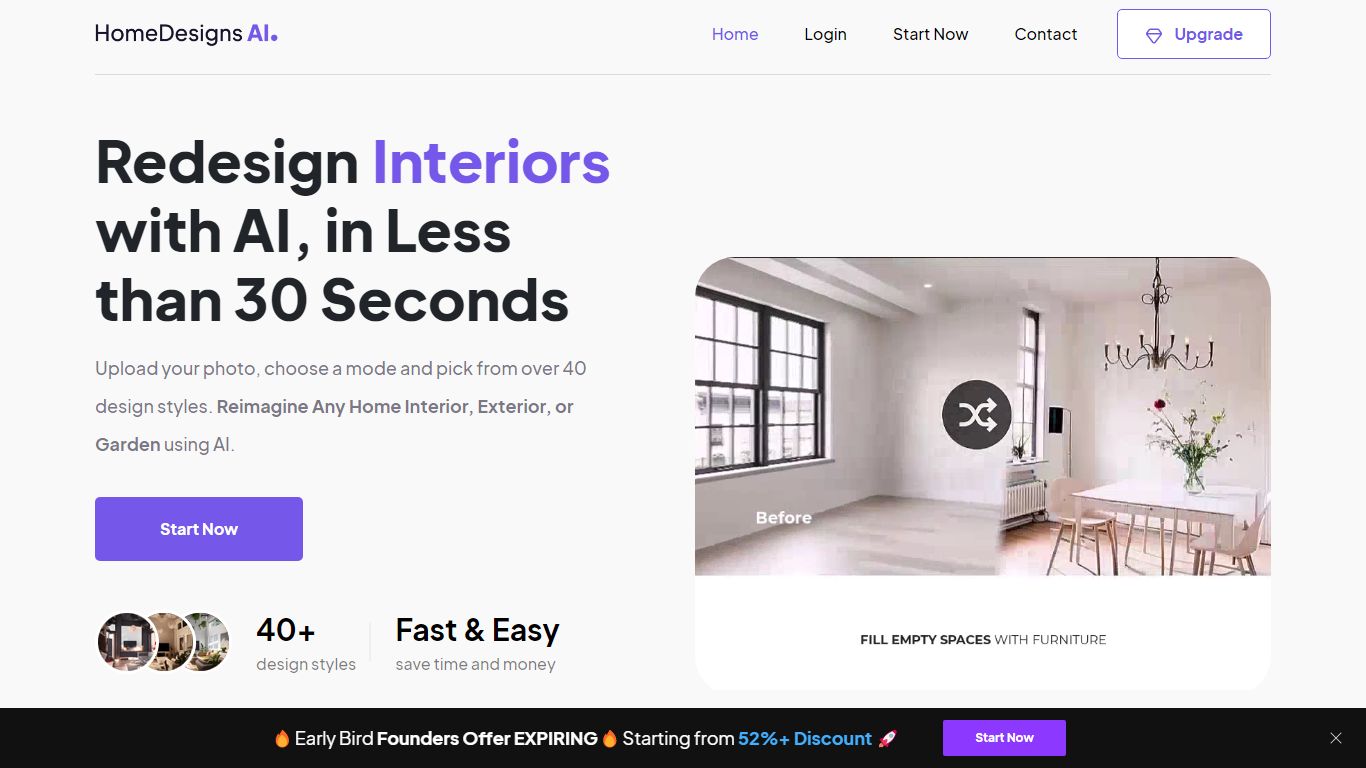
What is HomeDesignsAI?
HomeDesignsAI redesigns interiors, exteriors, gardens, and patios from a single uploaded photo in about 30 seconds. Its Structure-Lock keeps your real walls, windows, and layout fixed while swapping furniture, materials, lighting, and landscaping across 160 plus style presets.
Generic image generators invent new rooms with wrong proportions. HomeDesignsAI locks structure first, then offers virtual staging, declutter, sky and weather swaps, sketch-to-render, 2D-to-3D floor plans, and a shop-the-look furniture finder in one login. The trade-off is a credit system on the free tier and metered video exports on some plans.
Real estate agents stage vacant listings without furniture rental. Interior designers cut concept time by showing photoreal versions instead of mood boards. Homeowners test kitchen finishes and exterior facades before committing to contractor quotes.
BrokerSpot Upvotes
HomeDesignsAI Upvotes
BrokerSpot Top Features
Generate buyer and seller leads through internet ads run on your behalf with a flexible monthly ad budget
Manage prospects in a built-in dashboard or push them to your preferred CRM
Get push notifications on your phone each time a new lead comes in
Build branded landing pages that match your look while staying optimized for conversion
Target specific zip codes during onboarding to position yourself locally
Start with a self-guided onboarding flow without needing a sales call first
Cancel your subscription anytime from your account settings
HomeDesignsAI Top Features
Structure-Lock keeps real walls, windows, and layout while redesigning in about 30 seconds
160 plus design styles across interiors, exteriors, gardens, patios, and terraces
7.76 million plus projects completed for 2.68 million plus users worldwide
Virtual staging, declutter, sketch-to-render, and 2D-to-3D floor plan tools in one platform
One-click video walkthroughs with 10, 20, or 30 second clip lengths
Shop-the-look furniture finder links real products seen in generated designs
Rated 4.8 out of 5 from 2,400 plus reviews on the public homepage
BrokerSpot Category
- Real Estate
HomeDesignsAI Category
- Real Estate
BrokerSpot Pricing Type
- Paid
HomeDesignsAI Pricing Type
- Freemium