BrokerSpot vs ReRoom AI
In the face-off between BrokerSpot vs ReRoom AI, which AI Real Estate tool takes the crown? We scrutinize features, alternatives, upvotes, reviews, pricing, and more.
In a face-off between BrokerSpot and ReRoom AI, which one takes the crown?
If we were to analyze BrokerSpot and ReRoom AI, both of which are AI-powered real estate tools, what would we find? Neither tool takes the lead, as they both have the same upvote count. You can help us determine the winner by casting your vote and tipping the scales in favor of one of the tools.
Don't agree with the result? Cast your vote and be a part of the decision-making process!
BrokerSpot


What is BrokerSpot?
BrokerSpot is a lead generation platform built for real estate agents who want buyer and seller prospects in one workflow. The site describes an all-in-one setup for generating leads, managing them in a dashboard, and moving deals forward, with options to connect leads to an external CRM.
Agents sign up through a self-guided onboarding flow and can target specific zip codes to build local presence. BrokerSpot runs internet advertising on your behalf through a separate monthly ad budget and sends notifications when new leads arrive. The product is available as a mobile app on iOS and Android, with chat-based support through the platform.
As of the homepage, BrokerSpot reports 12.1K agents signed up, 930K seller and buyer leads delivered, and a 4.9 average customer rating across app stores.
ReRoom AI
What is ReRoom AI?
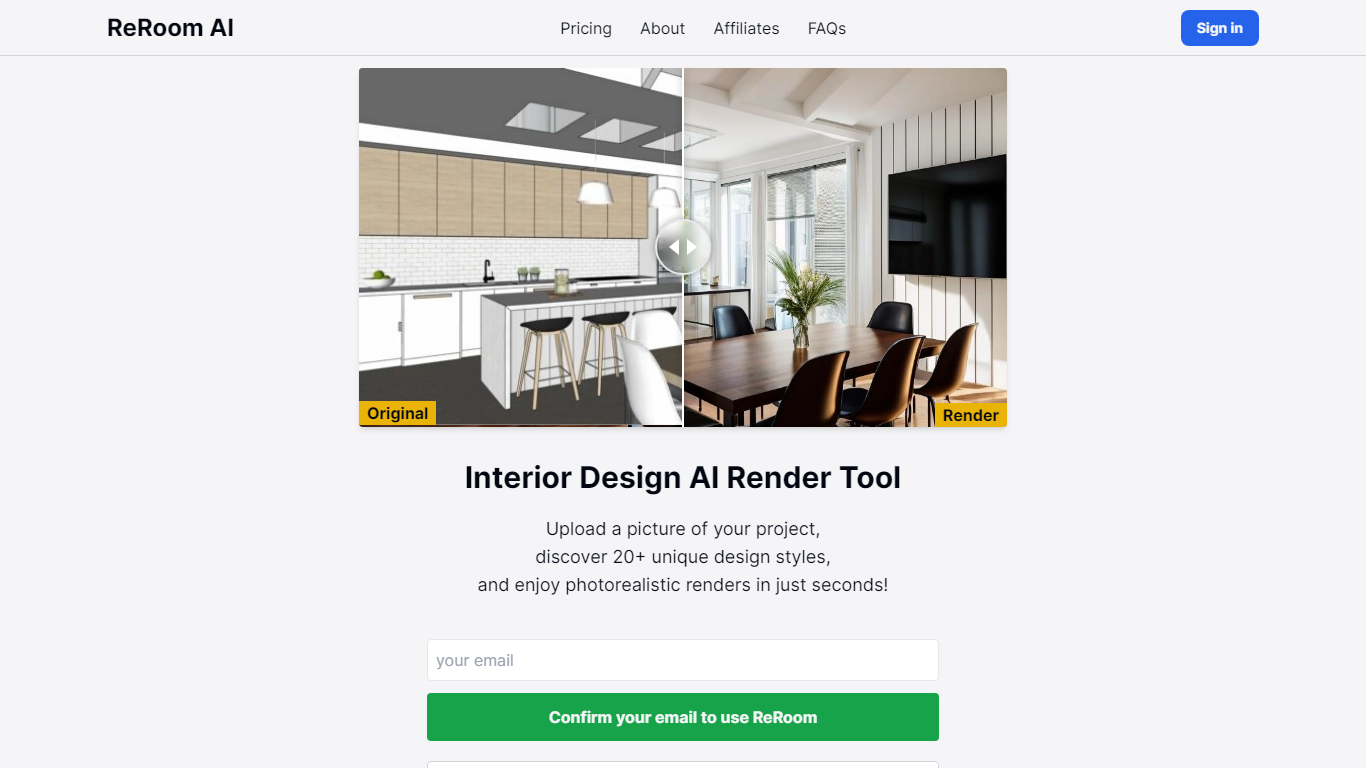
ReRoom AI turns interior photos, floor plans, SketchUp scenes, and clay models into photorealistic renders and virtual staging shots for real estate and design clients. You upload a source image, pick styles or prompts, and get presentation-ready interiors without a full 3D rebuild.
Compared with traditional rendering suites, ReRoom leans on fast AI passes with prompt control, 4x upscaling, and optional walkthrough video credits on paid plans. The free tier caps you at 3 watermarked renders per day, while paid plans unlock unlimited output, private mode, and commercial rights.
Interior designers, architects, and listing teams use it to pitch concepts, stage empty rooms, and refresh client decks. The about page cites 9,000+ daily renders across 150+ countries, with team billing and shared moodboards for agencies that need consistent styles.
BrokerSpot Upvotes
ReRoom AI Upvotes
BrokerSpot Top Features
Generate buyer and seller leads through internet ads run on your behalf with a flexible monthly ad budget
Manage prospects in a built-in dashboard or push them to your preferred CRM
Get push notifications on your phone each time a new lead comes in
Build branded landing pages that match your look while staying optimized for conversion
Target specific zip codes during onboarding to position yourself locally
Start with a self-guided onboarding flow without needing a sales call first
Cancel your subscription anytime from your account settings
ReRoom AI Top Features
Free trial includes 3 renders per day with theme-based styling
Paid plans offer unlimited renders with 4x image upscaling
Private rendering mode removes watermarks on Pro and Team tiers
Prompt-based customization plus annotation edits on uploaded images
Video generation credits turn still renders into walkthrough clips
Team plans add shared projects, moodboards, and centralized billing
Tutorial library covers floor plans, SketchUp scenes, and satellite urban concepts
BrokerSpot Category
- Real Estate
ReRoom AI Category
- Real Estate
BrokerSpot Pricing Type
- Paid
ReRoom AI Pricing Type
- Freemium