BrowseGPT vs ValueProp
In the clash of BrowseGPT vs ValueProp, which AI Automation tool emerges victorious? We assess reviews, pricing, alternatives, features, upvotes, and more.
When we put BrowseGPT and ValueProp head to head, which one emerges as the victor?
Let's take a closer look at BrowseGPT and ValueProp, both of which are AI-driven automation tools, and see what sets them apart. Interestingly, both tools have managed to secure the same number of upvotes. Every vote counts! Cast yours and contribute to the decision of the winner.
You don't agree with the result? Cast your vote to help us decide!
BrowseGPT


What is BrowseGPT?
BrowseGPT is a Chrome extension that turns natural language instructions into browser automation tasks. Users type commands like 'Find a hotel in Miami for March 15th' or 'Add a 16GB RAM laptop to cart on Best Buy' and the extension uses OpenAI’s GPT-3 to process web pages, decide next steps, and execute actions such as clicking buttons, filling forms, or navigating pages. Every action comes with a plain-language explanation so users can follow along and correct mistakes in real time.
The tool is designed for repetitive browsing tasks where speed matters more than perfect accuracy. It works best on public sites like travel booking, e-commerce, or directories where errors are easy to spot and undo. Because it’s still experimental, it can get stuck in loops or click the wrong element, so it’s not recommended for sensitive pages with private data or high-stakes actions.
ValueProp
What is ValueProp?
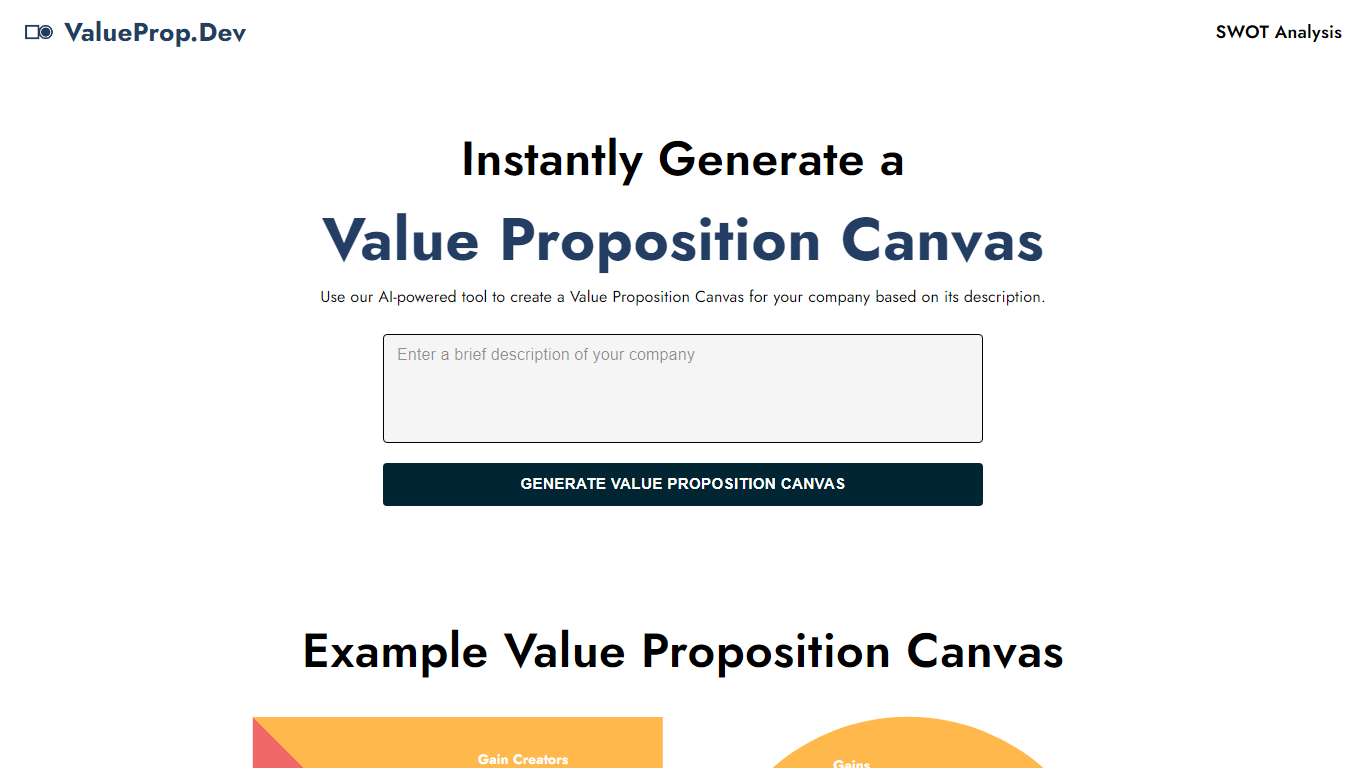
ValueProp turns a short company description into a filled Value Proposition Canvas with six blocks: Customer Jobs, Pains, Gains, Products and Services, Pain Relievers, and Gain Creators. Paste your text, click Generate, and the automation fills every section in one pass. Click any field to edit it, then download the finished canvas as an image. No account signup is required.
Most value proposition tools hand you a blank template or expect a long workshop. ValueProp skips that setup and fills every canvas section from a single text box. That makes it a fast draft generator rather than a facilitated strategy session, which is the trade-off if you need stakeholder workshops or version history.
Product managers, startup founders, and marketers who need a first-pass canvas before a pitch or launch planning session are the typical audience. It fits early positioning work when you have a product description but not a structured customer profile yet.
BrowseGPT Upvotes
ValueProp Upvotes
BrowseGPT Top Features
🔧 Natural language commands – Type tasks like 'book a flight to Chicago' and let AI handle the rest
📝 Action explanations – See why each click or form fill happened and fix mistakes instantly
🔄 Loop detection – Automatically stops if it gets stuck repeating the same action
📊 Credit-based usage – Spend generation credits only when the AI completes a task
🛠️ Template library – Start with pre-built workflows for common tasks like hotel booking or product searches
ValueProp Top Features
Fills all six Value Proposition Canvas sections from one company description input
Edit any generated field inline by clicking before you export
Download the finished canvas as an image file
Free to use with no account required
Homepage example canvas shows all six blocks: Jobs, Pains, Gains, Products, Pain Relievers, Gain Creators
BrowseGPT Category
- Automation
ValueProp Category
- Automation
BrowseGPT Pricing Type
- Freemium
ValueProp Pricing Type
- Free