Bubble vs Typebar
In the face-off between Bubble vs Typebar, which AI Social Media Assistant tool takes the crown? We scrutinize features, alternatives, upvotes, reviews, pricing, and more.
In a face-off between Bubble and Typebar, which one takes the crown?
If we were to analyze Bubble and Typebar, both of which are AI-powered social media assistant tools, what would we find? With more upvotes, Bubble is the preferred choice. Bubble has garnered 7 upvotes, and Typebar has garnered 6 upvotes.
Don't agree with the result? Cast your vote and be a part of the decision-making process!
Bubble

What is Bubble?
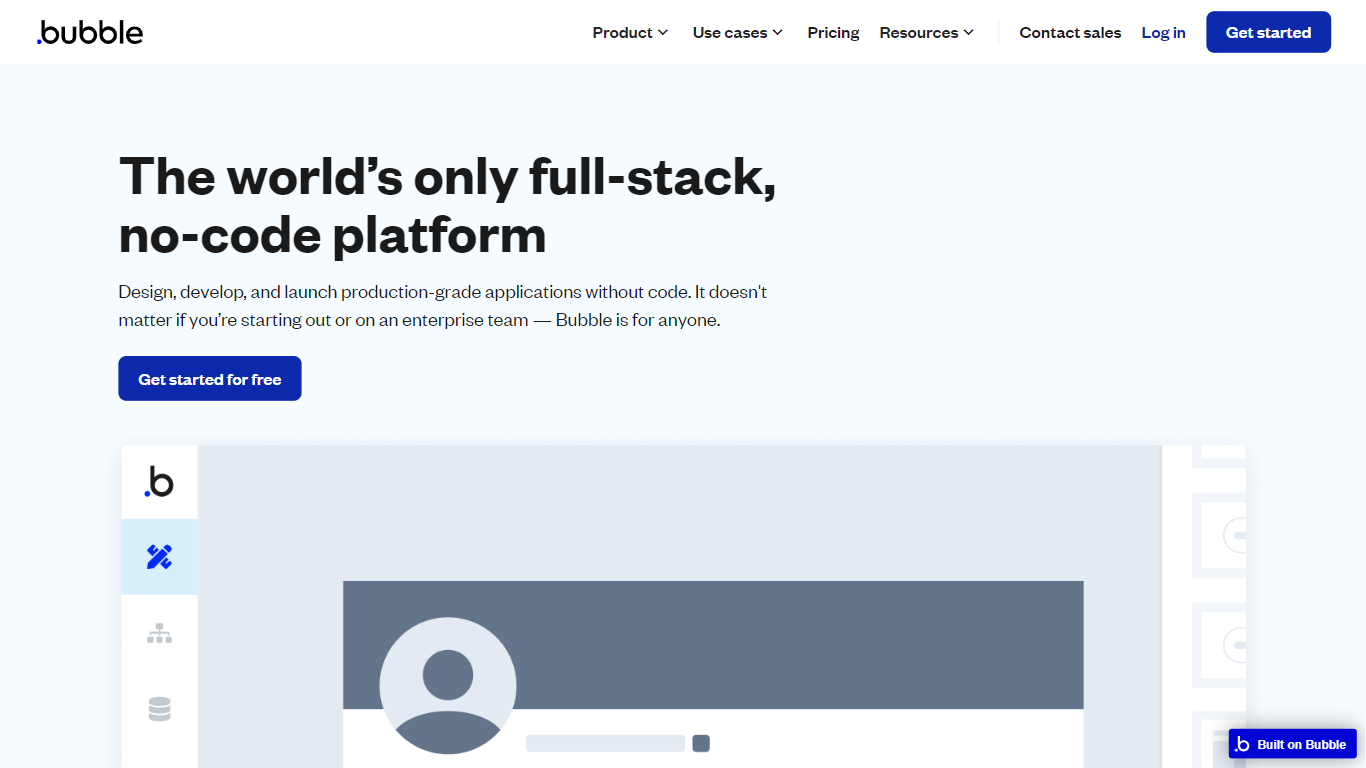
Bubble lets you build full-stack web and mobile applications without writing traditional code. Start from an AI prompt or a blank canvas, then switch to a visual editor to shape design, database structure, workflows, and privacy rules on one hosted platform.
Where AI coding tools hand you source files and leave deployment to you, Bubble keeps the entire stack in one place: UI, backend, hosting, and App Store publishing for native iOS and Android builds. That trade-off favors founders and teams who want production apps without stitching together a separate database, auth layer, and hosting provider.
Bubble fits startup founders validating an MVP, agencies building client apps, and enterprise teams spinning up internal tools or customer portals. The platform reports 6 million builders and 8 million apps created, with customers including Amazon, Unity, and Seagate using it for production workloads.
Typebar
What is Typebar?
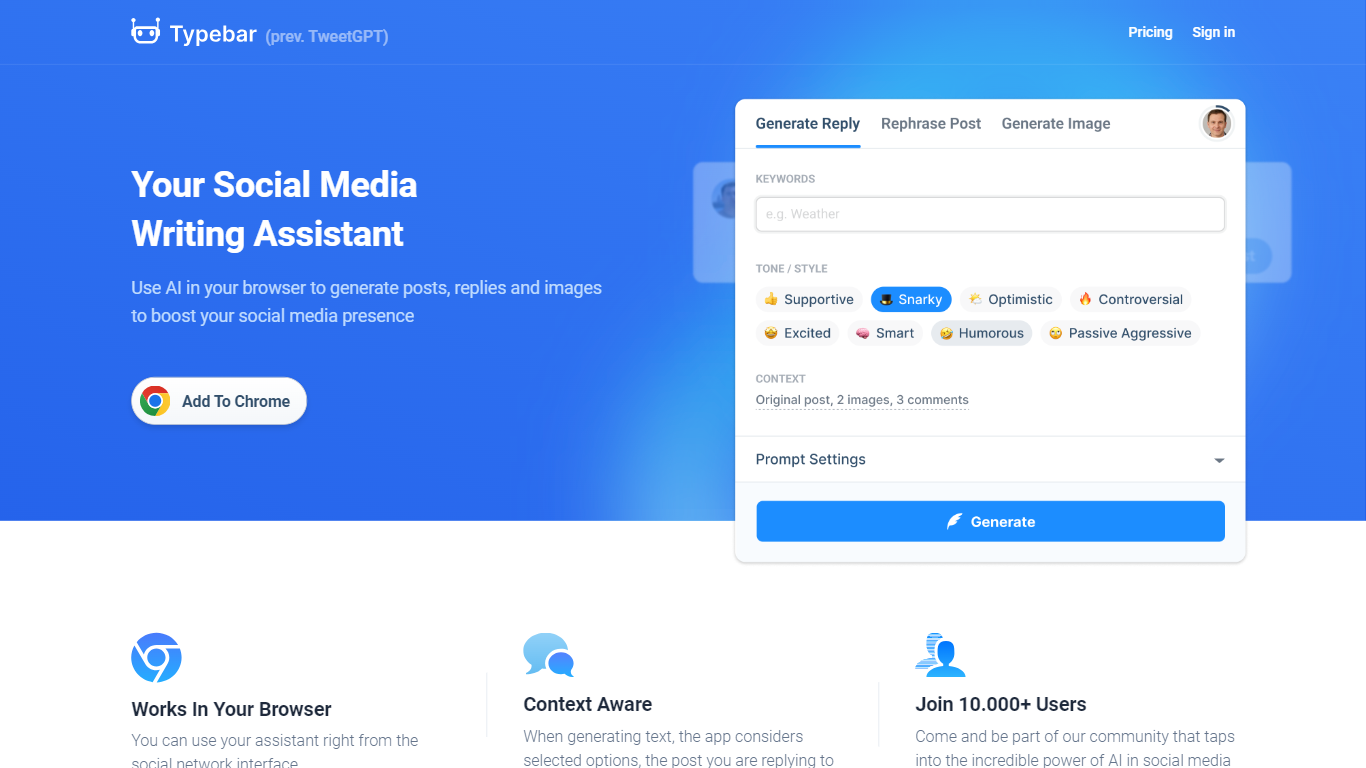
Typebar, formerly known as TweetGPT, is a Chrome extension designed to enhance social media management by leveraging the capabilities of Artificial Intelligence. Accessible directly within your browser, Typebar assists users in crafting posts, responses, and visually appealing images for various social platforms such as Twitter, Instagram, Facebook, and LinkedIn. The tool is context-aware, meaning it generates content based on the nature of the post it’s responding to, as well as the social network it's used on. With support for over 50 languages, Typebar enables users around the globe to overcome language barriers effortlessly. Additionally, users can opt for a free or one of the premium subscription plans to suit their content generation needs, with the free plan offering 200 content generations per month and the Pro version allowing for up to 10,000. Images can be generated using prompts in any supported language, thanks to the integration of DALLE-3 and DALLE-2 models, ensuring a consistent alignment with your brand's message.
Bubble Upvotes
Typebar Upvotes
Bubble Top Features
Switch between AI app generation and a drag-and-drop visual editor on the same project
Publish native iOS and Android apps from one platform alongside responsive web apps
Built-in database, workflow logic, API connector, and Stripe integrations without external backend setup
Free plan includes 50K workload units per month and one app editor for development
Growth plan adds premium version control with 10 custom branches and two-factor authentication
Marketplace with 8,000+ plugins plus templates for SaaS, marketplaces, and internal tools
Enterprise tier offers SOC 2 compliance, SSO, and custom hosting locations
Typebar Top Features
Context-Aware Assistant: Generates replies and posts considering the context within the browser interface.
Supports Major Social Networks: Compatible with Twitter, Instagram, Facebook, and LinkedIn.
Multi-Language Generation: Offers content generation in over 50 languages including English, Japanese, and Chinese.
Image Generation: Creates images with DALLE-2 and DALLE-3 models based on user prompts.
Subscription Options: Free plan with basic features and premium plans with enhanced content generation capabilities.
Bubble Category
- Social Media Assistant
Typebar Category
- Social Media Assistant
Bubble Pricing Type
- Freemium
Typebar Pricing Type
- Freemium