Bubble vs Typegrow
In the face-off between Bubble vs Typegrow, which AI Social Media Assistant tool takes the crown? We scrutinize features, alternatives, upvotes, reviews, pricing, and more.
When we put Bubble and Typegrow head to head, which one emerges as the victor?
If we were to analyze Bubble and Typegrow, both of which are AI-powered social media assistant tools, what would we find? The users have made their preference clear, Typegrow leads in upvotes. Typegrow has received 14 upvotes from aitools.fyi users, while Bubble has received 7 upvotes.
Does the result make you go "hmm"? Cast your vote and turn that frown upside down!
Bubble
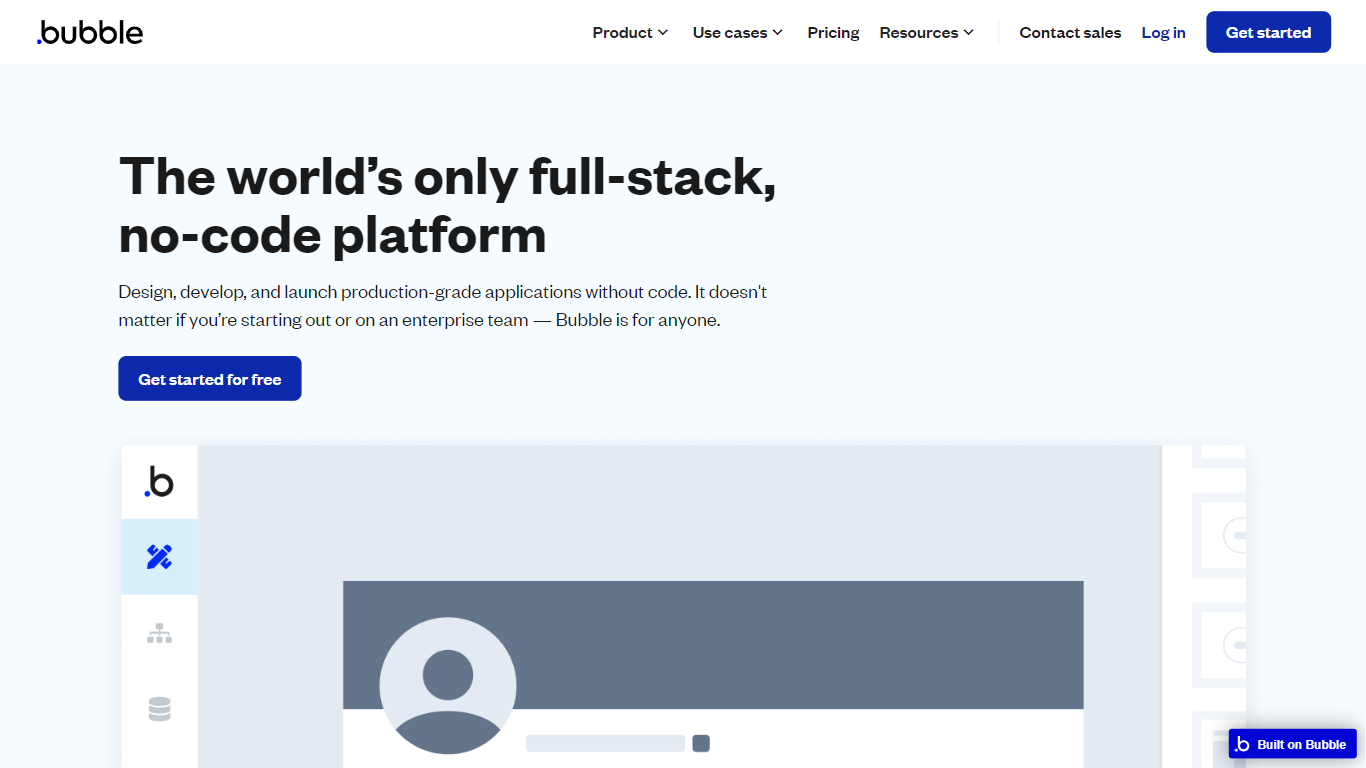

What is Bubble?
Bubble lets you build full-stack web and mobile applications without writing traditional code. Start from an AI prompt or a blank canvas, then switch to a visual editor to shape design, database structure, workflows, and privacy rules on one hosted platform.
Where AI coding tools hand you source files and leave deployment to you, Bubble keeps the entire stack in one place: UI, backend, hosting, and App Store publishing for native iOS and Android builds. That trade-off favors founders and teams who want production apps without stitching together a separate database, auth layer, and hosting provider.
Bubble fits startup founders validating an MVP, agencies building client apps, and enterprise teams spinning up internal tools or customer portals. The platform reports 6 million builders and 8 million apps created, with customers including Amazon, Unity, and Seagate using it for production workloads.
Typegrow
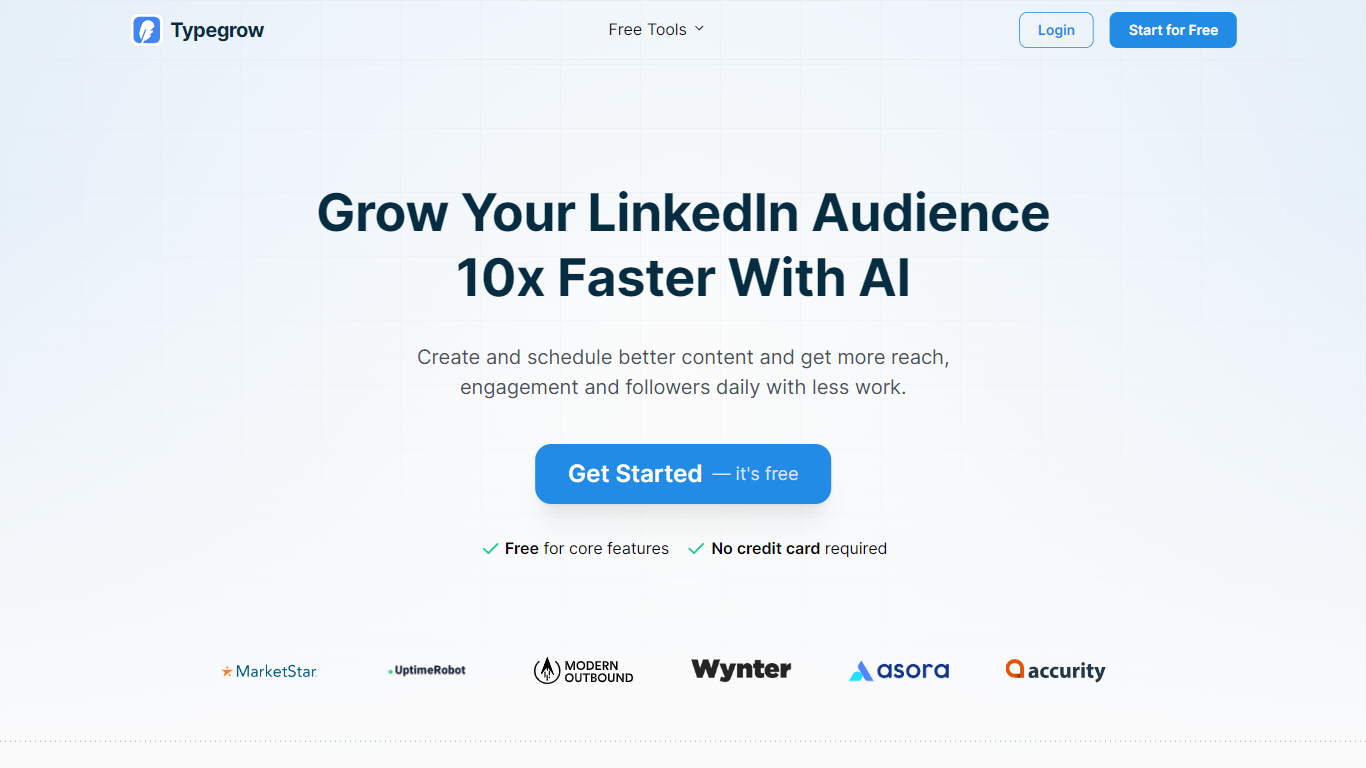
What is Typegrow?
Typegrow helps individuals and agencies create and schedule LinkedIn content efficiently using AI. It enables users to generate posts, carousels, and hooks quickly, saving time on content creation. The platform also automates publishing by scheduling posts at optimal times, removing the need for manual daily posting.
What sets Typegrow apart is its cloud-based operation that requires no browser extensions or open tabs, ensuring a smooth and secure experience. It offers access to a vast library of over one million viral LinkedIn posts for inspiration. Additionally, Typegrow supports posting from both personal profiles and company pages, catering to a wide range of LinkedIn users.
The tool is designed to be intuitive for beginners while powerful enough for agencies managing multiple client accounts, with upcoming features to support multi-account management. It also provides free AI-powered LinkedIn tools such as carousel generators, post previewers, and hashtag generators to enhance LinkedIn presence. Typegrow prioritizes account safety by using the official LinkedIn API and complies with data protection regulations.
Users benefit from AI-assisted content creation, smart scheduling, and a large viral post library, all within a secure and easy-to-use platform. This combination helps grow LinkedIn audiences faster with less effort, making Typegrow a practical choice for personal brand builders and marketing professionals.
Bubble Upvotes
Typegrow Upvotes
Bubble Top Features
Switch between AI app generation and a drag-and-drop visual editor on the same project
Publish native iOS and Android apps from one platform alongside responsive web apps
Built-in database, workflow logic, API connector, and Stripe integrations without external backend setup
Free plan includes 50K workload units per month and one app editor for development
Growth plan adds premium version control with 10 custom branches and two-factor authentication
Marketplace with 8,000+ plugins plus templates for SaaS, marketplaces, and internal tools
Enterprise tier offers SOC 2 compliance, SSO, and custom hosting locations
Typegrow Top Features
🤖 AI Content Assistant: Quickly generate engaging LinkedIn posts and carousels to save time and improve quality.
📅 Smart Post Scheduler: Automatically schedule posts and carousels at optimal times for maximum reach, with scheduling up to 50 days in advance.
📚 Viral Posts Library: Access over 1 million proven viral LinkedIn posts for inspiration and content ideas.
🏢 Multi-Account Support: Manage personal profiles and company pages, with upcoming support for multiple client accounts.
🛠️ Free LinkedIn Tools: Use AI-powered tools like carousel generator, hook creator, and hashtag finder to boost engagement without registration.
Bubble Category
- Social Media Assistant
Typegrow Category
- Social Media Assistant
Bubble Pricing Type
- Freemium
Typegrow Pricing Type
- Freemium