Caricature By PhotoFunia vs Luminar Neo
Compare Caricature By PhotoFunia vs Luminar Neo and see which AI Photo Editing tool is better when we compare features, reviews, pricing, alternatives, upvotes, etc.
Which one is better? Caricature By PhotoFunia or Luminar Neo?
When we compare Caricature By PhotoFunia with Luminar Neo, which are both AI-powered photo editing tools, With more upvotes, Luminar Neo is the preferred choice. Luminar Neo has received 9 upvotes from aitools.fyi users, while Caricature By PhotoFunia has received 6 upvotes.
Does the result make you go "hmm"? Cast your vote and turn that frown upside down!
Caricature By PhotoFunia

What is Caricature By PhotoFunia?
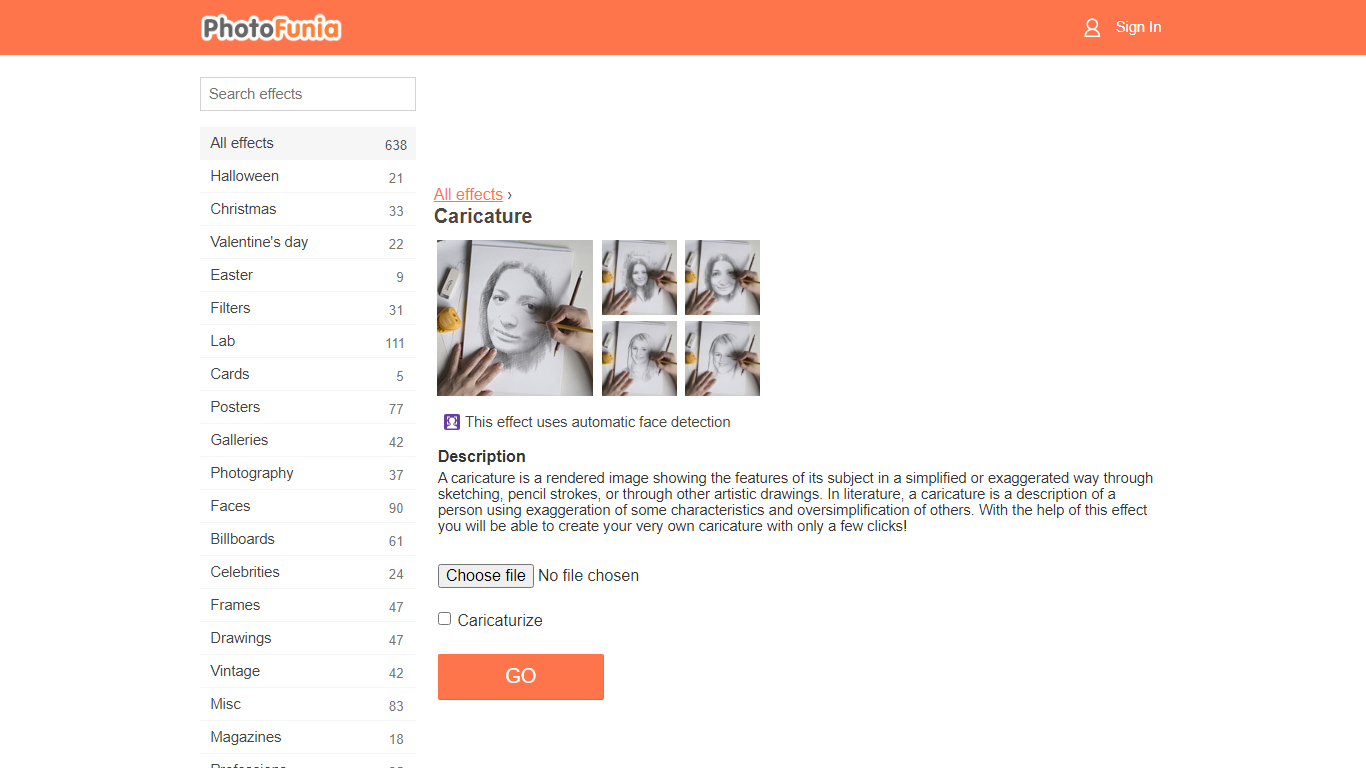
Caricature By PhotoFunia is a free online photo effect that turns a portrait into a hand-drawn caricature sketch. You upload a photo, the site runs automatic face detection, and the Caricature effect exaggerates facial features into a pencil-style drawing in a few clicks. No drawing skills or desktop software required.
PhotoFunia hosts 642 photo effects, and this caricature filter is one preset in that catalog rather than a standalone portrait editor. That makes it fast for a one-off social post, but you get less control than a dedicated caricature app that lets you tune line weight, pose, or art style.
Caricature By PhotoFunia suits casual creators, families, and social media users who want a playful profile picture or party invite without learning Photoshop. The mobile site supports multiple interface languages, and results are ready to download or share straight from the browser.
Luminar Neo

What is Luminar Neo?
Luminar Neo is a desktop photo editor for macOS and Windows that combines one-click AI adjustments with layer-based manual control. Sky replacement, portrait retouching, generative erase and expand, HDR merge, and noise reduction all live in one app, with optional Lightroom Classic and Photoshop plug-in support.
Where subscription editors lock you into monthly fees, Skylum sells Luminar as a perpetual license with 2 device activations. Generative AI tools and the asset library renew annually, but the core app stays yours after a single purchase, which suits photographers who edit in bursts rather than every day.
Landscape shooters, portrait photographers, and hobbyists use Luminar Neo for batch presets, RAW support across 1000+ cameras, and cross-device handoff from mobile to desktop on higher tiers. An AI Assistant suggests edits in 16 languages and opens the right tool when you ask how-to questions.
Caricature By PhotoFunia Upvotes
Luminar Neo Upvotes
Caricature By PhotoFunia Top Features
Automatic face detection picks the subject before applying the caricature sketch
One-click Caricaturize button after uploading a portrait photo
Part of PhotoFunia's catalog of 642 free online photo effects
Works in mobile browsers with no app install required
Interface available in 15 languages including English, Spanish, and Japanese
Related drawing effects such as Sketch and Artist in a Hat on the same platform
Luminar Neo Top Features
Perpetual licenses from $129 with 2 desktop activations on macOS and Windows
Generative AI tools include GenErase, GenSwap, GenExpand, and photo restoration
Supports RAW files from 1000+ cameras plus JPEG, PNG, TIFF, and major RAW formats
Pro Tools add Supersharp AI, Noiseless AI, HDR merge, focus stacking, and panorama stitch
AI Assistant suggests up to 3 edits per request in 16 languages with one-click apply
Caricature By PhotoFunia Category
- Photo Editing
Luminar Neo Category
- Photo Editing
Caricature By PhotoFunia Pricing Type
- Free
Luminar Neo Pricing Type
- Paid